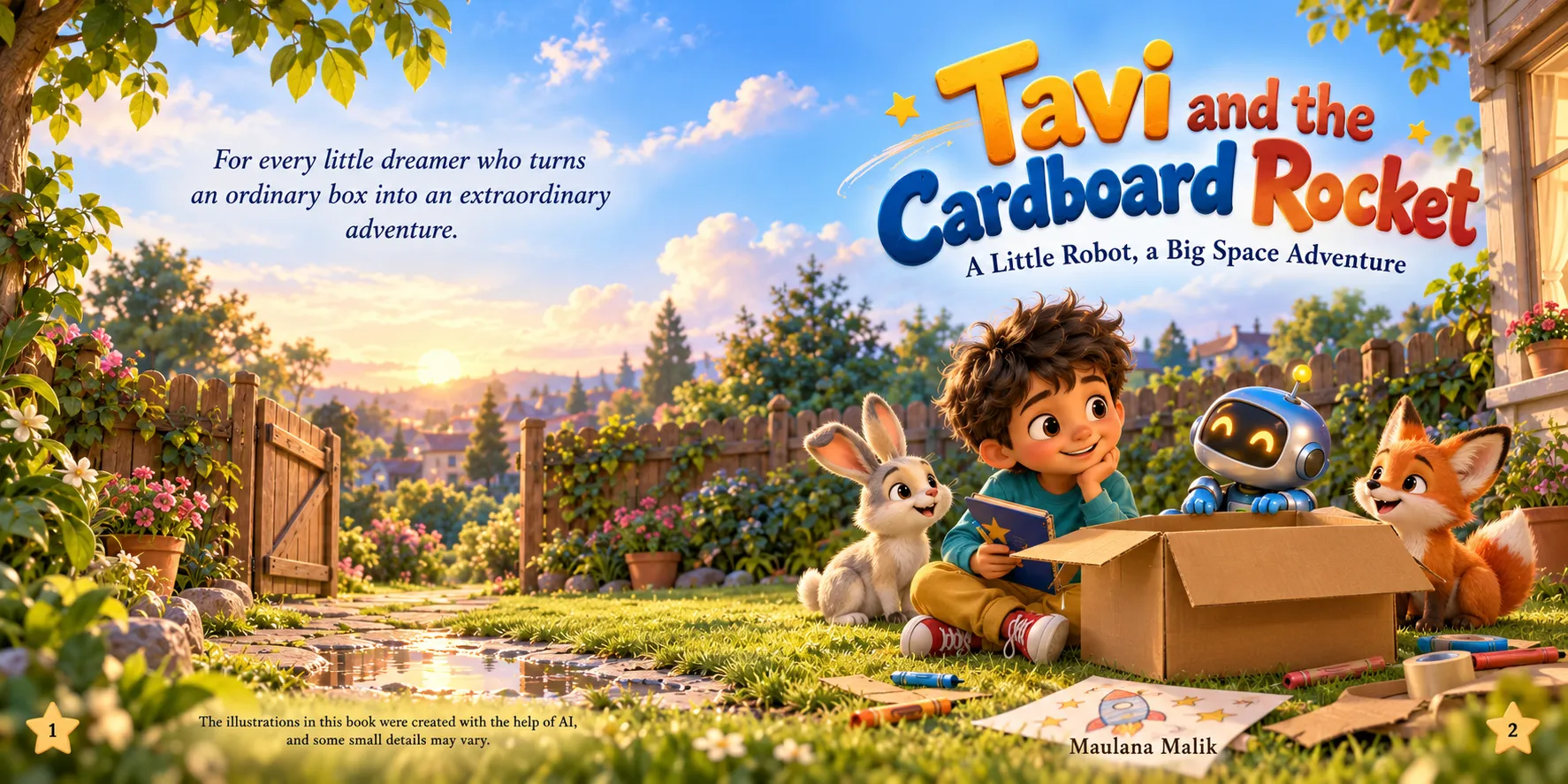
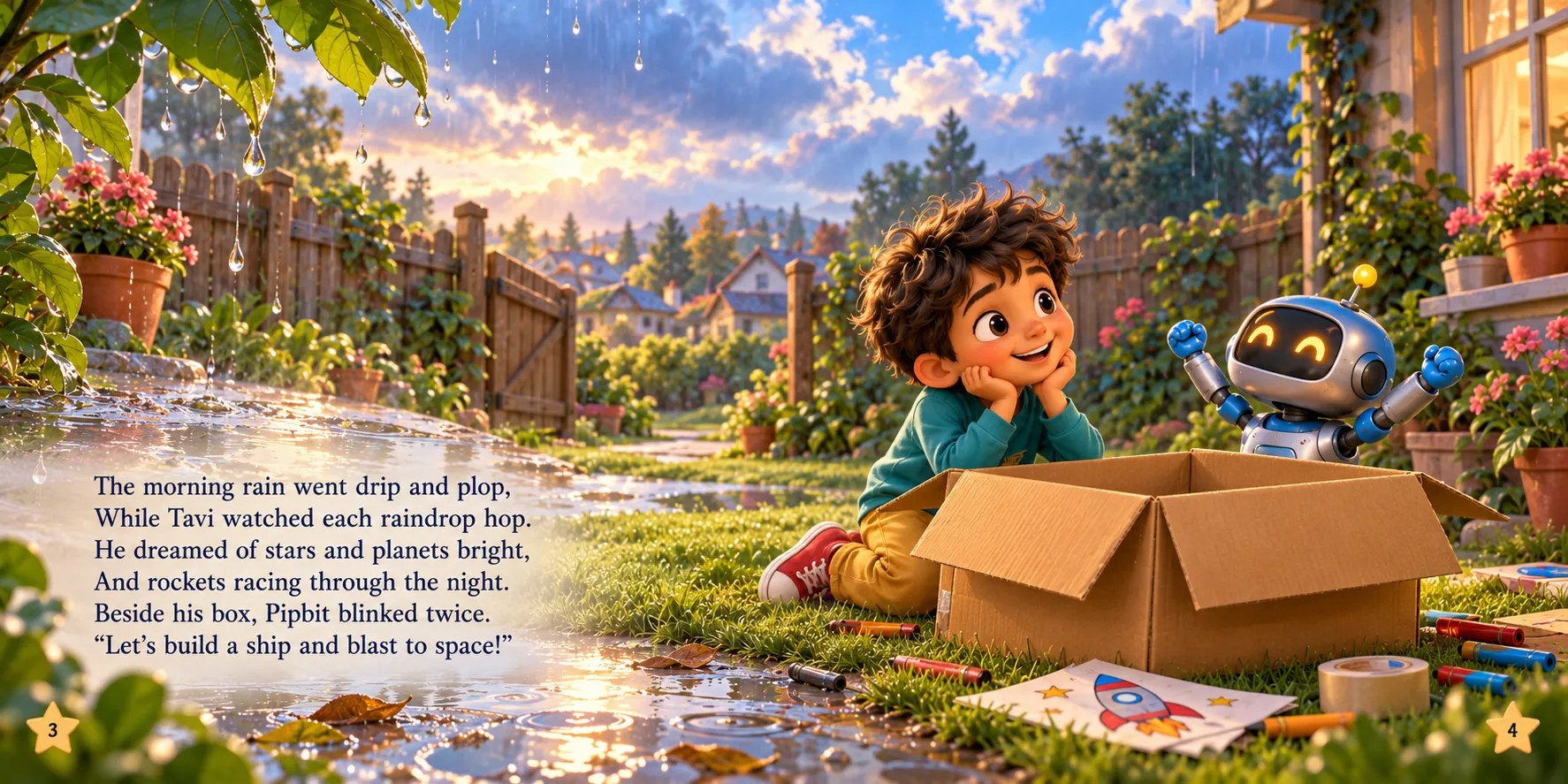
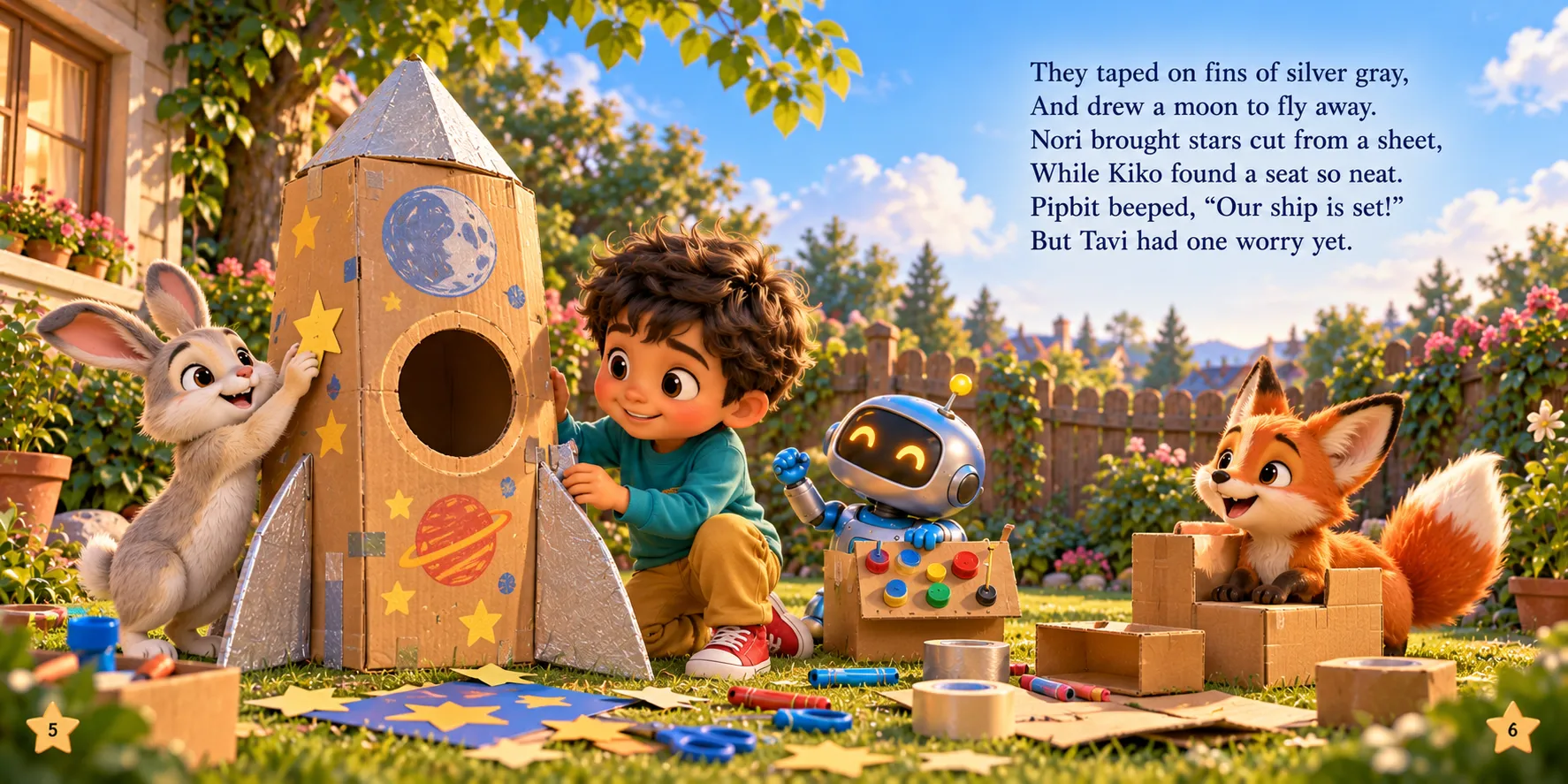
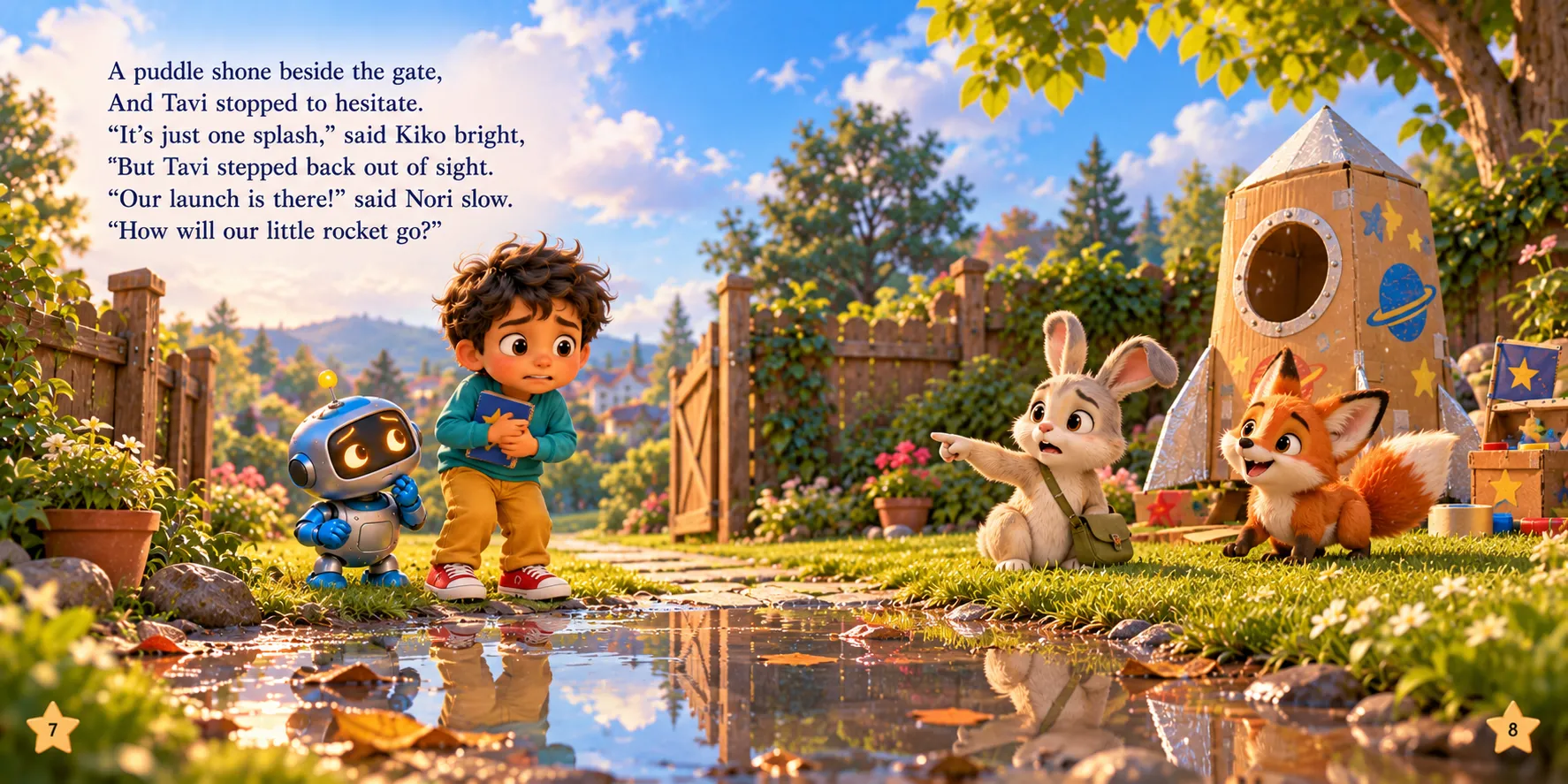
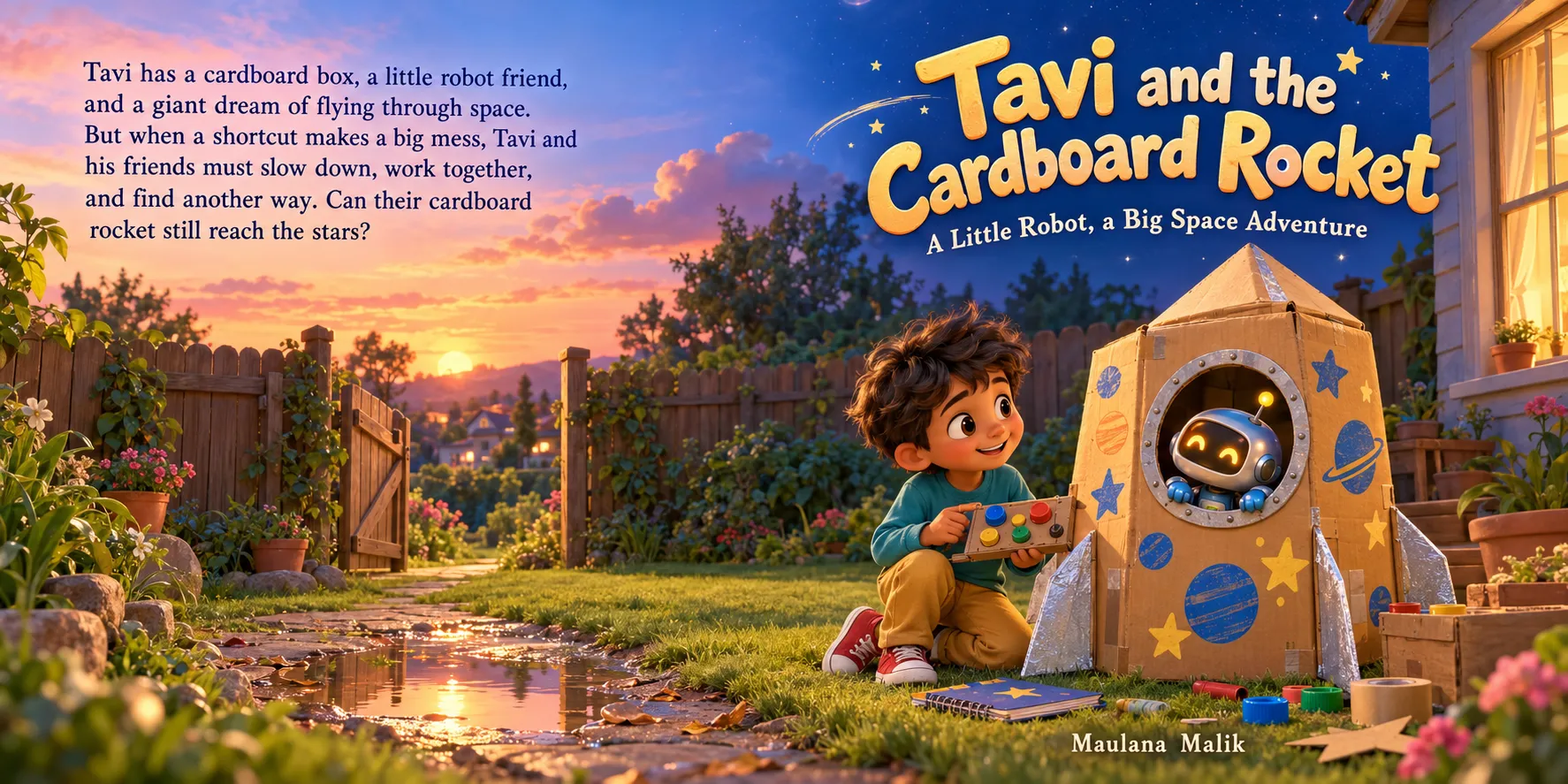
Many Stories From One Keyword
Pick from 13 story types and 8 character casts. Same keyword, a totally new story every time.
Create beautifully illustrated kids' stories with ChatGPT, bring them to life with expressive, human-like voiceovers, and turn them into stunning videos in up to 2K quality. All through one guided workflow — with ZERO per-render fees!
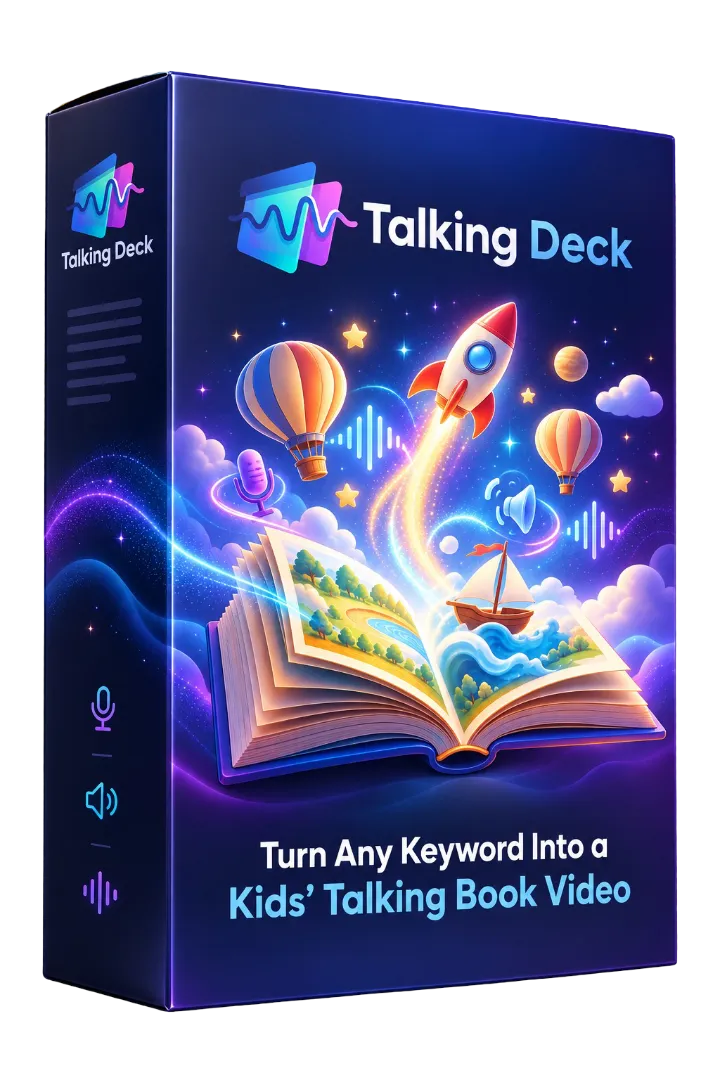
Chapter OneRead aloud
Instant access30-Day Product Performance Guarantee
Here's a quick look at what Talking Deck can create.
Real talking story videos, made with Talking Deck
The same workflow, in different languages
Different stories, different languages, and a new way to bring children's books to life.
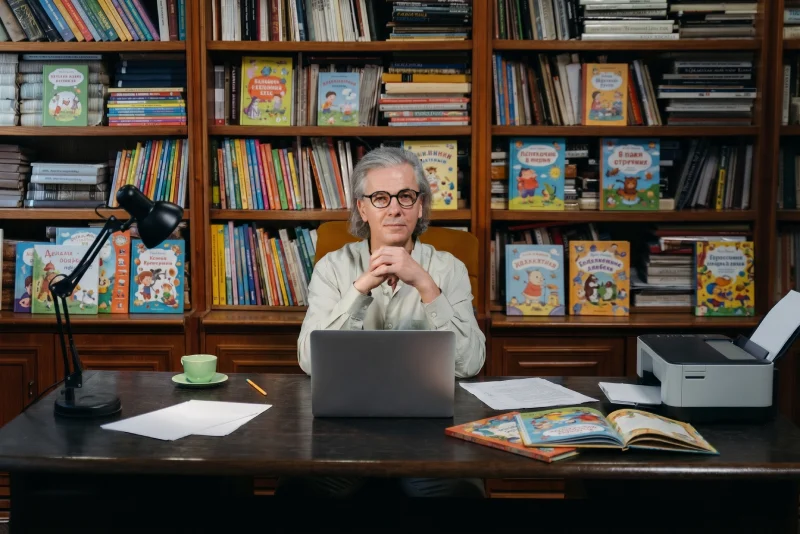
Story and illustrations, ready to publish or sell.
They watch, learn and play through videos.
Educational, entertaining, built on a good story.
Keep the book. Let the story live on screen, too.
That's the opportunity behind Talking Deck.
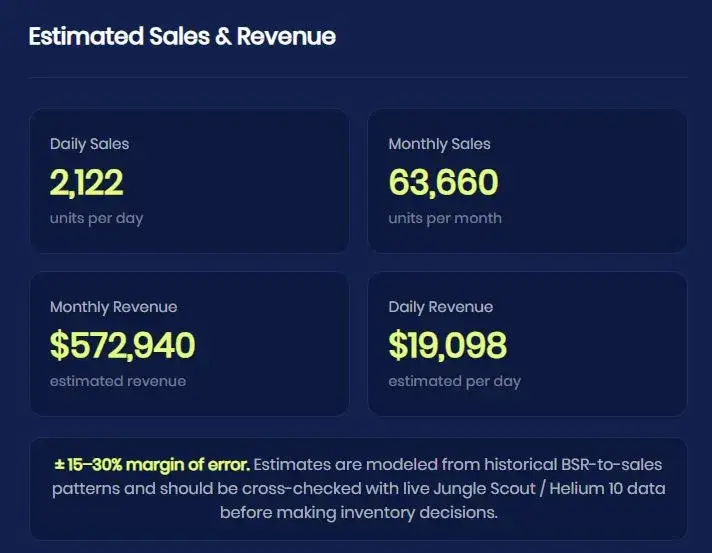
Amazon BSR estimation tools can reveal how well existing children's books are selling. This example shows an estimated 2,122 units sold per day, with estimated monthly revenue of $572,940.
The opportunity? Children's books aren't just creative projects. They can become publishing assets you sell on:
Please note: these are third-party estimates for an existing product, not actual sales data or my personal earnings. Estimates may vary and are not a guarantee of results.
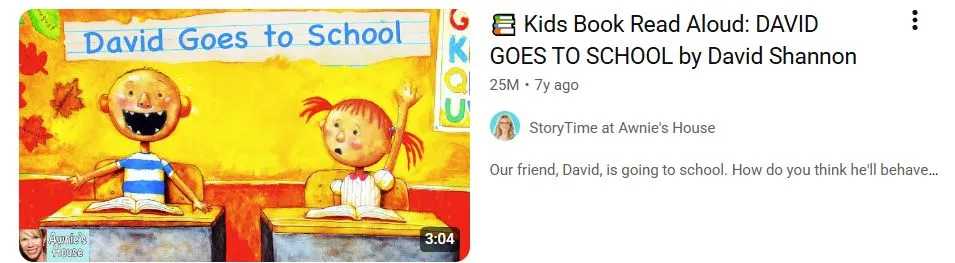
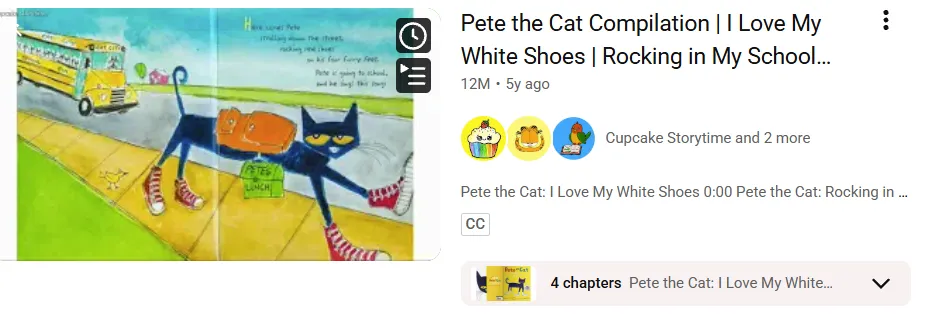
Simple read-aloud videos of children's books keep pulling in viewers on YouTube, year after year.
25M + 12Mviews on just these two read-aloud videos.
The same kind of story that works as a book can also work on screen.
Create the book, then bring the same story to life as a narrated video, a vertical short, or a printable PDF — in multiple languages.
One story. More formats. More ways to reach your audience.
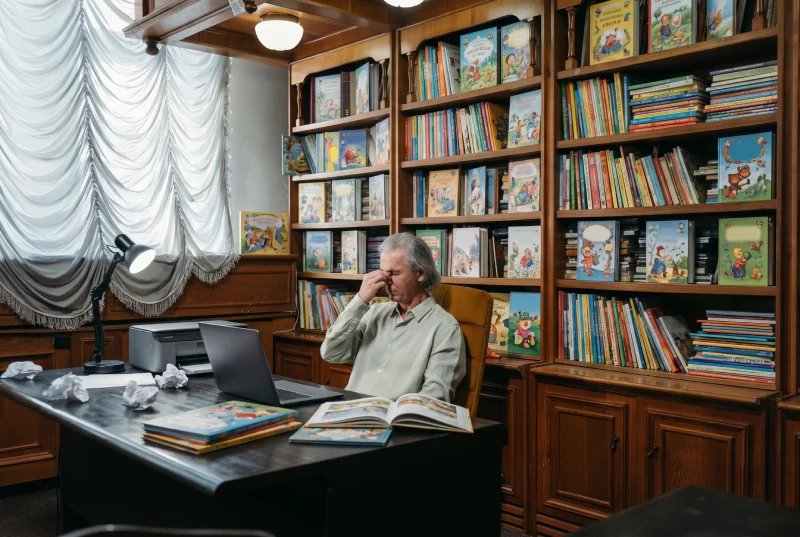
Characters change and styles don't match.
Every picture has to feel like one story.
Narration, editing, formats, languages…
Talking Deck brings it all together in one guided workflow.
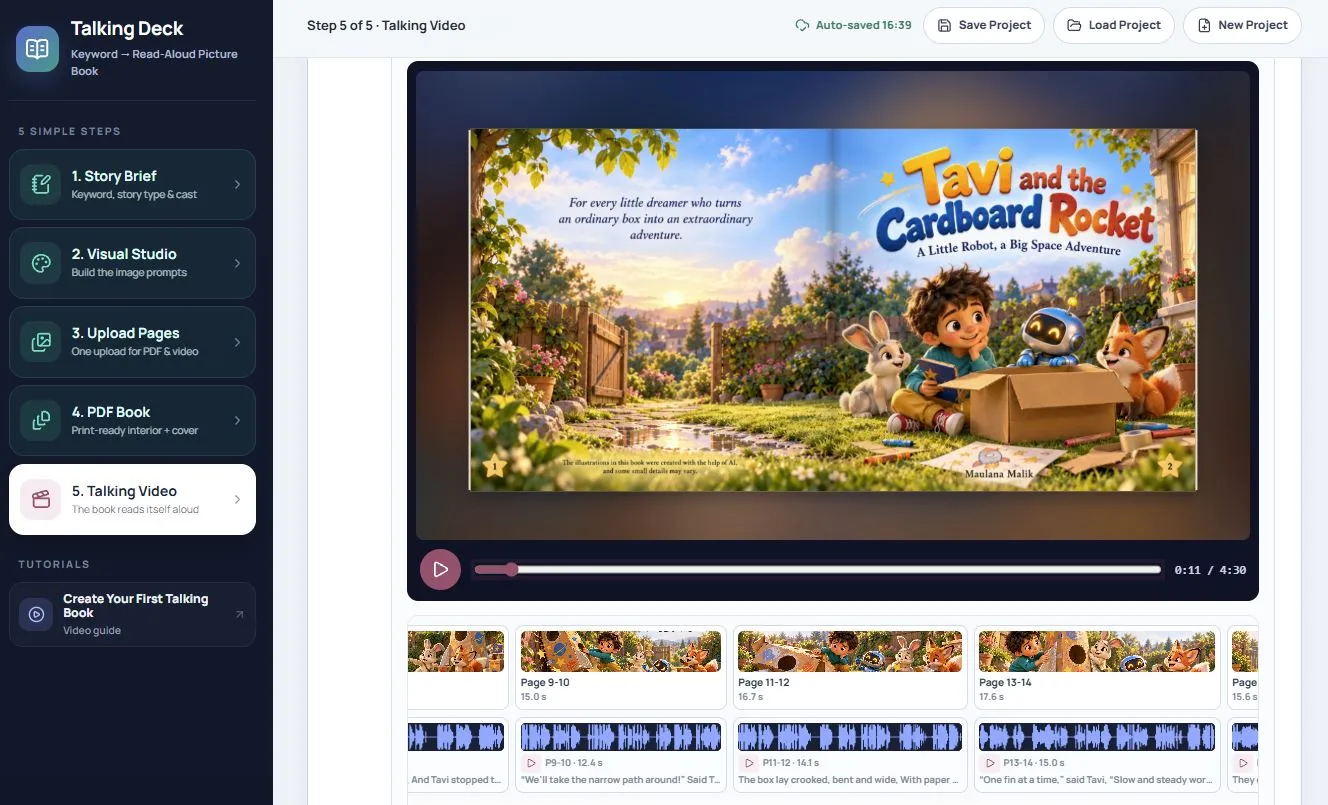
Your kids' story, turned into a video that talks.
Talking Deck guides you from keyword to finished video. It writes the story and a prompt for every page, you create the pictures in ChatGPT, and Talking Deck adds the expressive voiceover and builds the video.
No editing software. No design skills. No guesswork.
Story, pictures, voice, PDF book and video — organized step by step in one clean workspace.
One story project. Four things you can use right away.
Pick from 13 story types and 8 character casts. Same keyword, a totally new story every time.
18 visual styles, so your books look handmade, not like every other AI book.
Whispers, laughs, excitement and song. Made inside the app, with no per-render fees.
Post on YouTube, Reels, TikTok and Shorts without re-editing.
Create stories and voiceovers in 32 languages.
Same story, book version. A PDF book combiner is built in.
Instant access30-Day Product Performance Guarantee
Pick what kind of story it is and who it's about. Go on, press Shuffle and see what one keyword can become.
13 types × 8 casts = 104 stories from one keyword
Little Octo Listens to the Rain
Example ideas. Your keyword and choices shape the real story.
A little cloud who is afraid to rain, told like a lullaby, with a surprise ending.
Animals, robots and dinosaurs can wear their own outfits, or keep their natural look.
Not sure what to pick? Choose Auto and let AI match your keyword. Fresh plot twists and character quirks are mixed in too, so the same keyword doesn't keep giving you the same book.
Press play on any video below. These are real stories made with Talking Deck: wide videos in 2K, and vertical videos as a full story or short parts.
Render your wide videos right inside Talking Deck, without separate per-render fees.
Create the entire story as one video, or split it into shorter parts of around one minute each.
Each part is a ready-to-post short. Share them as a series on Reels, TikTok and Shorts.
Swipe to see all 5 parts
Flexible options so viewers can follow and read the story comfortably. Pick the presentation that works best for your story.
Moves between the words, the picture, and the full page.
Brings attention to the words as they're read, then reveals the picture.
Keeps the full scene visible while the pages turn.
One full-length story, or ~1-minute parts for social media.
Your story doesn't have to stay in one language. Talking Deck supports 32 languages for story and voiceover projects, giving you more ways to create content for different audiences.
Language examples include:
The same stories, made for Reels, TikTok and Shorts audiences around the world.
Explore different language versions and discover more possibilities for your storytelling projects.
The way a story is narrated changes how it feels. Talking Deck brings expressive voiceovers into the story-to-video workflow, so the narration follows the mood of every page.
Imagine…
Explore Different Expressions
Every line comes with its emotion built in. Just copy, paste and generate.
Give your stories a voice that feels more expressive and engaging.
Not every children's story should look the same. Match the look to the story:
That's why Talking Deck gives you 18 visual styles to choose from. Here are 11 of them in action.
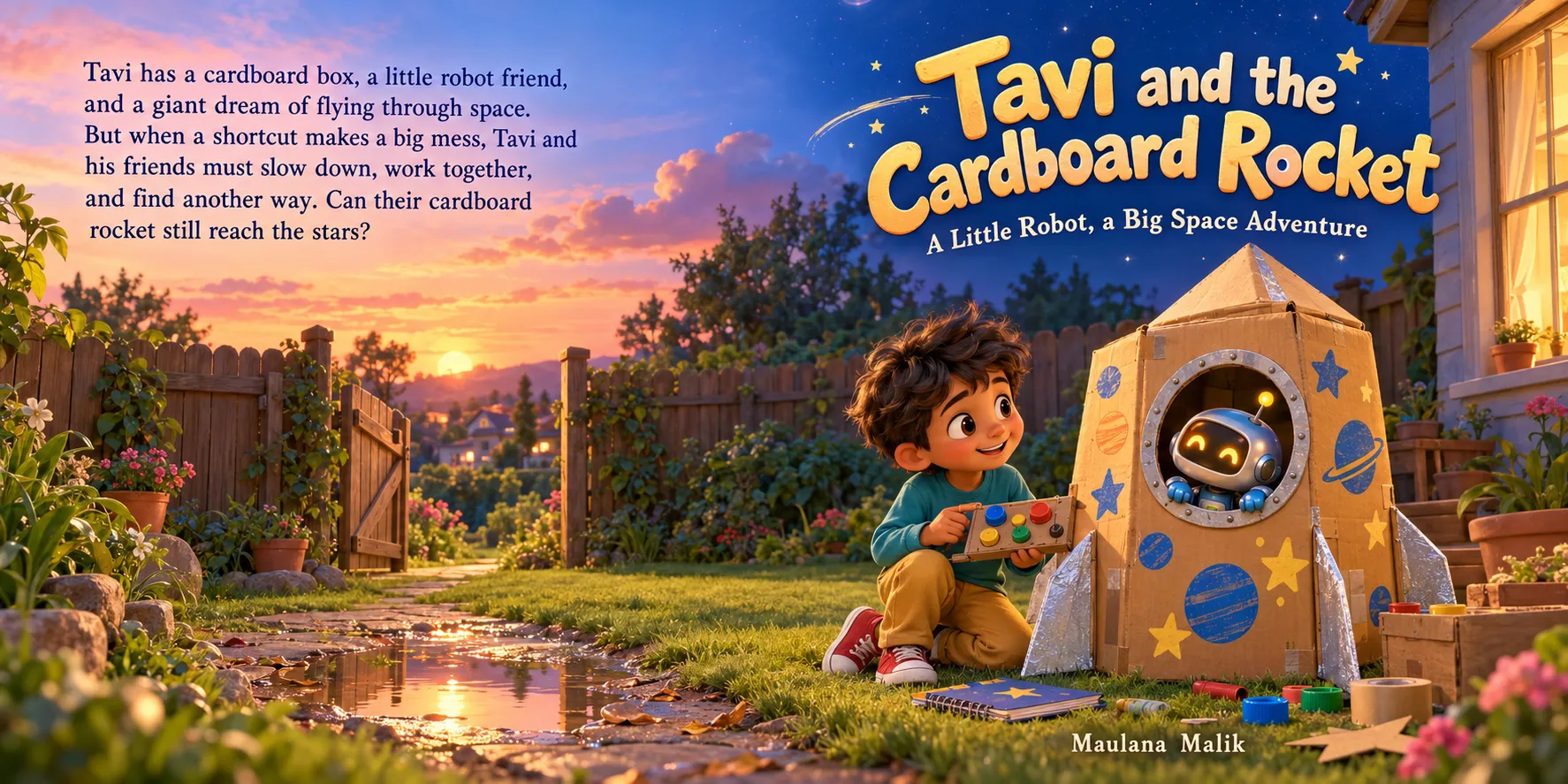
Give your story a cinematic, animated look.
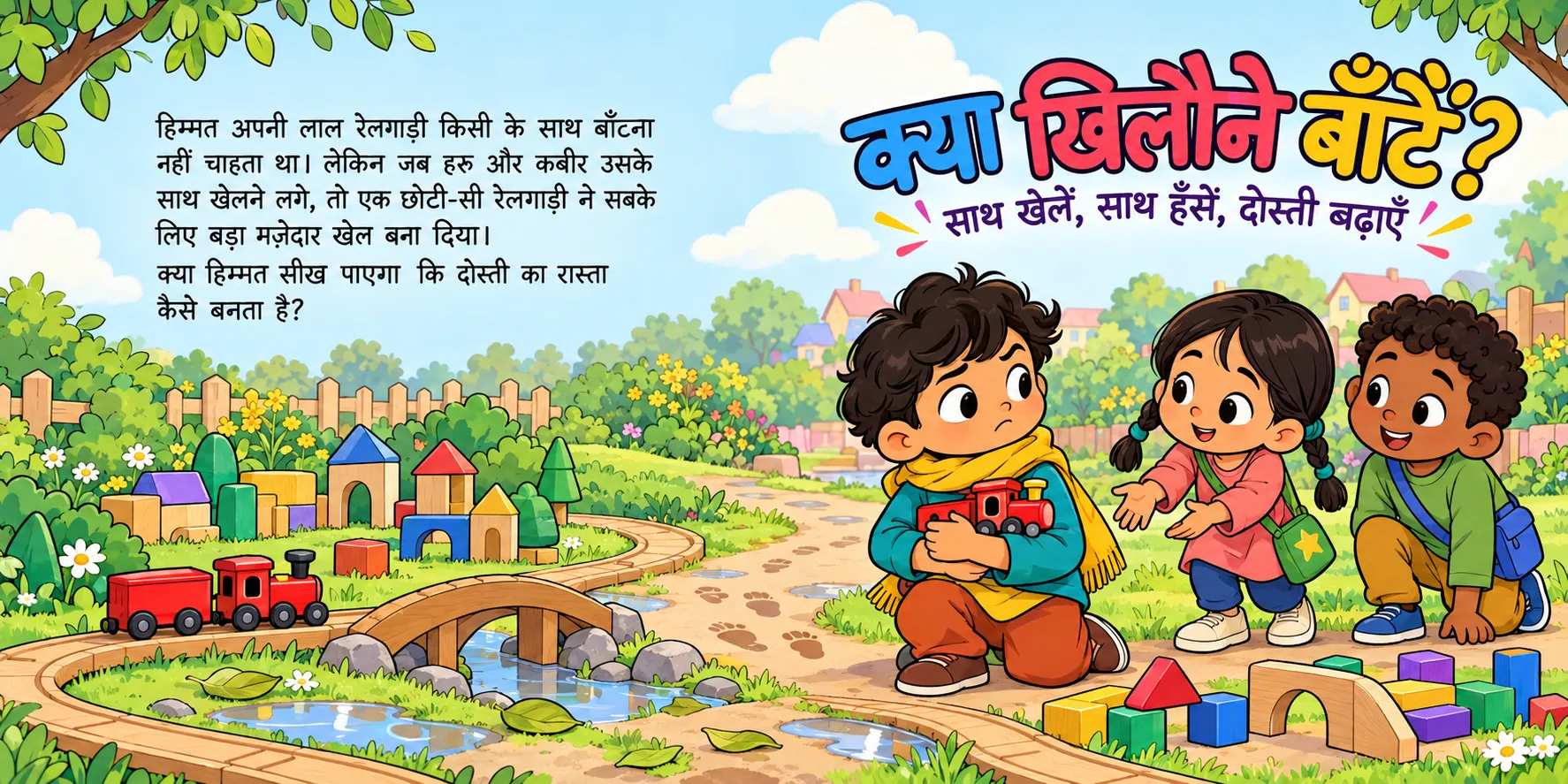
Bright, expressive visuals with a strong cartoon identity.
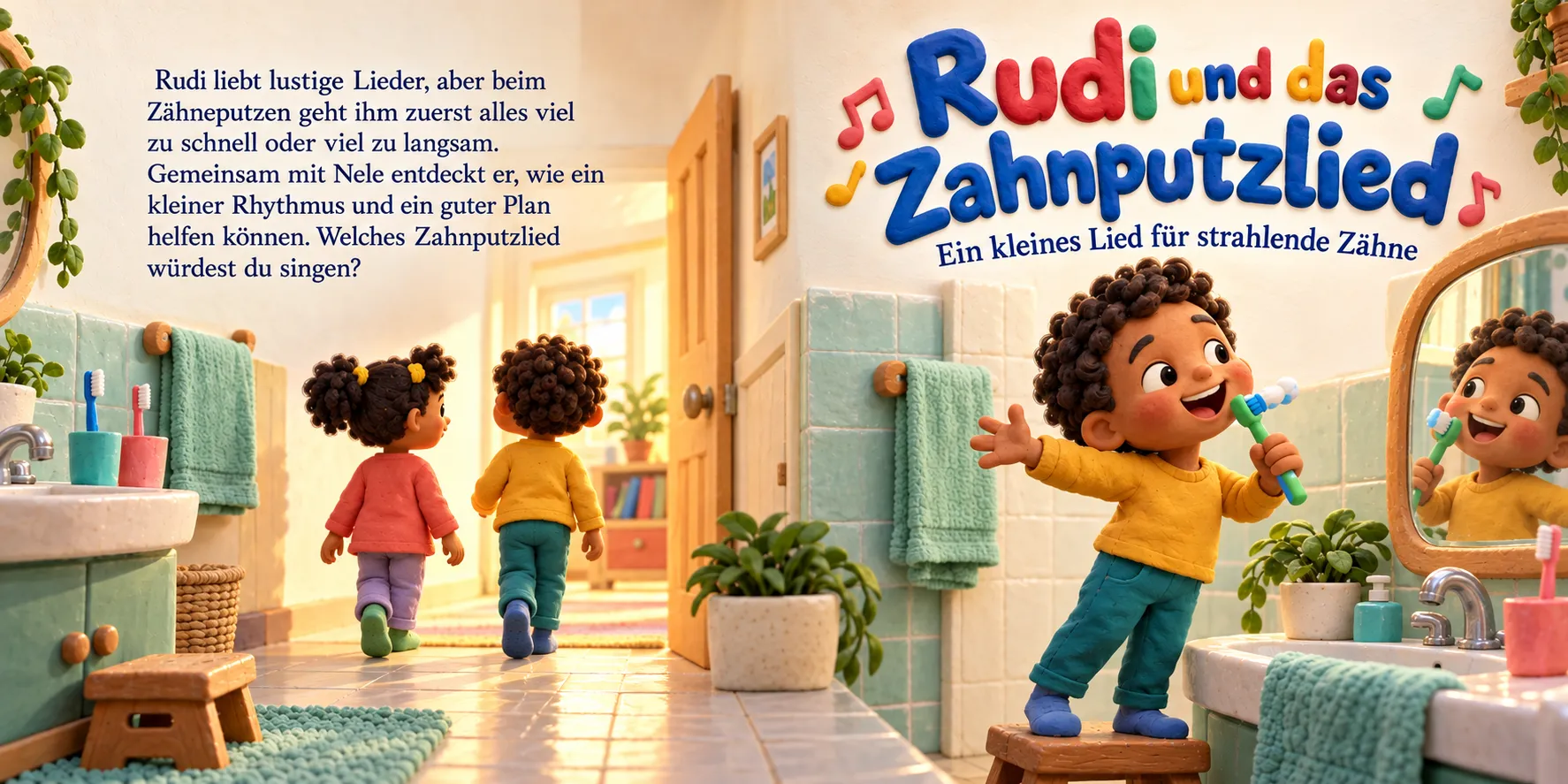
A handcrafted clay-inspired look with a playful, tactile feel.
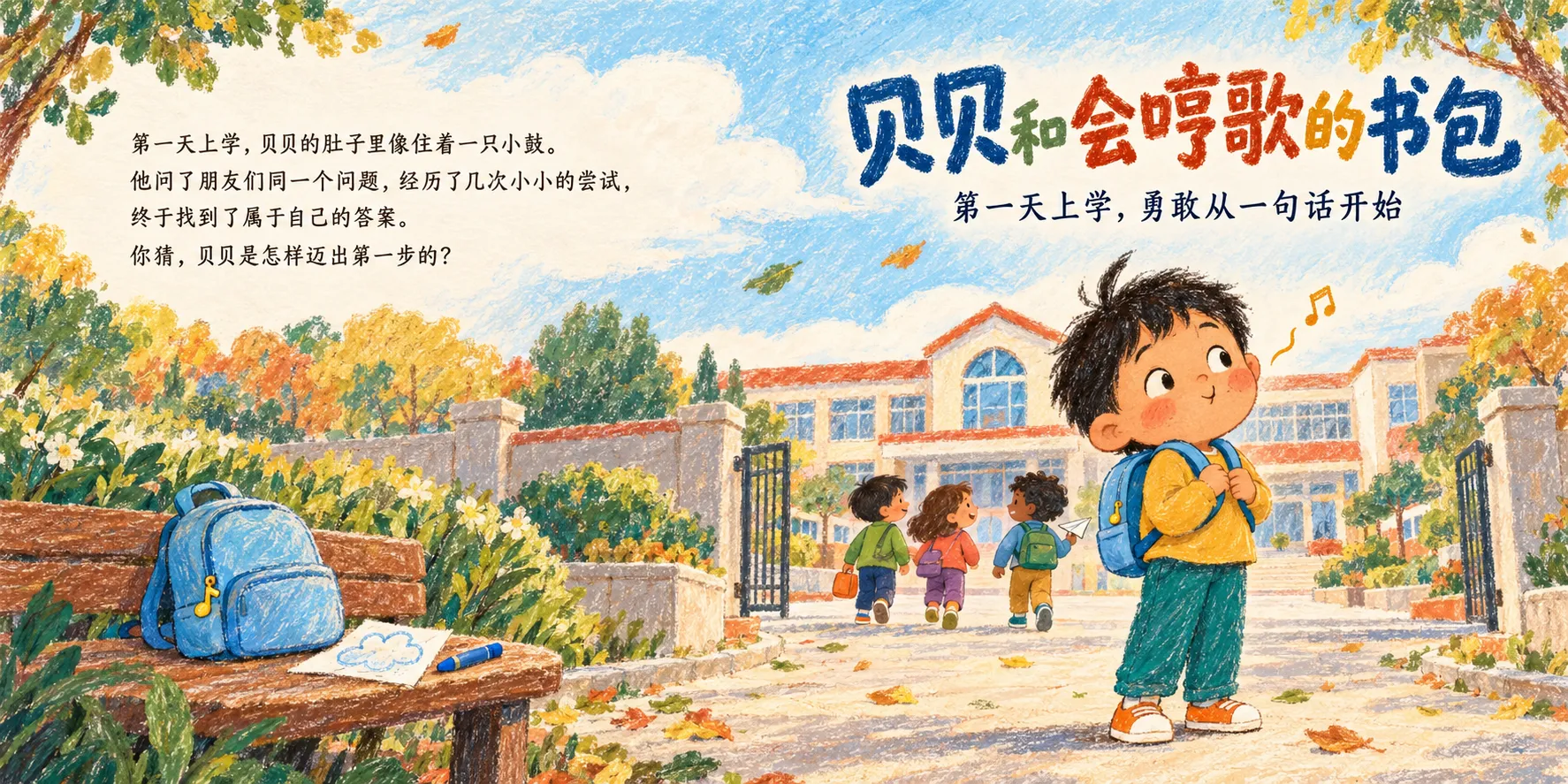
A colorful, hand-drawn appearance inspired by traditional children's artwork.
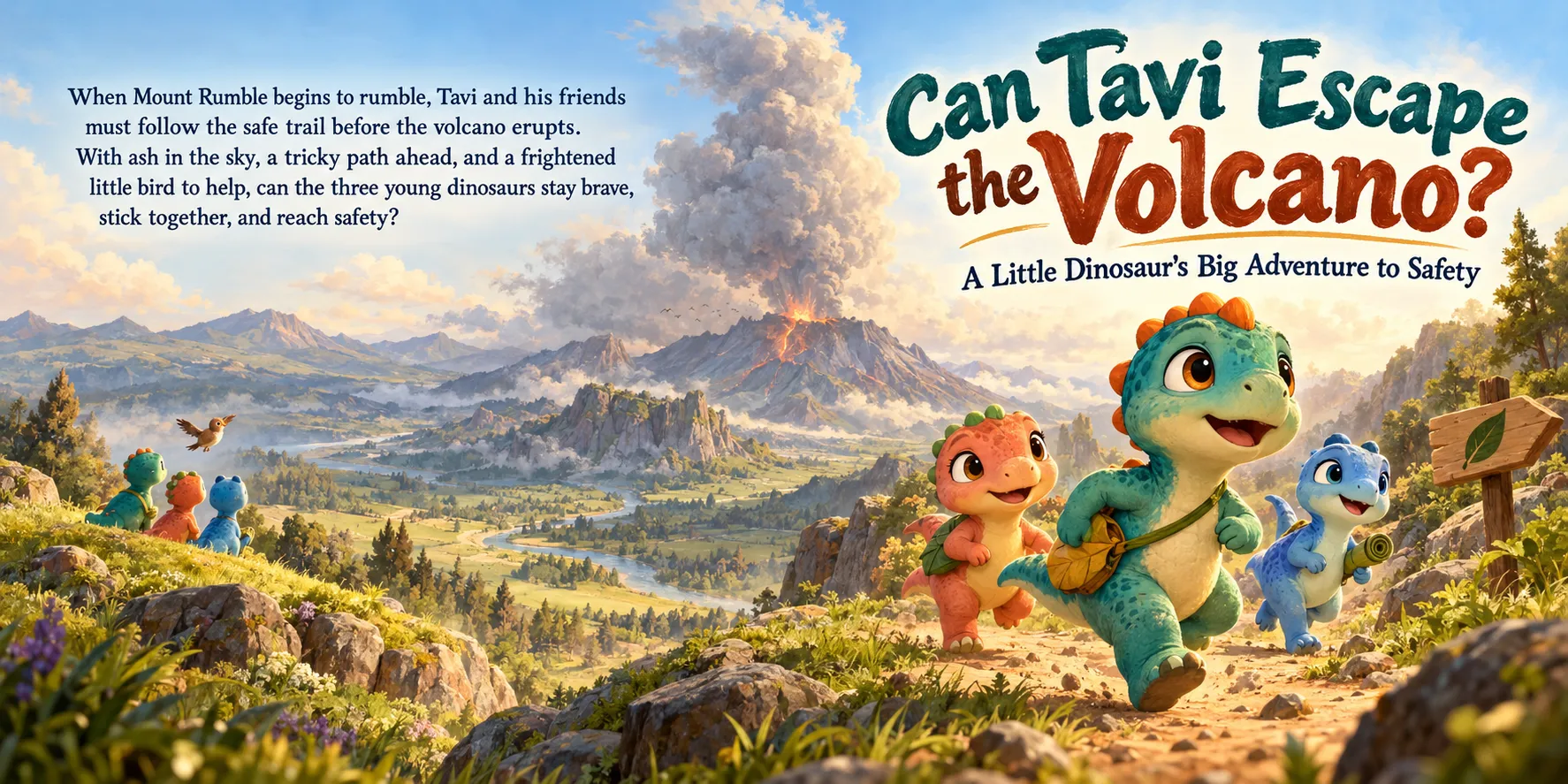
A polished illustrated style made for storytelling.
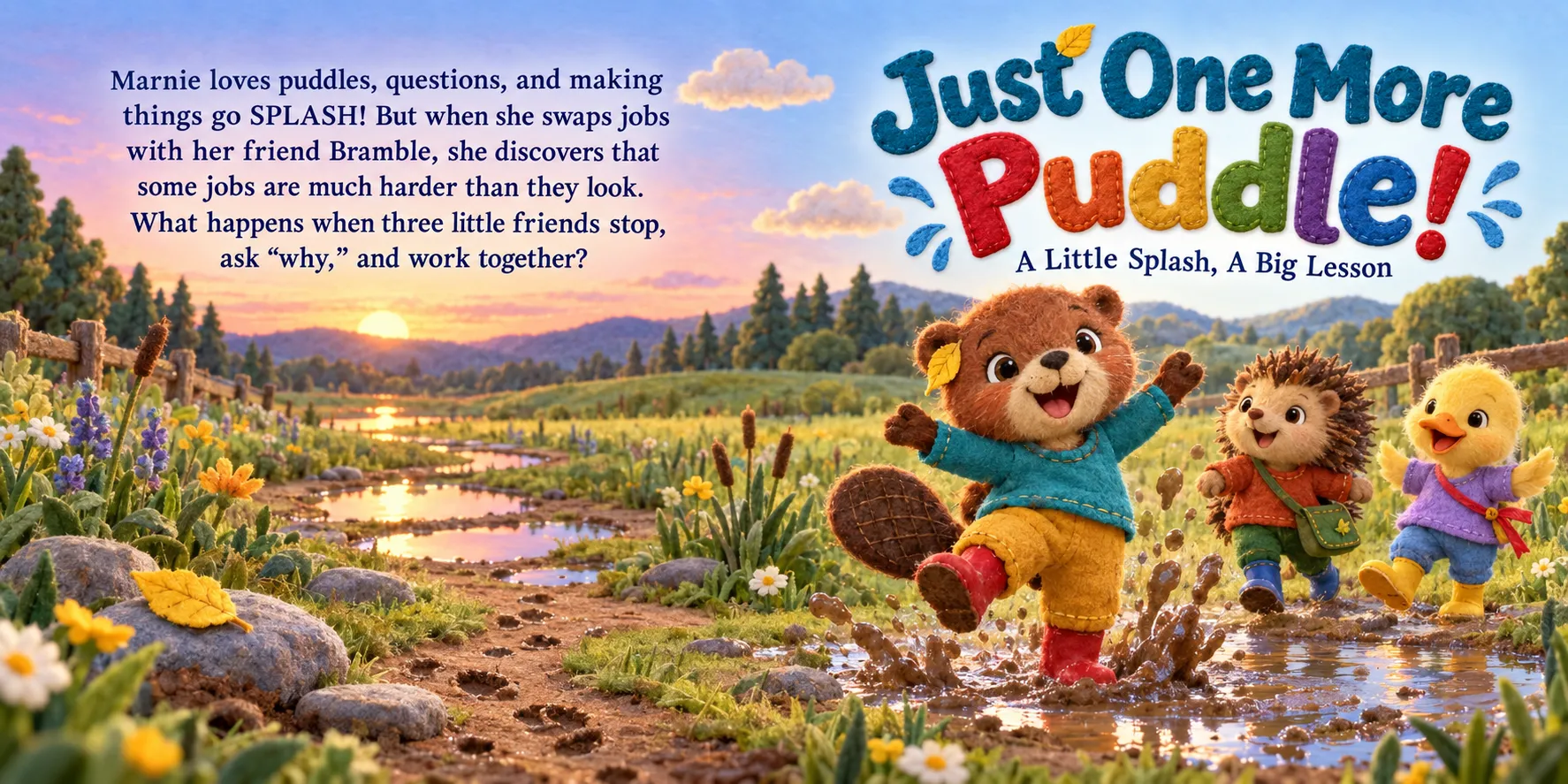
A handmade-inspired look with soft felt textures and crafted details.
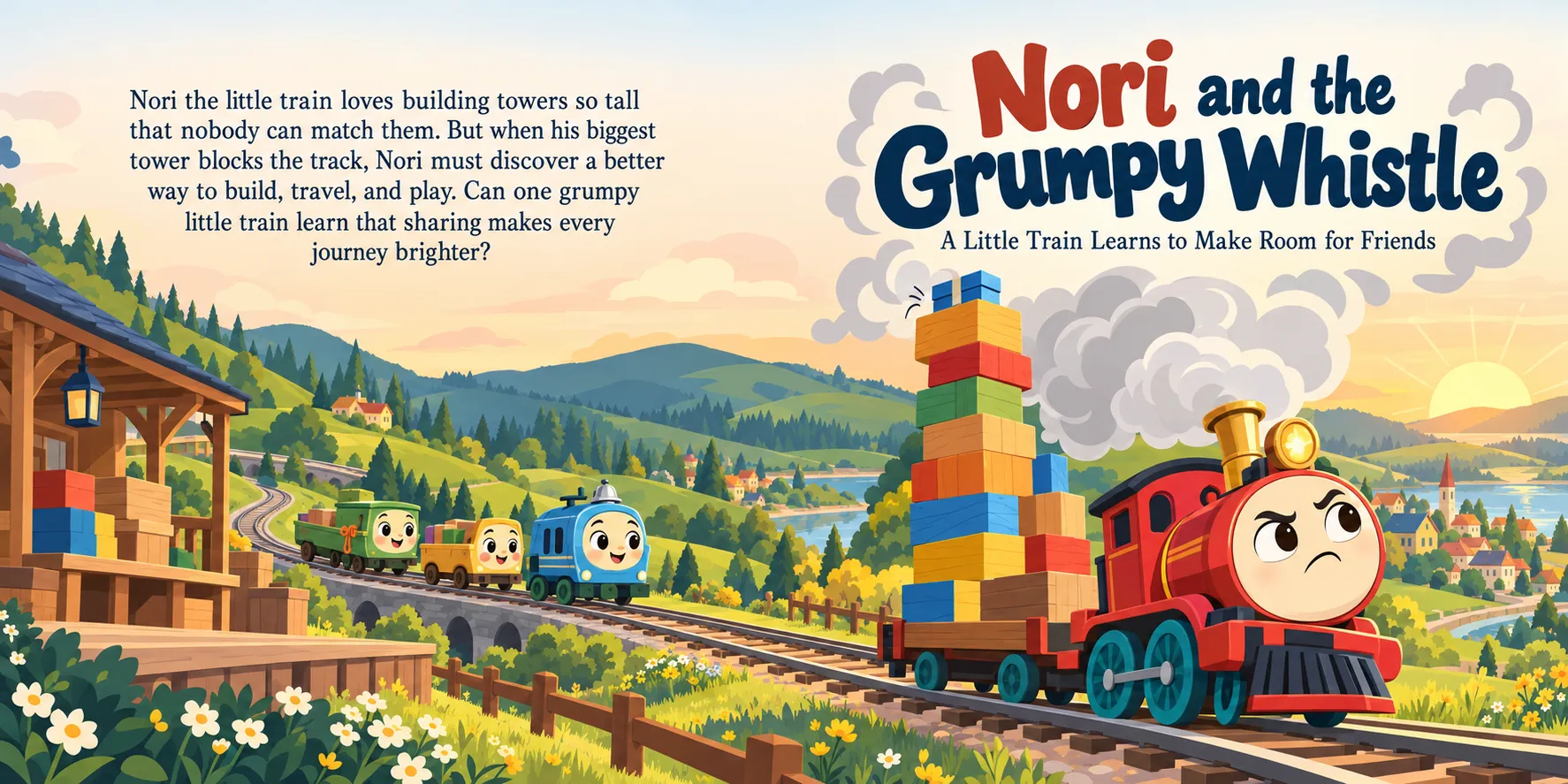
Clean shapes, simple forms, and clear visual storytelling.
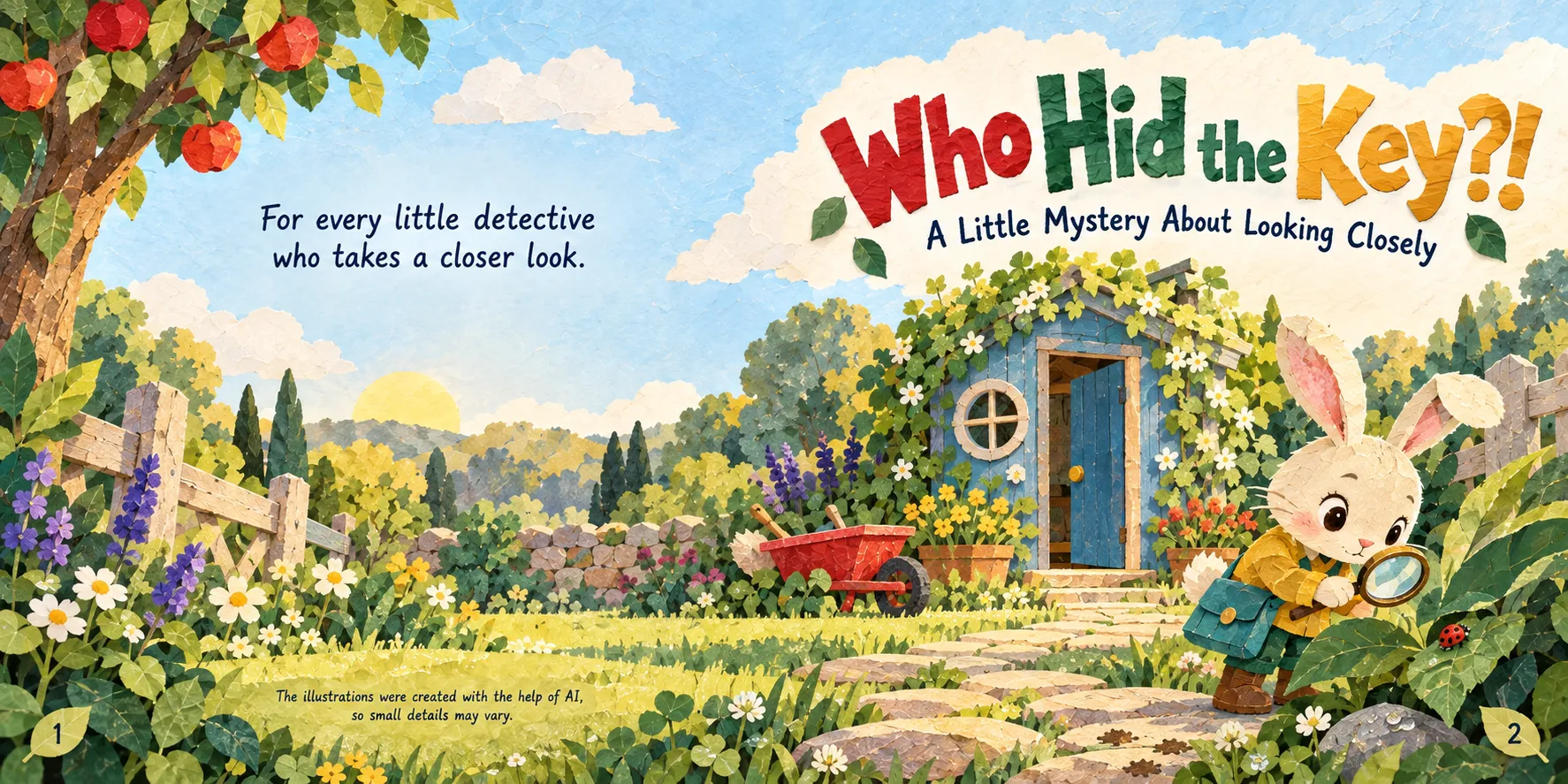
Layered shapes and paper textures for a distinctive storybook appearance.
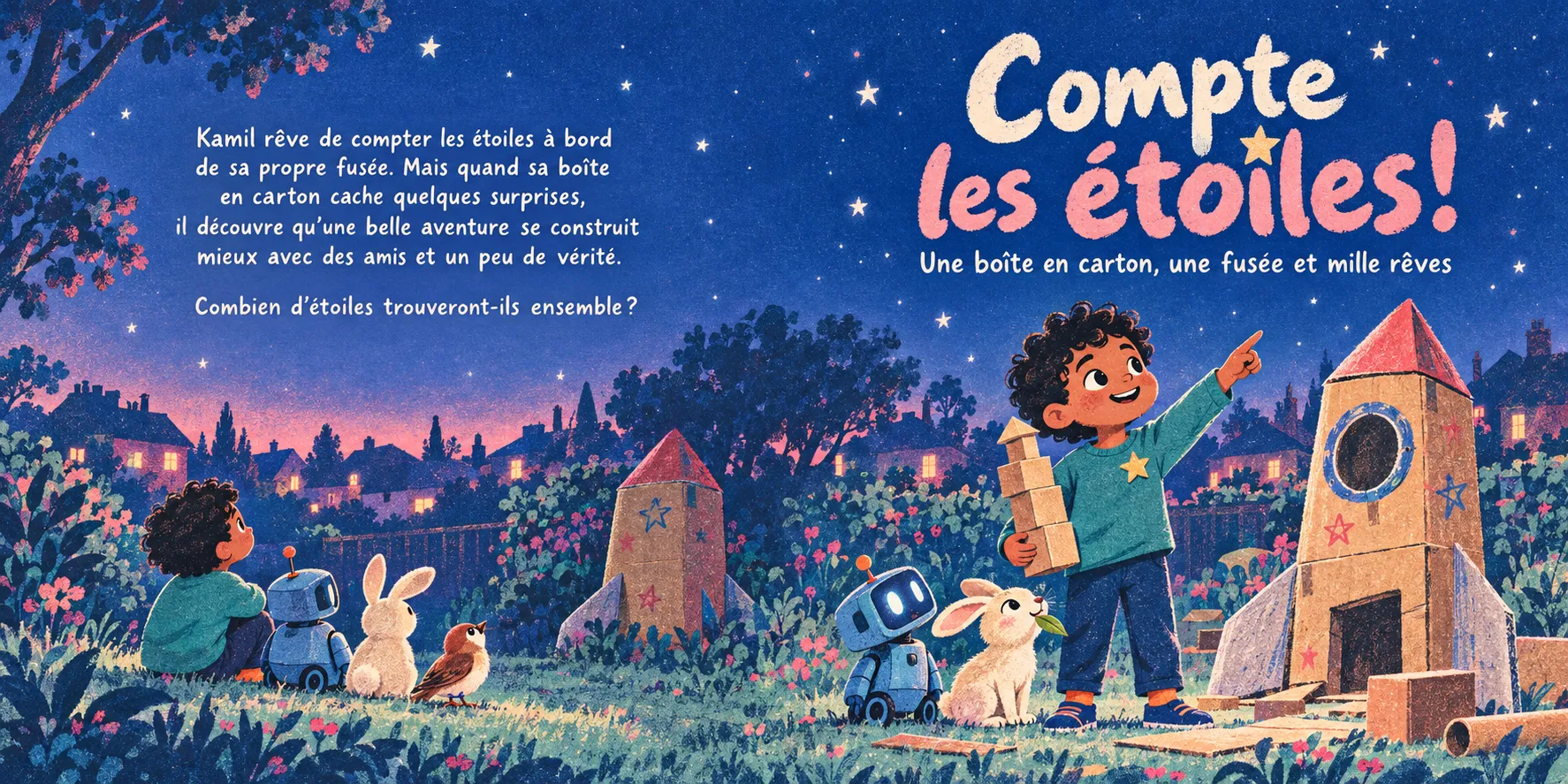
A bold print-inspired look with distinctive colors and texture.
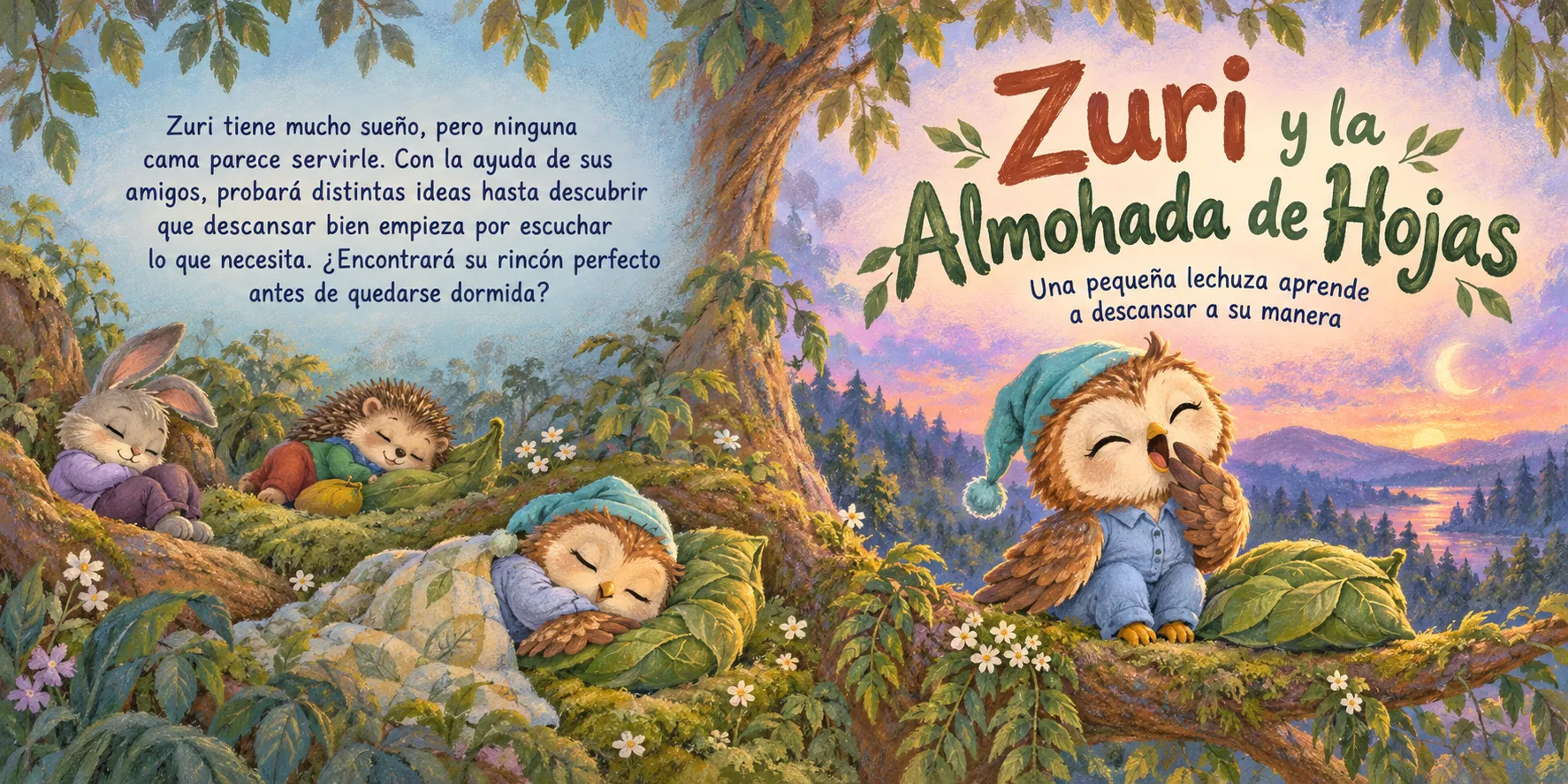
Soft colors and chalk-inspired textures for a gentle visual mood.
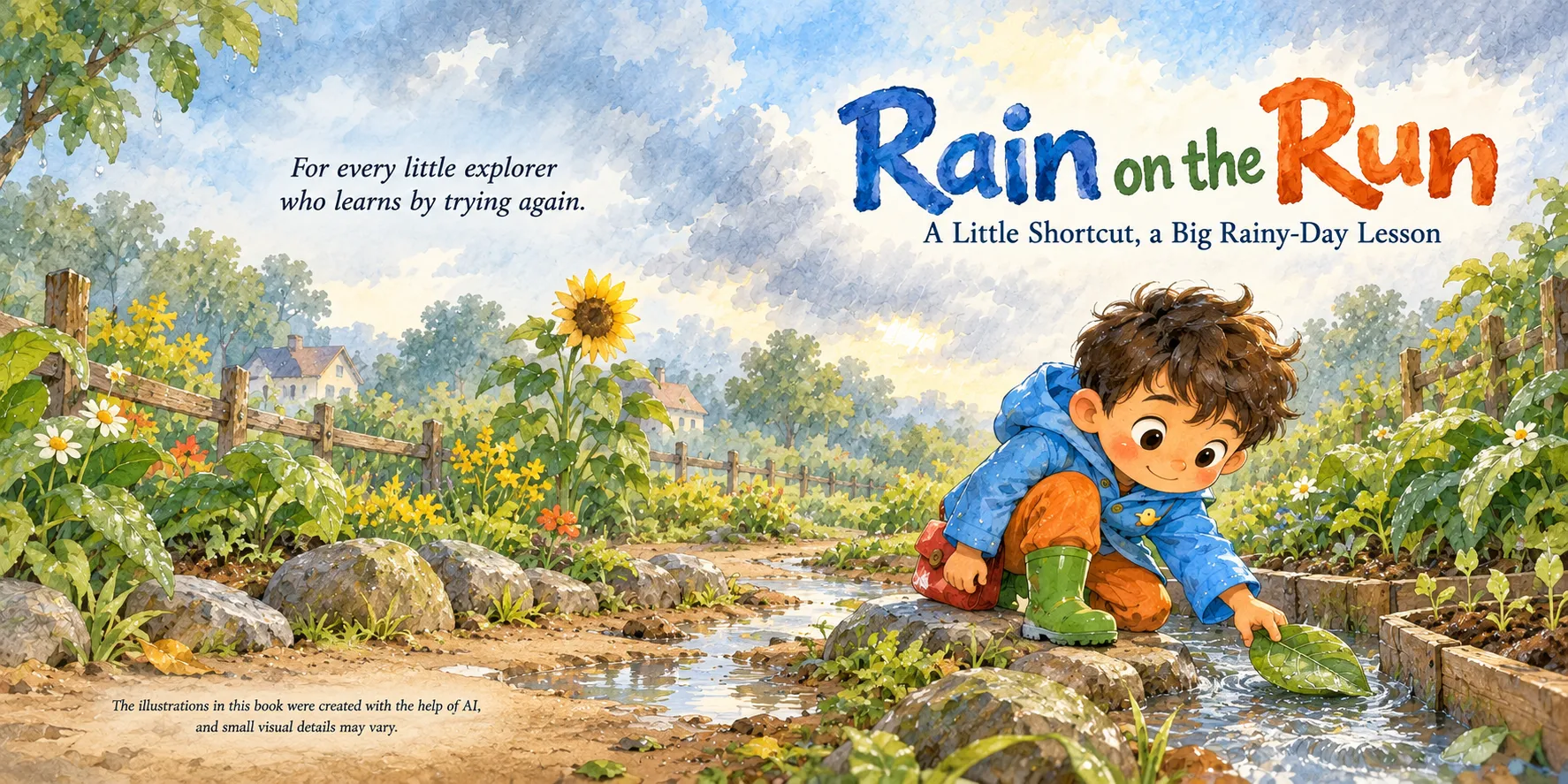
A traditional illustration feel with watercolor softness and pencil details.
That's 18 visual styles, so every book doesn't have to look like the last one. Pick the look that fits the story.
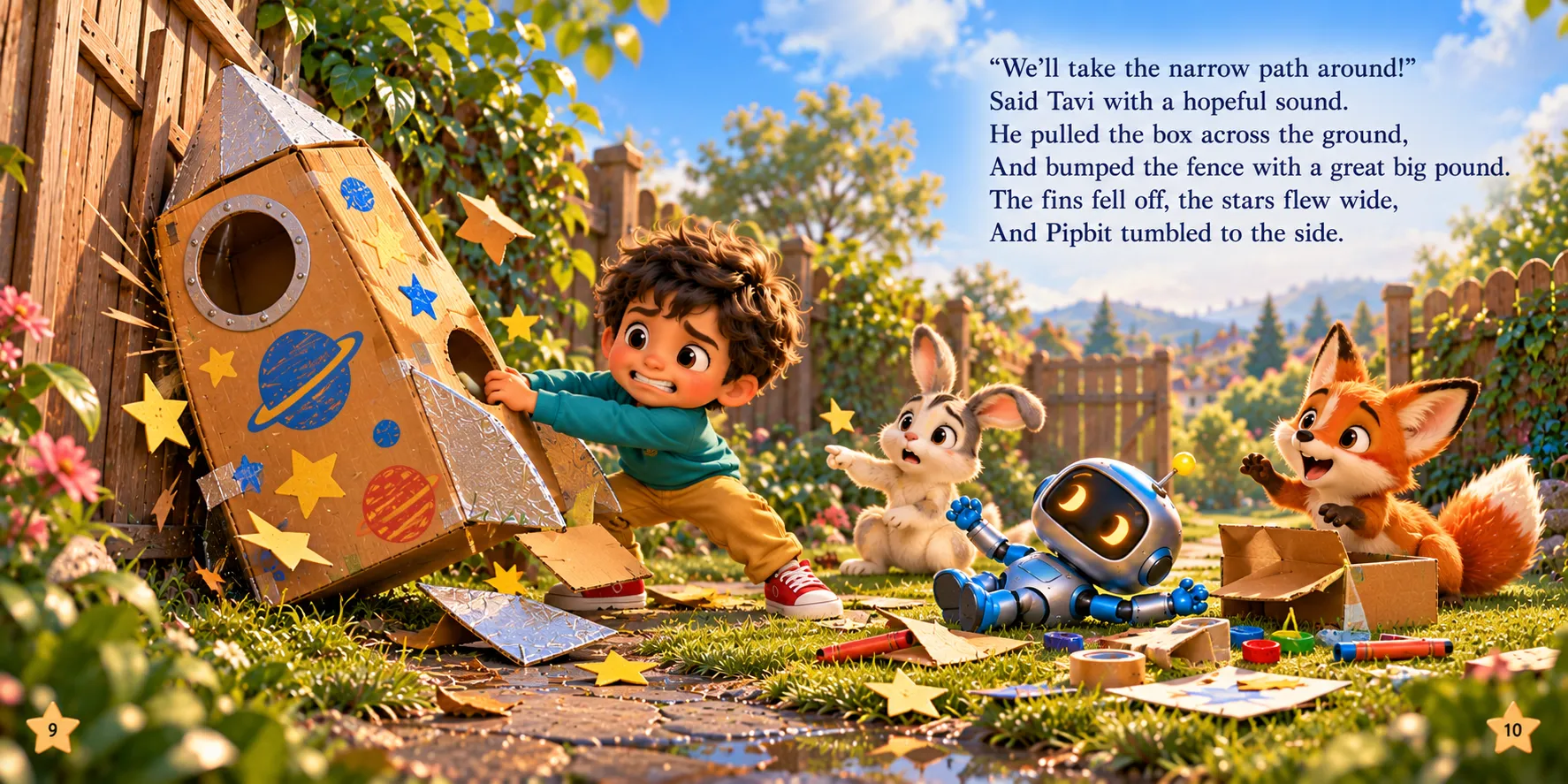
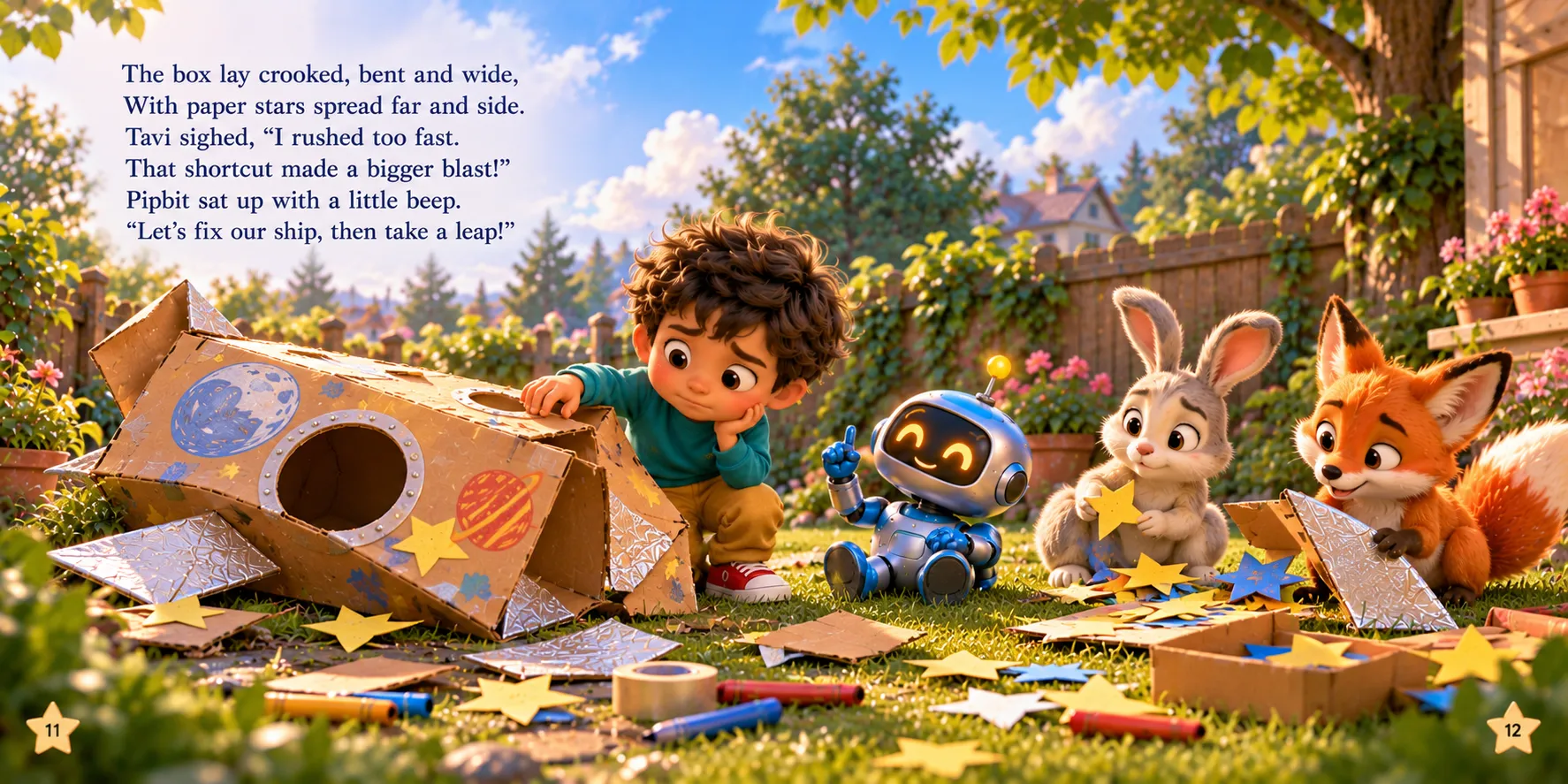
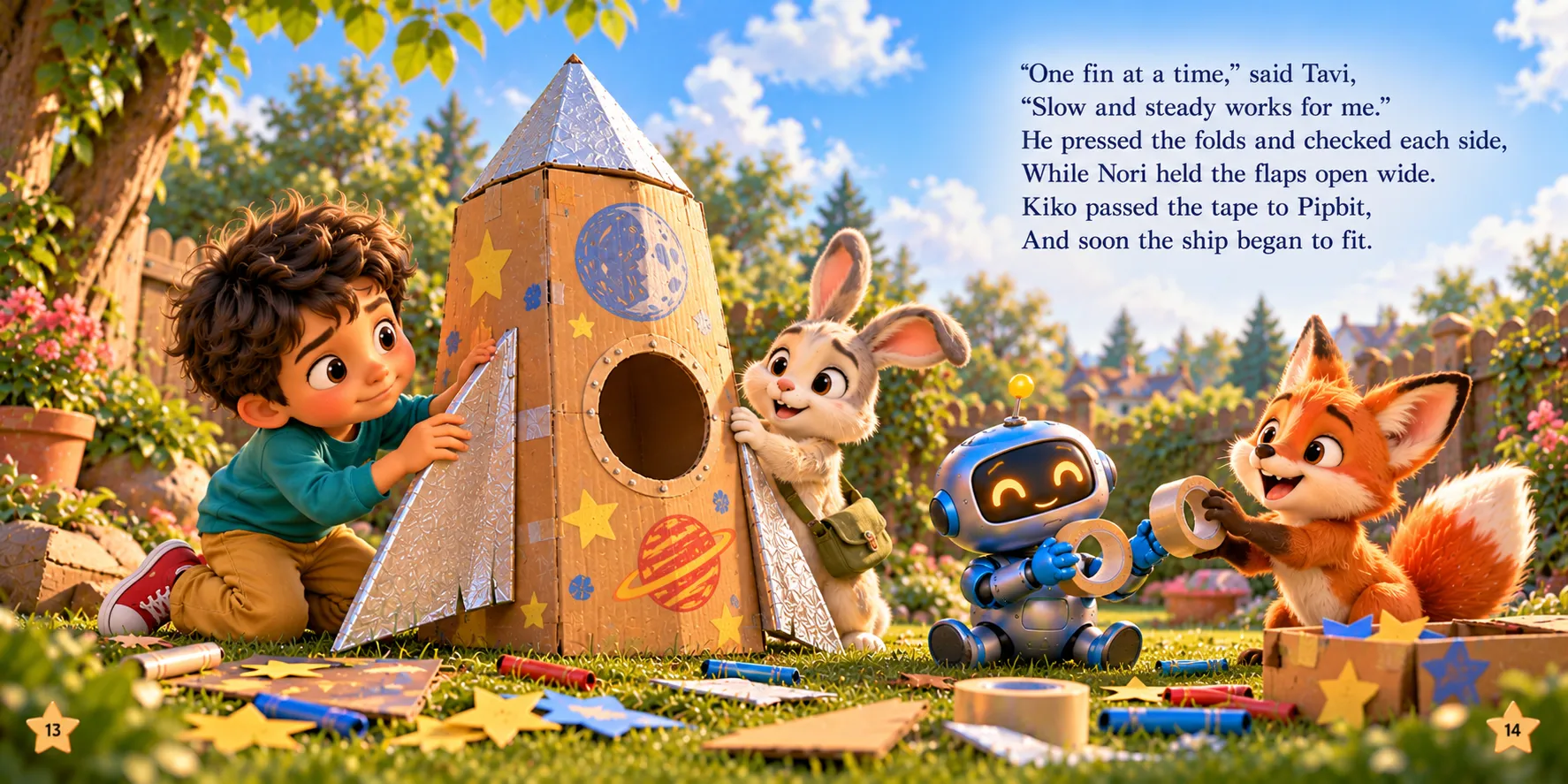
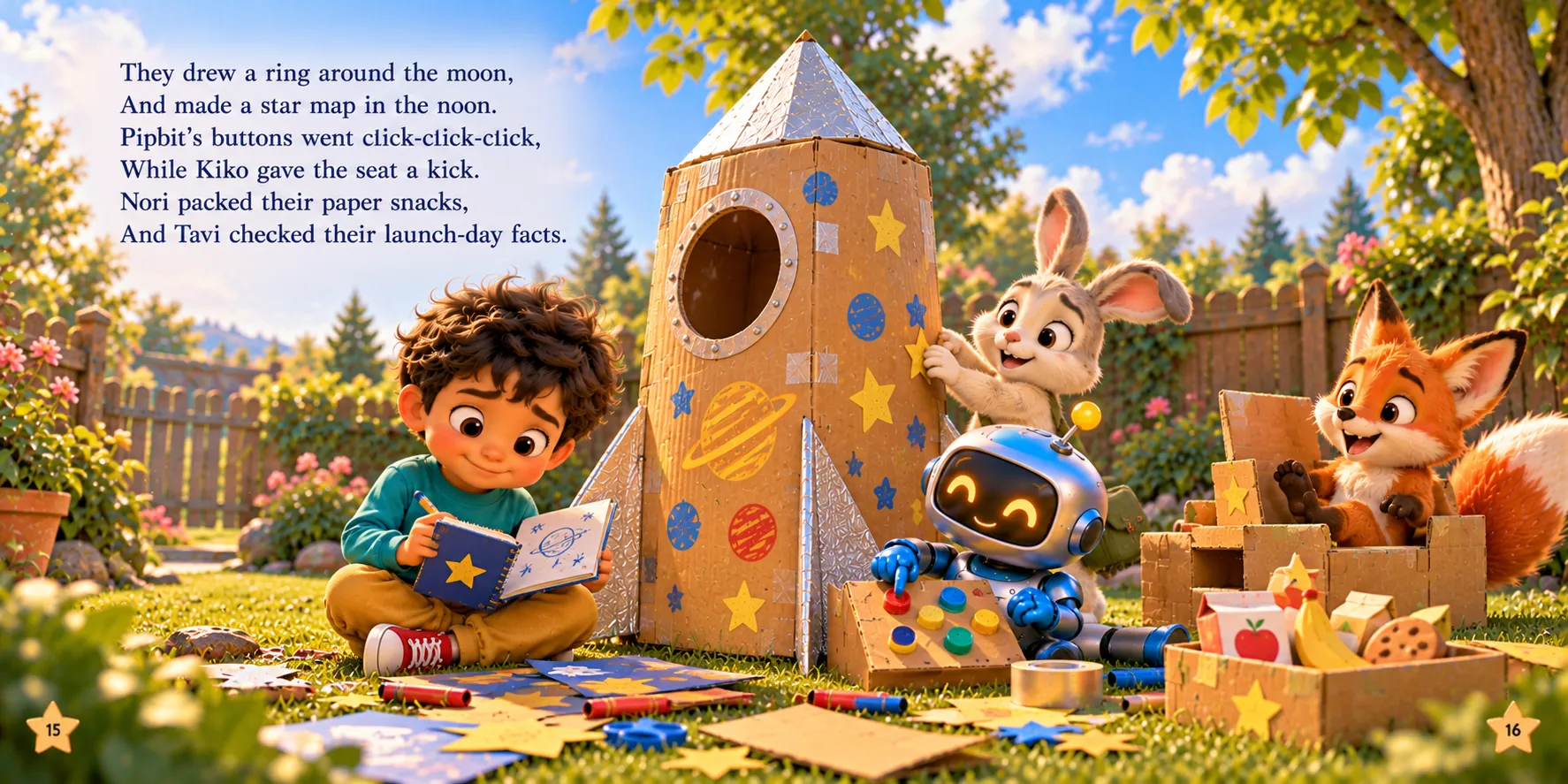
Your project doesn't have to end with a video. Here's a real storybook made with Talking Deck. Go ahead, turn the pages.
Click the page, or drag its corner, to turn it
The included PDF book combiner brings your pages together into a printable PDF storybook. Use it for:
You can also add background audio beneath the narration for a richer listening experience.
One story project. Multiple ways to present it.
Talking Deck guides the whole process. The only thing you create outside the app is the pictures, in ChatGPT.
Start with a simple idea and develop it into a complete kids' story with beautifully styled visuals.
Bring your kids' story to life with expressive narration and turn it into a video ready to share.
For Anyone Creating, Publishing, Selling, or Sharing Children's Stories.
Explore narrated video versions of your children's book concepts and published titles.
Create printable PDF storybooks and educational products.
Develop story-based assets and content for digital product offers.
Prepare educational stories and narrated content for learning activities.
Create children's stories in different formats for family storytelling.
Produce narrated story videos for YouTube, Shorts, Reels, TikTok, and other content platforms.
Whether you want to create books, videos, printables, or a combination of formats, Talking Deck gives you another way to develop your story ideas.
Here's everything inside Talking Deck.
Your videos render right inside Talking Deck, with no per-render fees.
Instant access30-Day Product Performance Guarantee
If Talking Deck doesn't work as described, or you experience technical issues that prevent normal use, contact support within 30 days.
Your purchase is backed by our 30-Day Product Performance Guarantee.
One keyword. Beautiful stories. Expressive voices. More ways to share.
Get Talking Deck today
Instant access30-Day Product Performance Guarantee
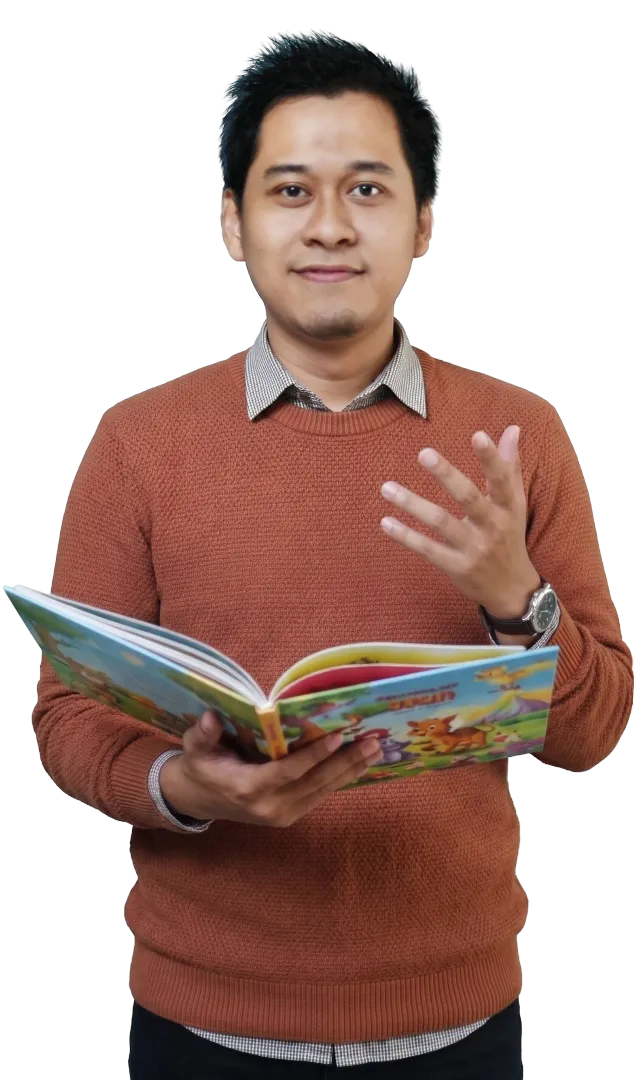
Maulana MalikCreator of Talking Deck
Creating children's books with AI is becoming easier. But a polished visual identity and a compelling way to bring those stories to life still matter.
Talking Deck helps you explore both sides of the opportunity — from professionally styled story visuals to expressive narration and talking story videos.
If you've been looking for another way to develop children's content, start with one simple keyword.
Talking Deck is a guided creative app for developing children's story projects and turning them into talking story videos, with support for expressive voiceovers, multiple visual styles, and printable PDF storybooks.
No. Talking Deck isn't an image generator. It prepares your story and the image prompts for every page, and you create the illustrations with ChatGPT. Then Talking Deck brings the pages together into your PDF storybook and talking video.
Yes. Talking Deck works alongside ChatGPT: it gives you the guided workflow and prompts, while ChatGPT writes the story and creates the illustrations. ChatGPT's availability, account requirements, and usage limits are set by its provider.
No. Talking Deck's workflow starts with a keyword or story idea, so you can develop a story project without needing to begin with an existing book.
Yes. Choose from 13 story types, such as Bedtime Story, Classic Fable, Funny Story and Kids Mystery, and 8 character casts, such as Human Kids, Robots, Dinosaurs and Sea Creatures. You can also describe your own, or leave both on Auto and let AI pick what fits your keyword.
Not at all. If you can enter a keyword and follow the guided steps, you can create a talking story video. Use Full Auto to let it set up the details, or Advanced Setup for more control.
Yes. Talking Deck supports 32 languages for stories and voiceovers.
Wide 16:9 videos rendered in up to 2K (1440p) quality, and vertical 9:16 videos as one full story or shorter parts of around one minute each.
Vertical videos include three camera styles: Dynamic Movement, Follow the Words, and Full Scene with No Zoom.
No. You create your voiceovers and render your videos right inside Talking Deck, with no per-render fees.
Talking Deck includes 18 visual styles.
Hand-made looks: Watercolor & Pencil, Textured Gouache, Colored Pencil, Crayon & Oil Pastel, Paper Collage, Risograph Print, Block Print (Linocut), Retro 1950s Storybook, Soft Pastel Chalk, Ink & Wash, Golden-Age Classic, and Felt & Wool Craft.
Digital & 3D looks: 3D Animated Movie, Clay Stop-Motion, Flat Vector Cartoon, Soft Anime Storybook, Digital Storybook Painting, and Bold Cartoon.
Yes. Talking Deck supports printable PDF storybooks and includes a PDF book combiner.
Your purchase is backed by a 30-Day Product Performance Guarantee. If Talking Deck doesn't work as described, or a technical issue stops you from using it normally, contact our support team within 30 days. We'll work with you to fix it, and if we can't, you'll get a refund.
Because the demos and tutorials show exactly how Talking Deck works before you buy, refunds aren't available for a simple change of mind or without a clear reason.
For product assistance, visit the support page: duoha.co/support