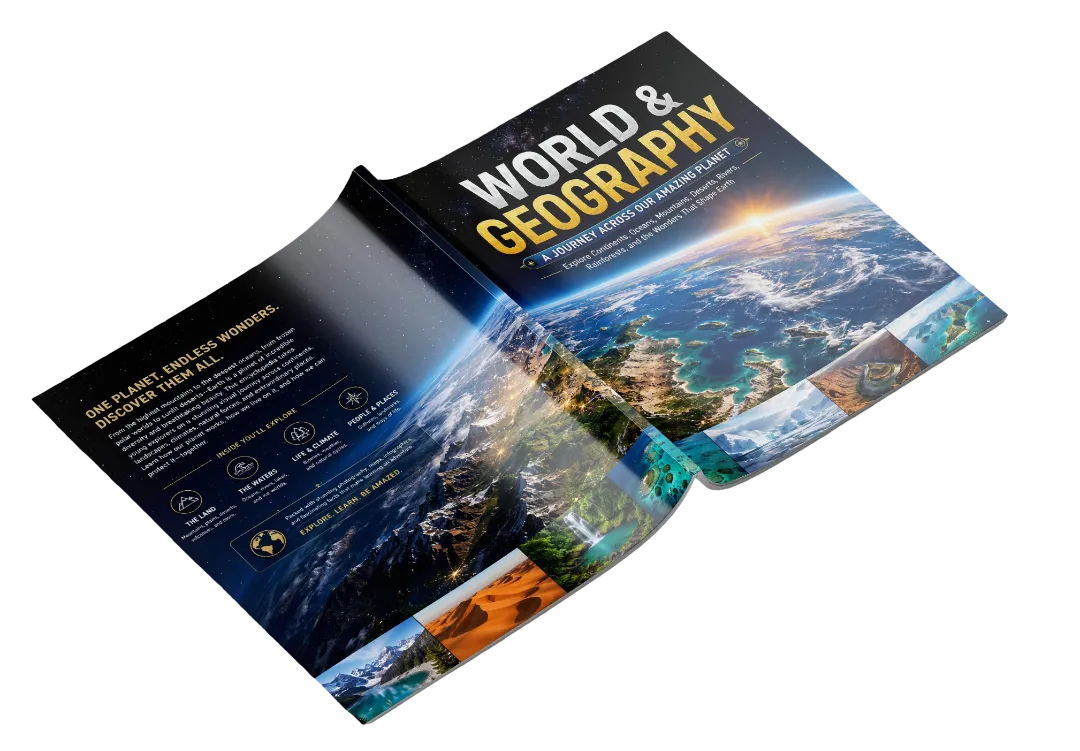
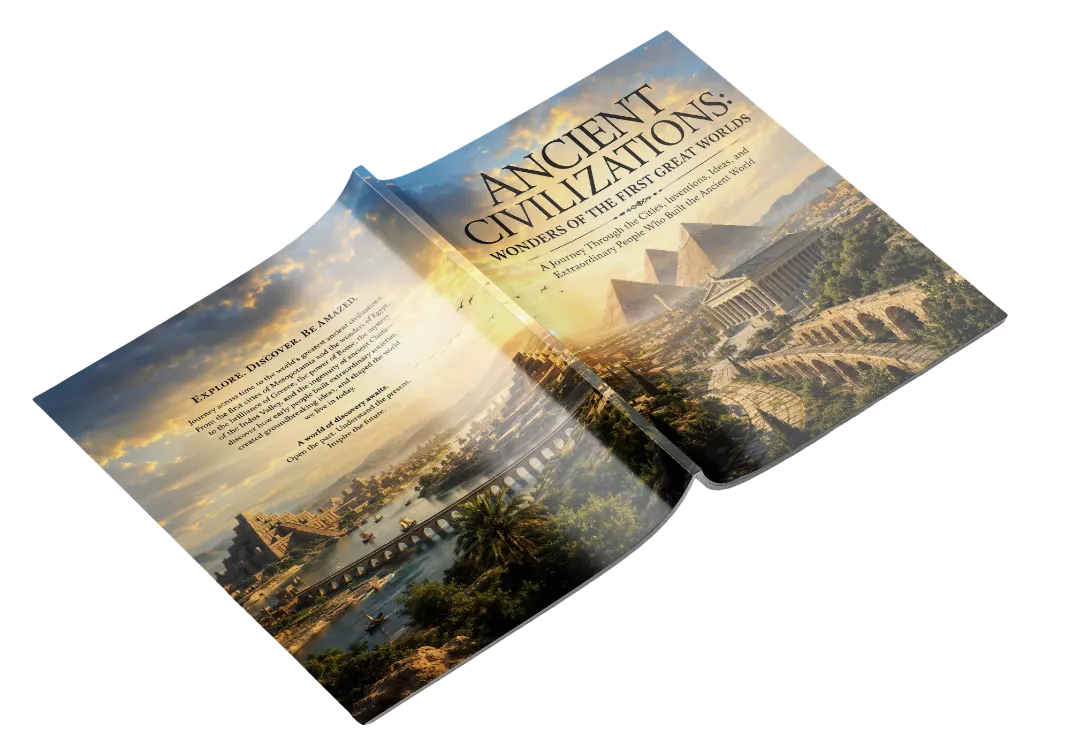
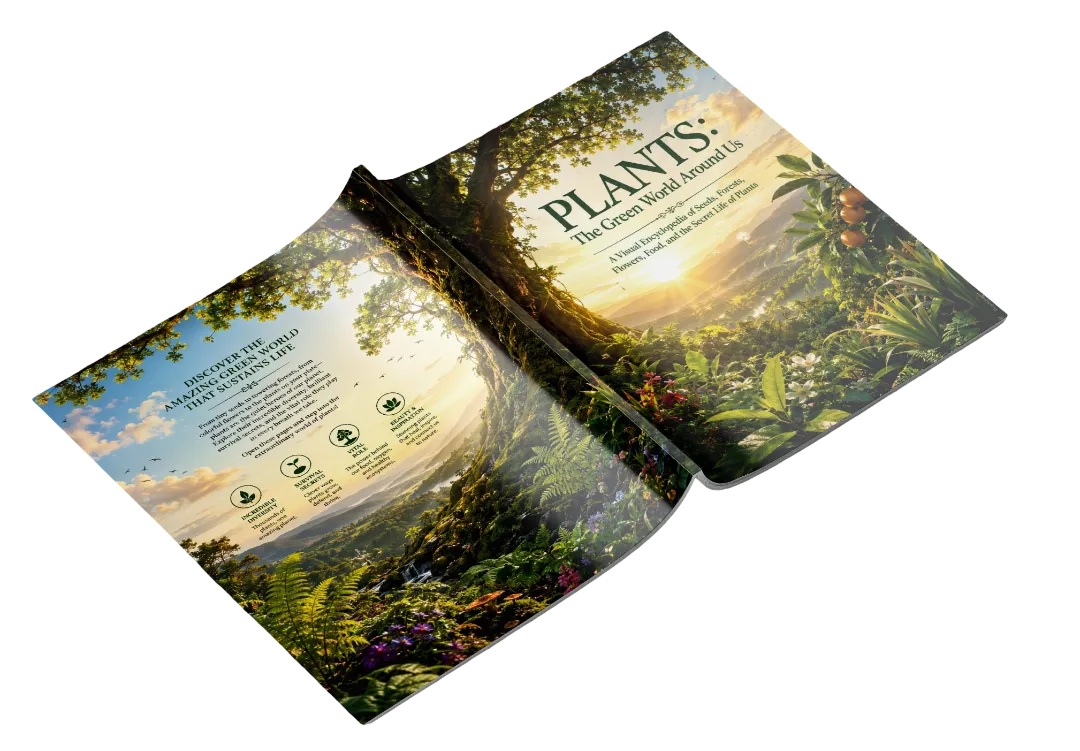
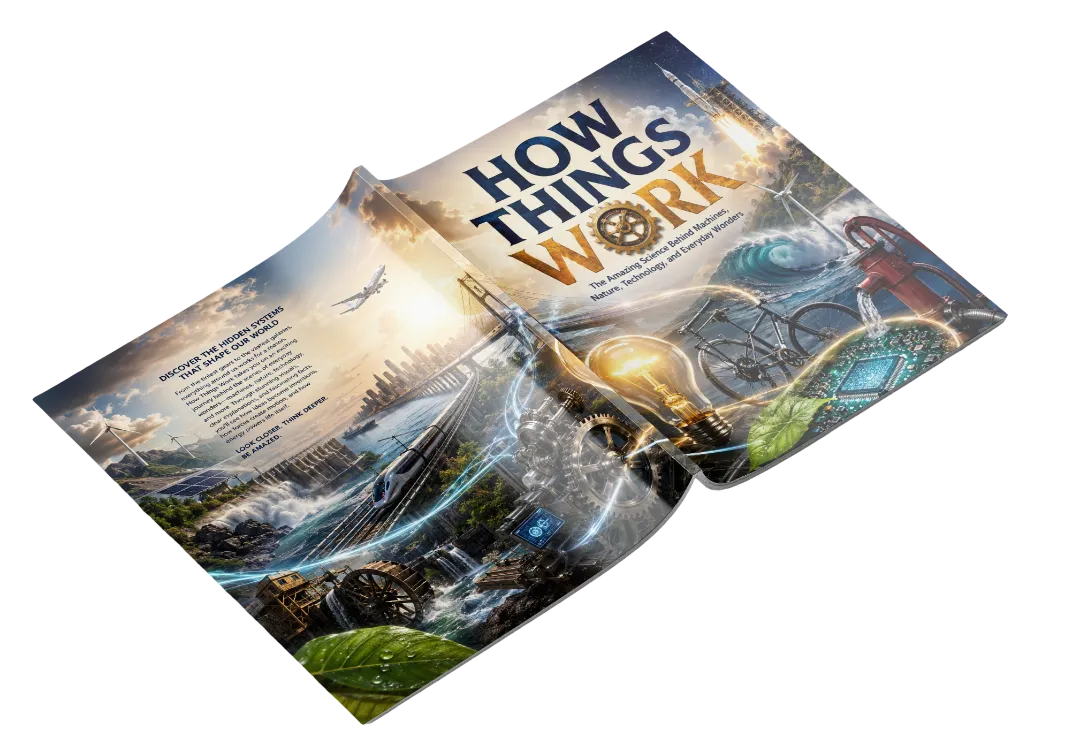
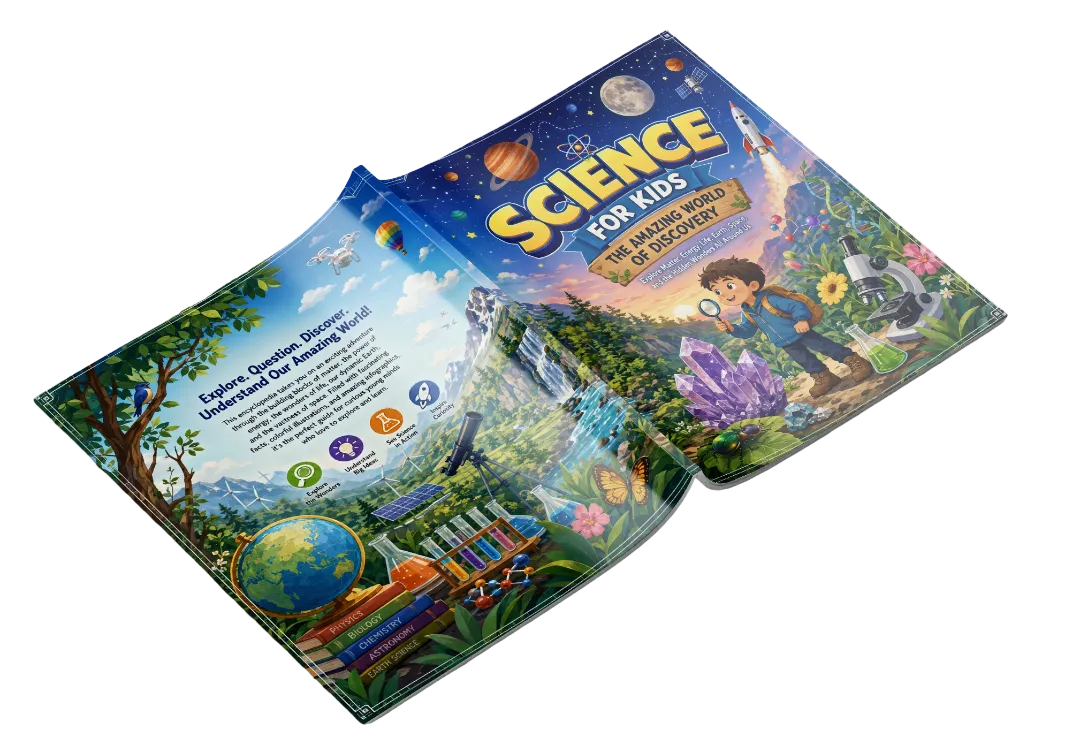
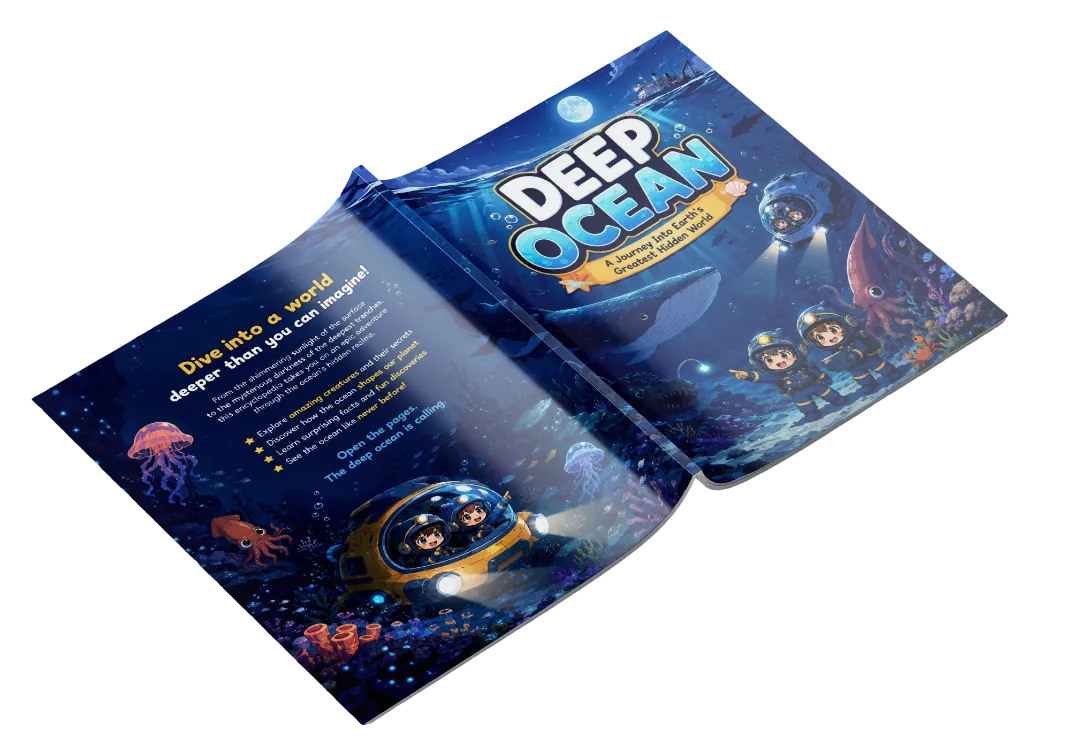
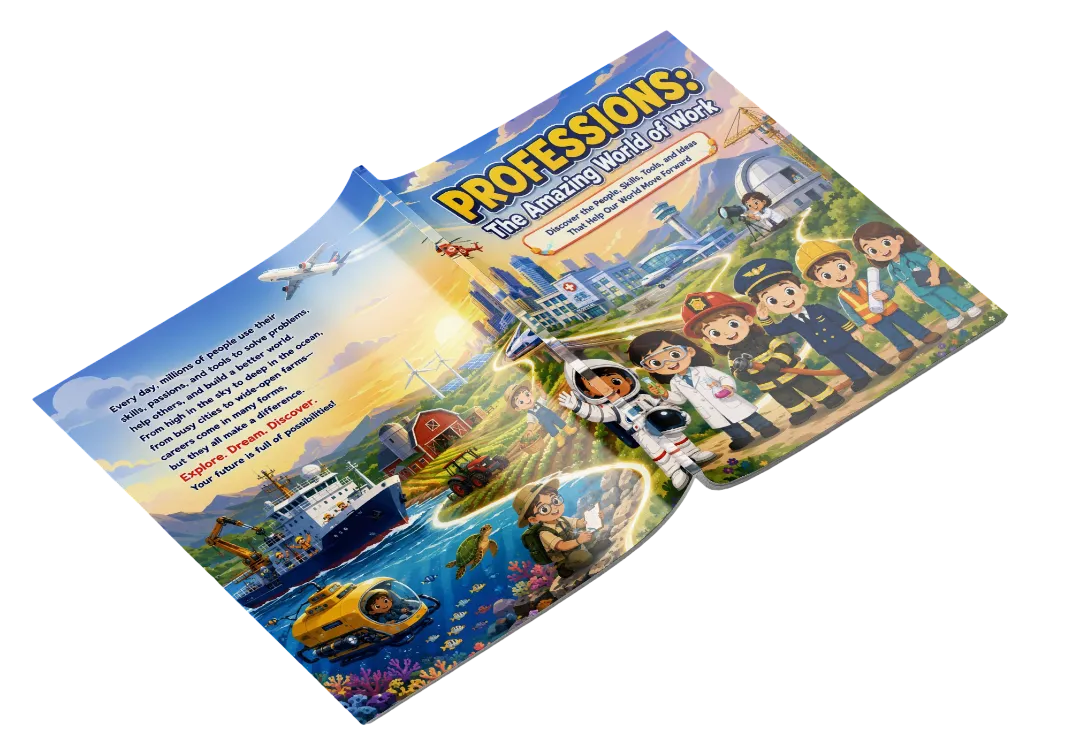
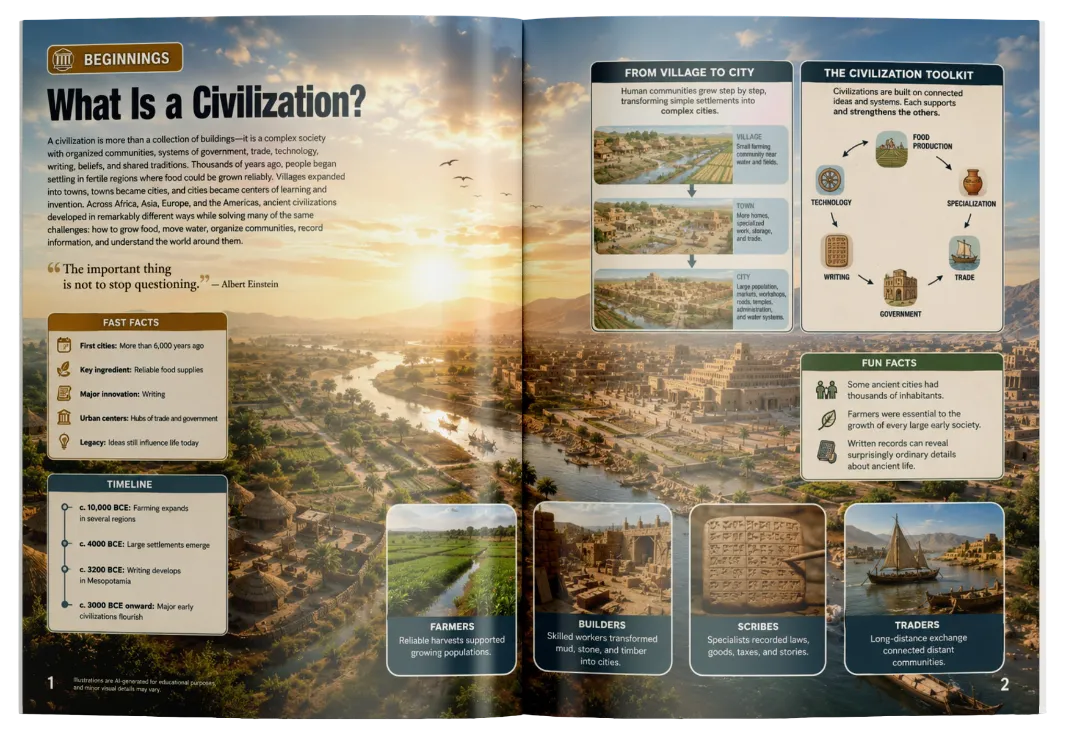
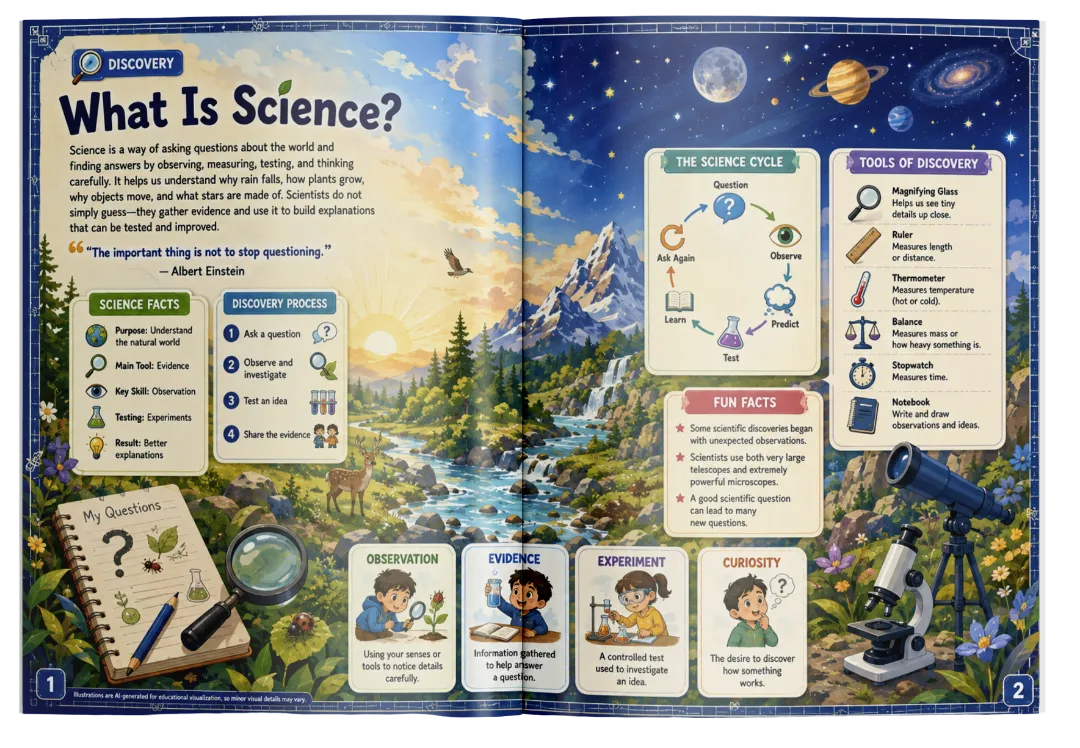
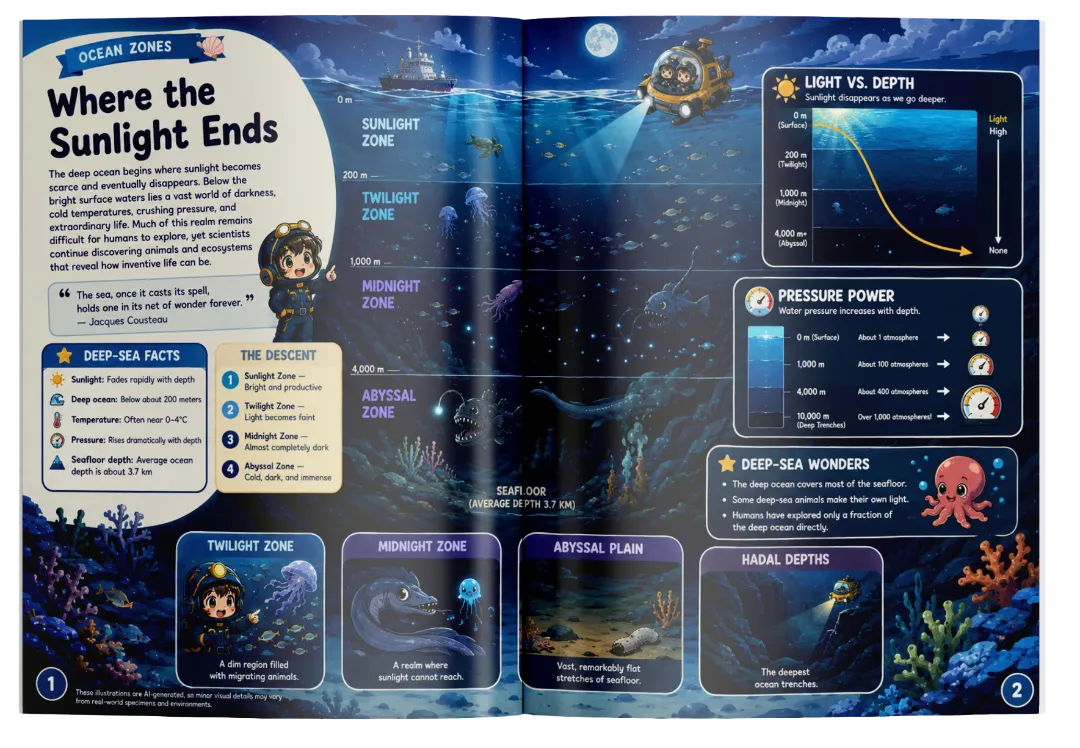
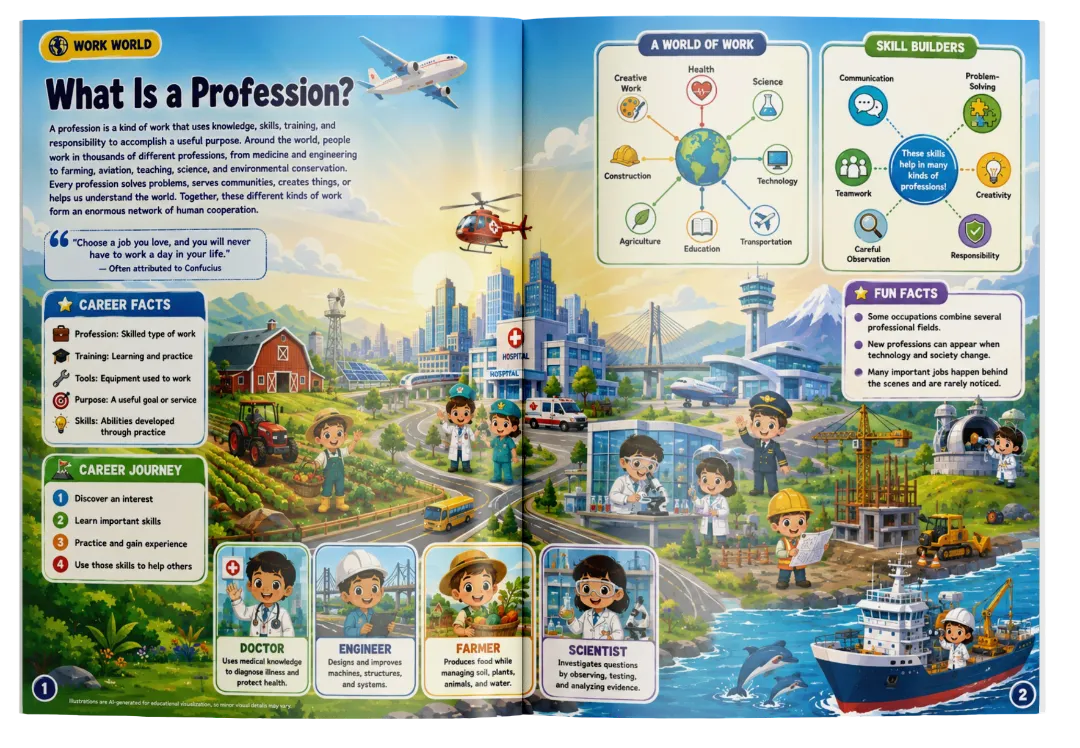
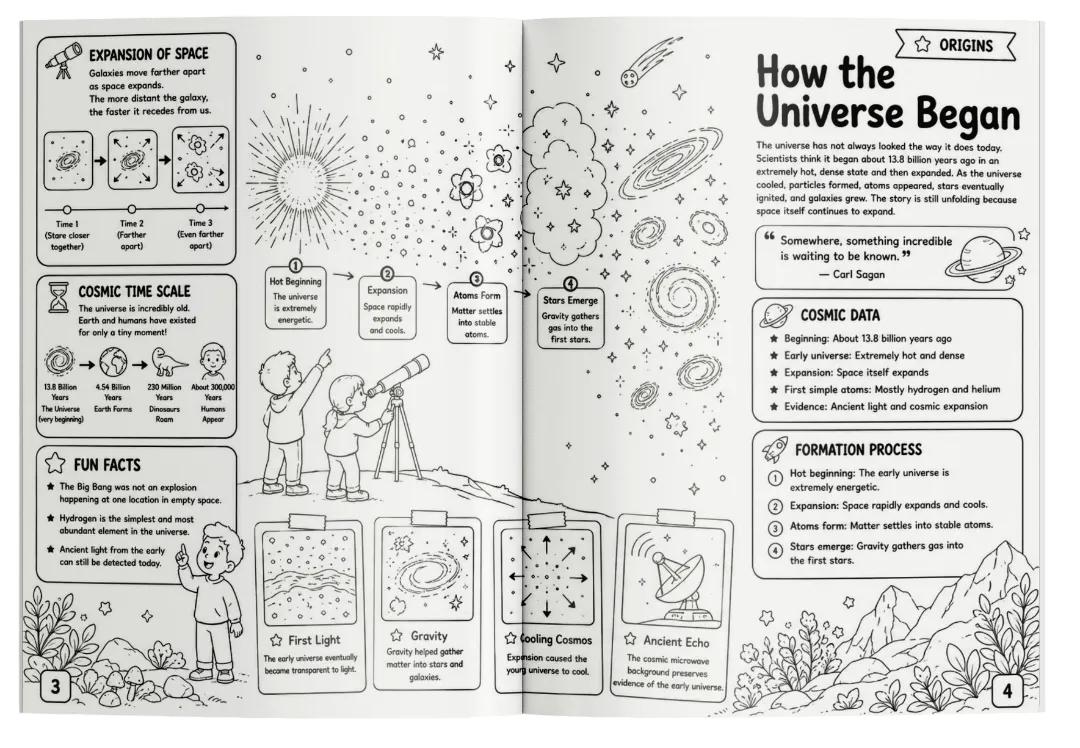
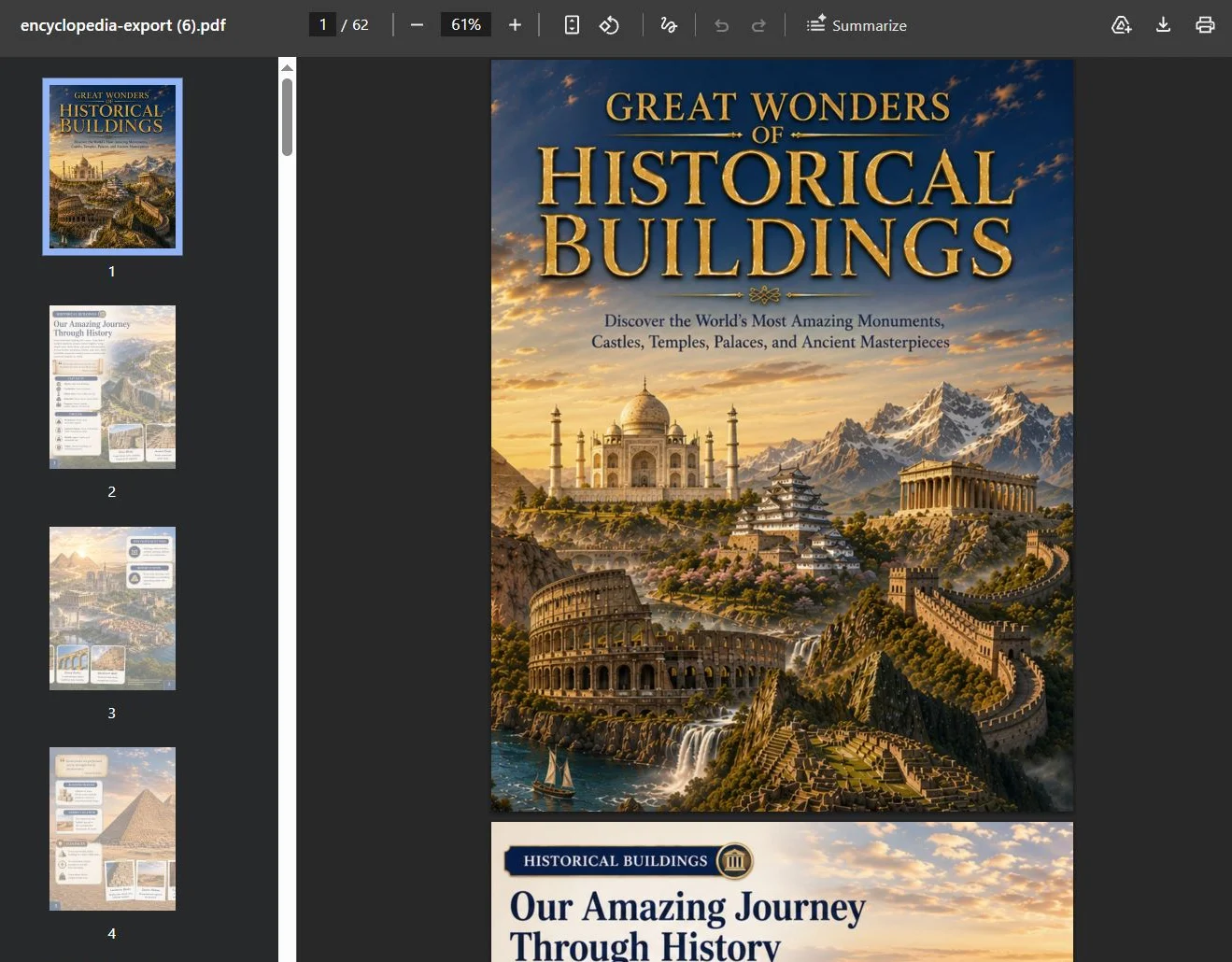
ENCYCLOPEDIA

Turn Any Keyword
Into A Complete 60-Page
Visual Encyclopedia Book

Transforms one simple keyword into a 60-page encyclopedia book with panoramic two-page spreads with 500+ Educational Insights, full wraparound covers,
and stunning visuals in 3 different styles — using ChatGPT.
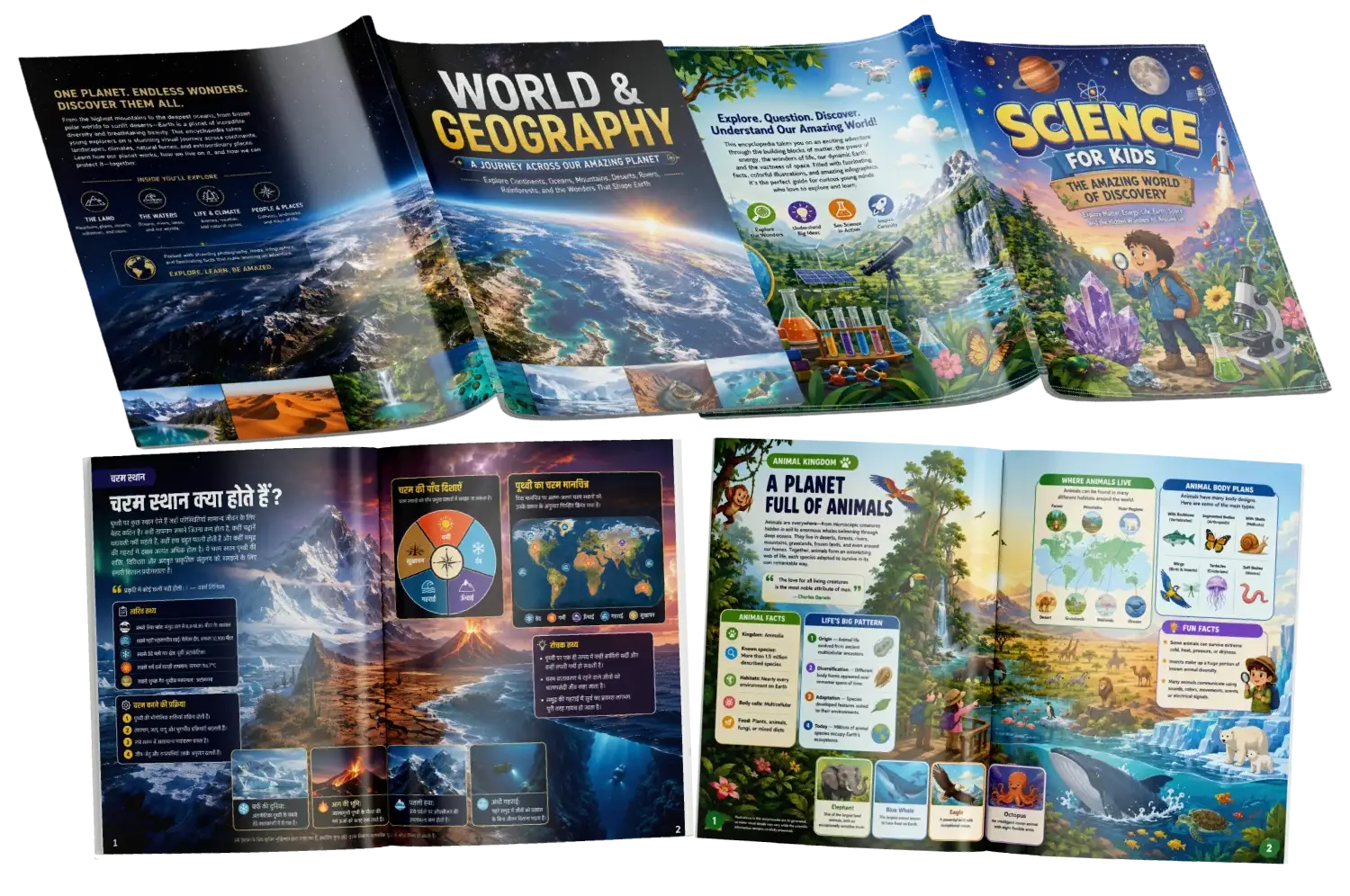
Encyclopedia Deck preview
No Blank-Page Planning
No Manual Spread Structuring
No Manual Visual Planning
CREATE YOUR FIRST ENCYCLOPEDIA

Build a complete 60-page encyclopedia from one simple topic.

Generate 30 structured panoramic spreads with 500+ educational facts.

Create content for kids with concise, factual, engaging editorial structure.

Generate matching Cover, 30 Interior Spreads & Back Cover.

Create visual prompts specifically formatted for AI image generation.

Choose Realistic Photography, Cartoon / Illustration, or B&W Educational Outline.

Use Auto Editorial or take control with Manual Config.

Customize book size, cover style, inner style, colors, borders, text space, density & information placement.

BONUS: Turn your panoramic spreads into an actual PDF with Encyclopedia PDF Combiner.

Interactive Flipbook

3 Visual Styles.
One Engine.

Encyclopedia Deck adapts the visual direction to the exact kind of educational book you want to create.

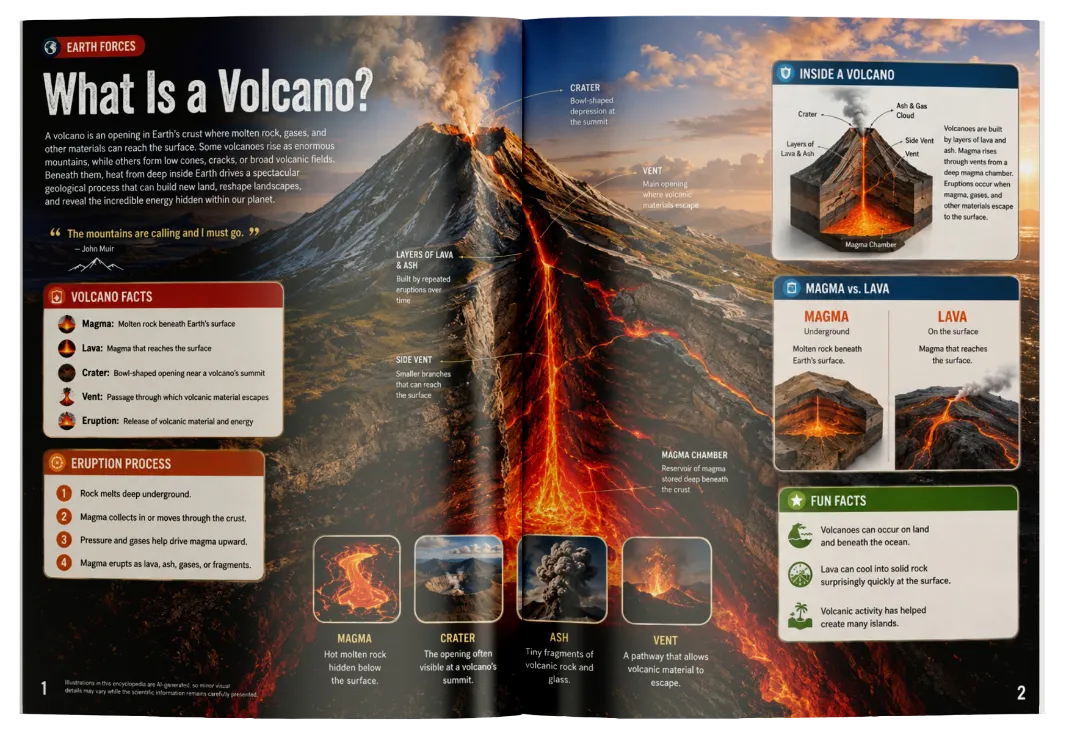
Style 01

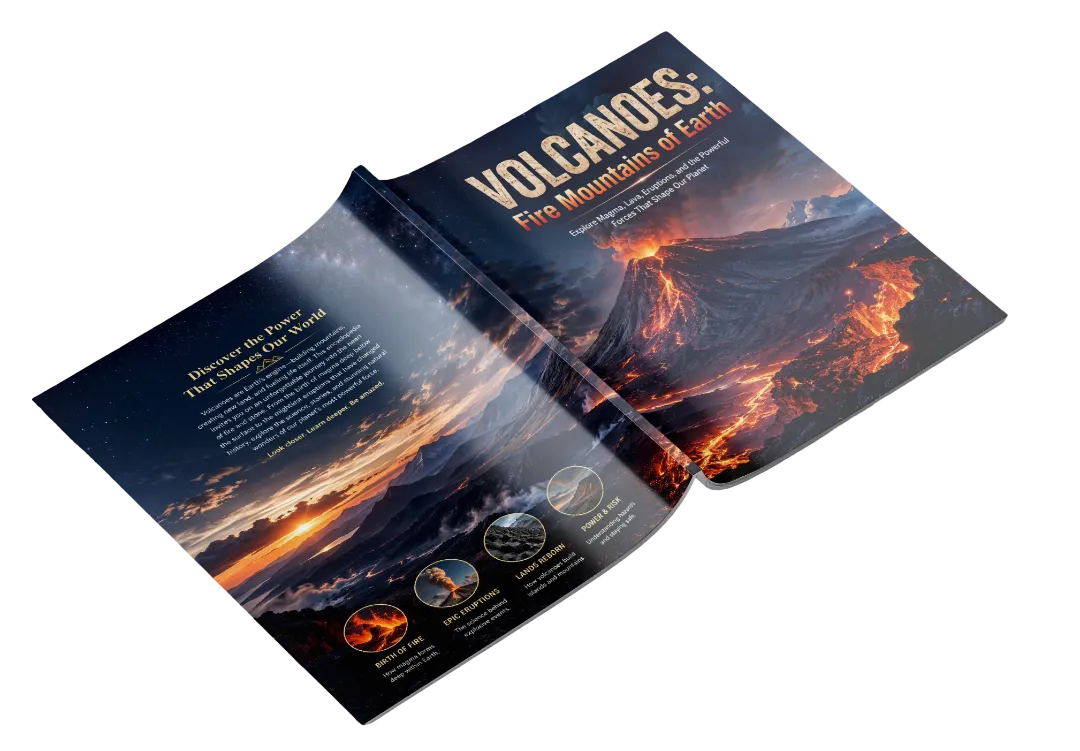
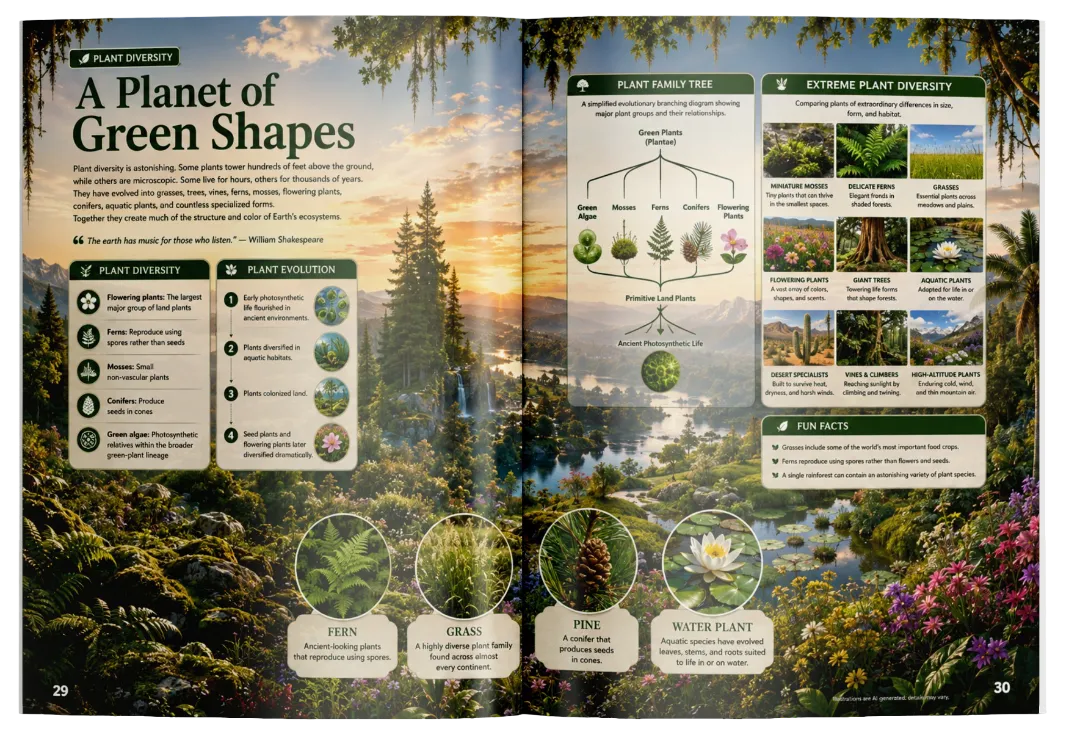
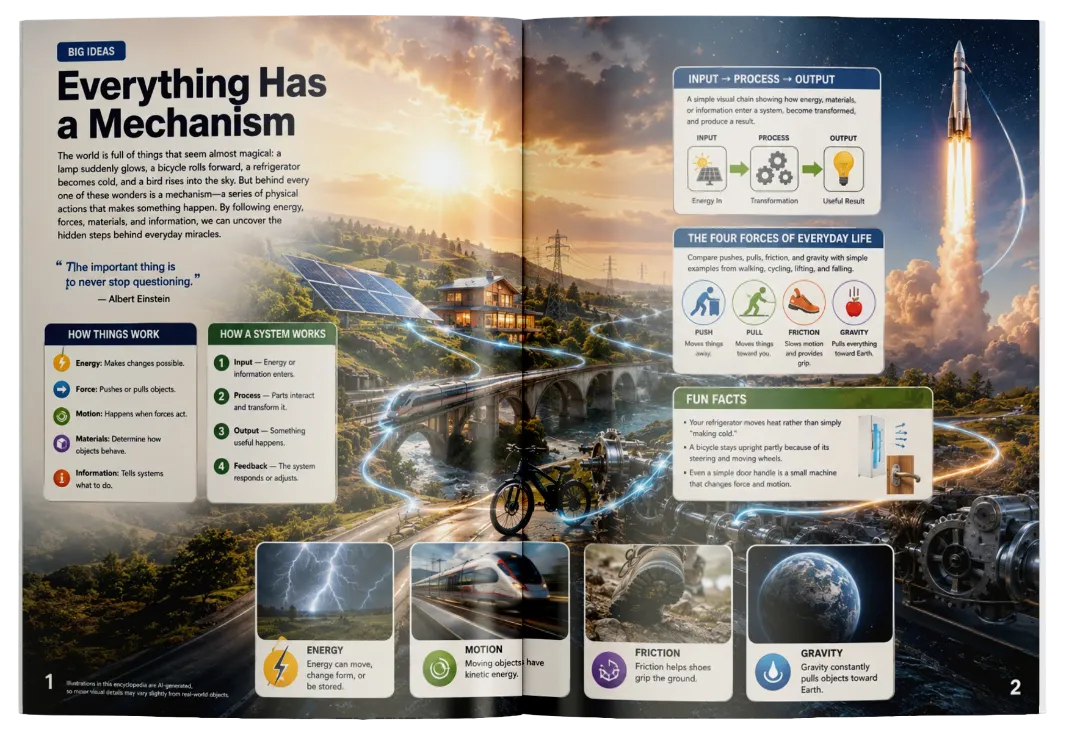
Realistic
Photography

Cinematic Documentary

Premium, immersive scenes inspired by high-end educational and nature magazine photography. Perfect for realistic encyclopedia-books.

CLICK BOOK TO TURN PAGES

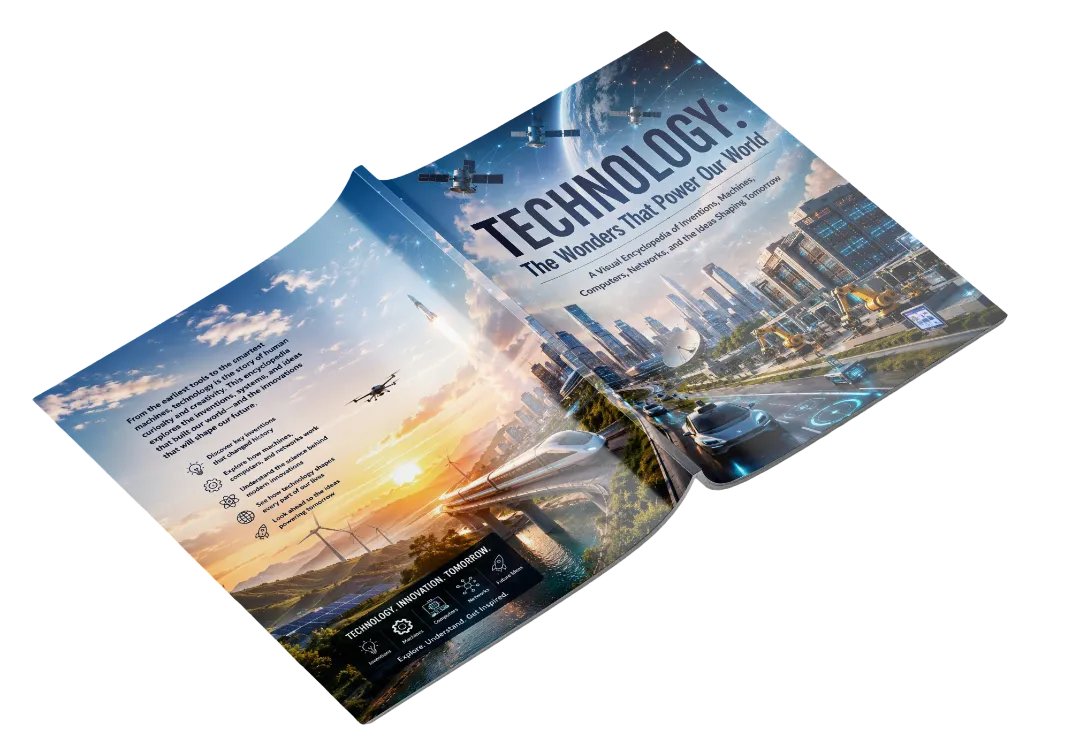
COVER AND BACK COVER

CLICK BOOK TO TURN PAGES

COVER AND BACK COVER
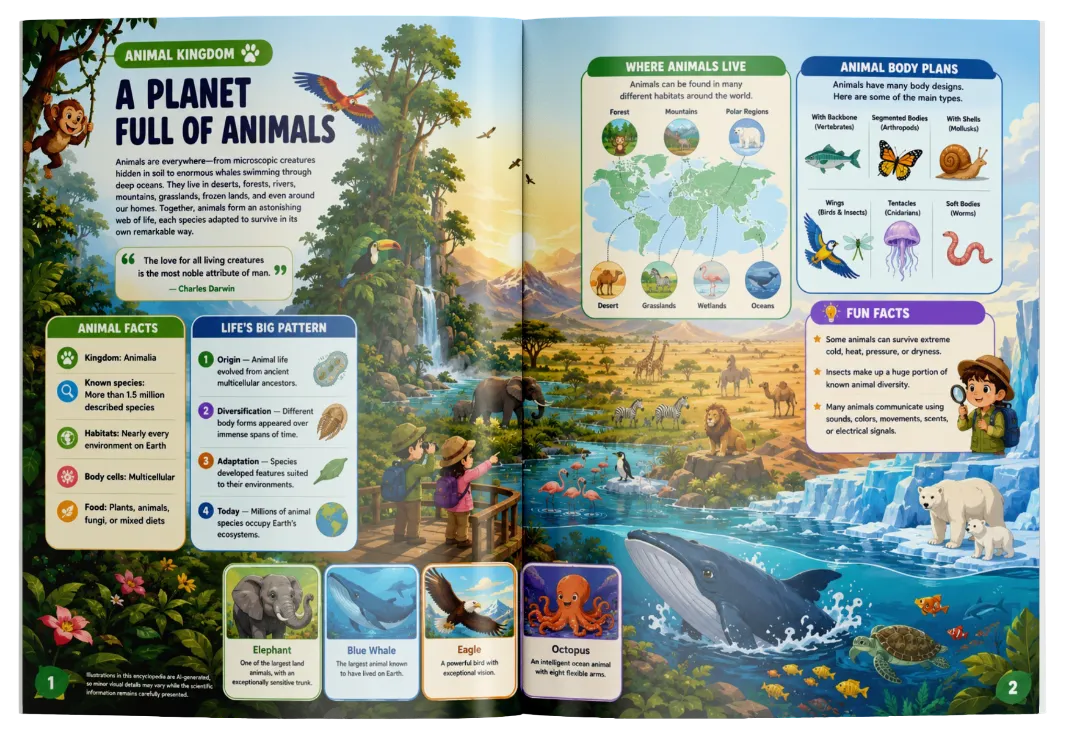
Style 02

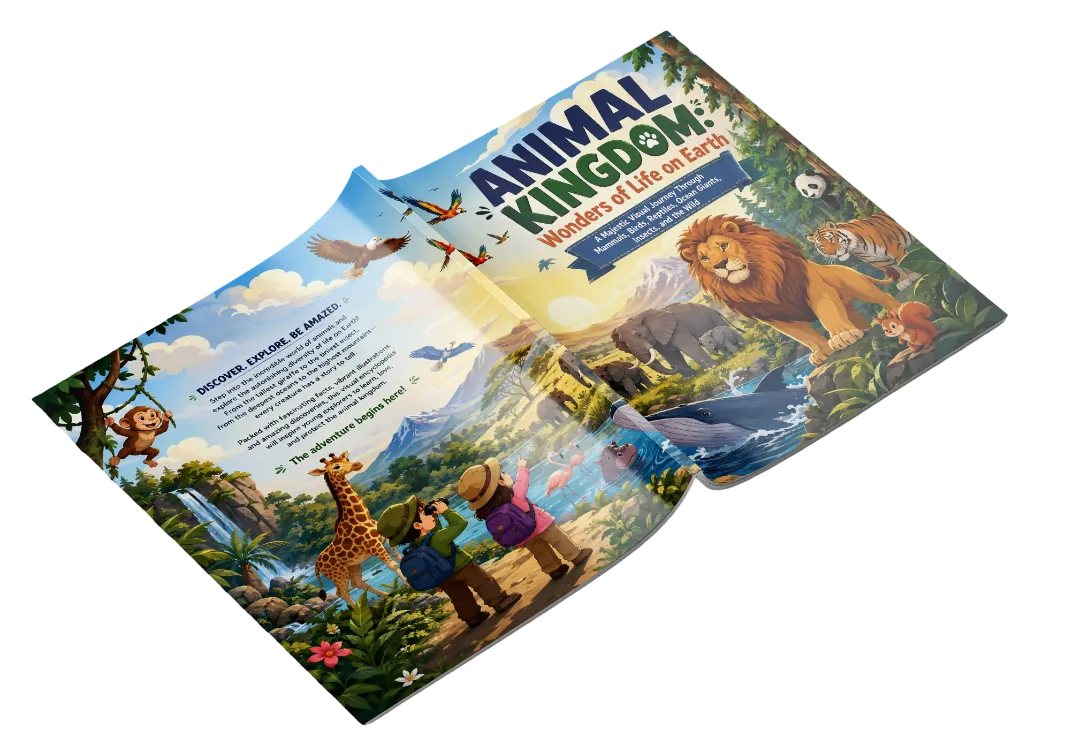
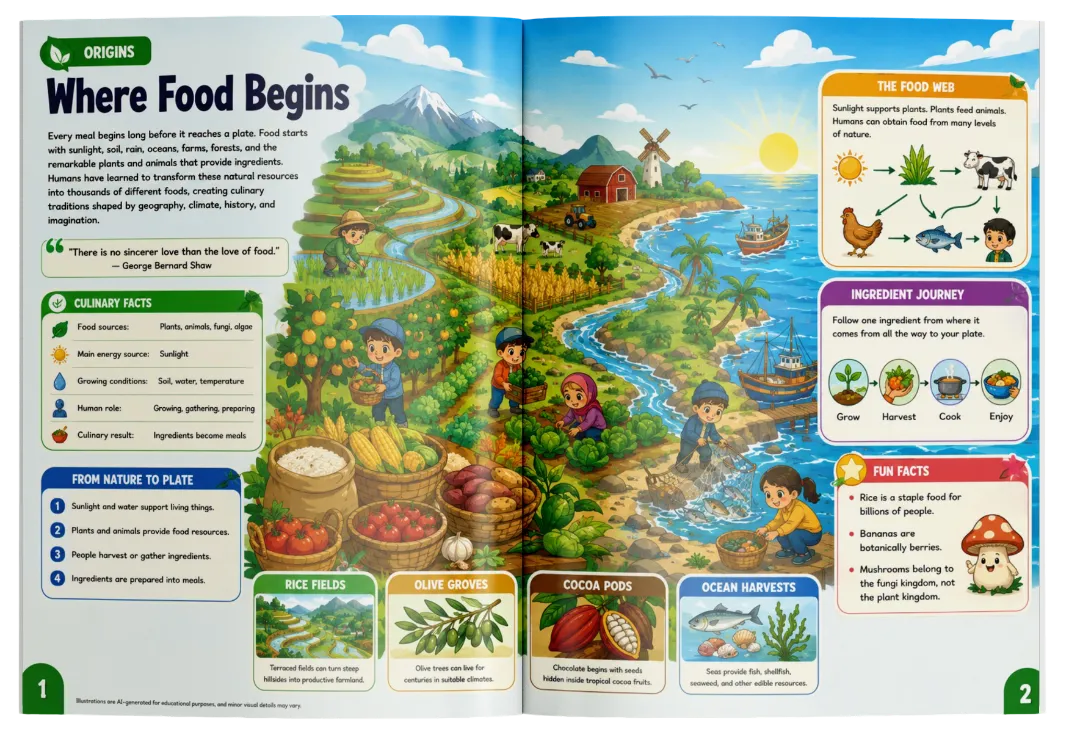
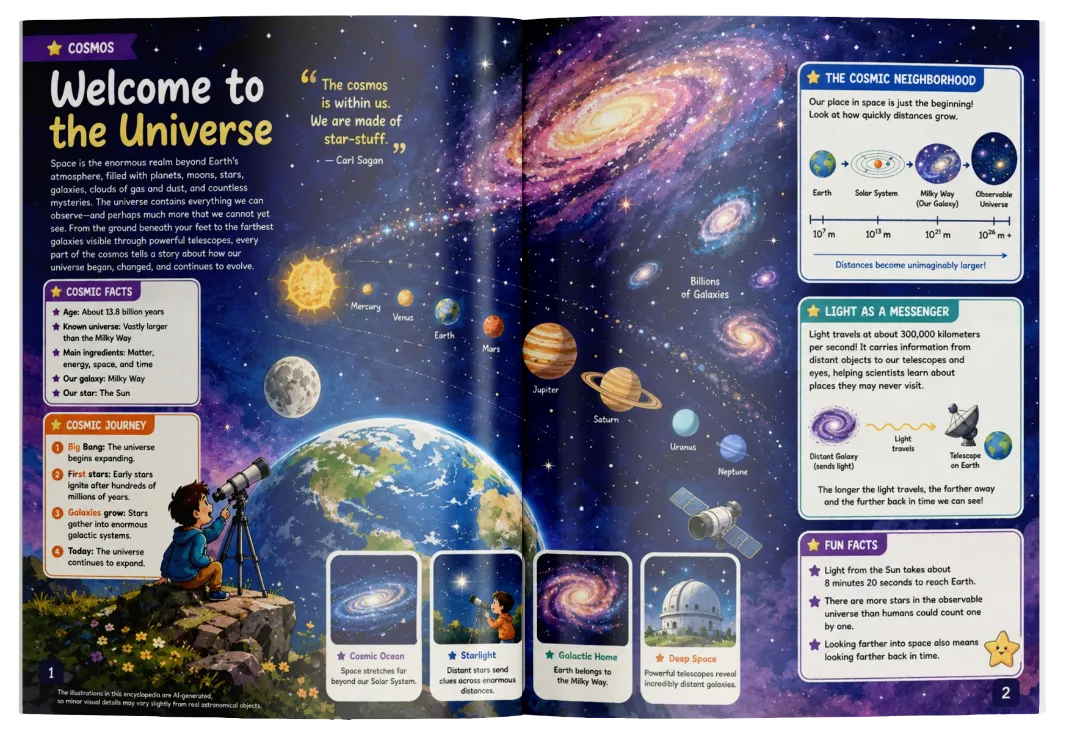
Cartoon /
Illustration

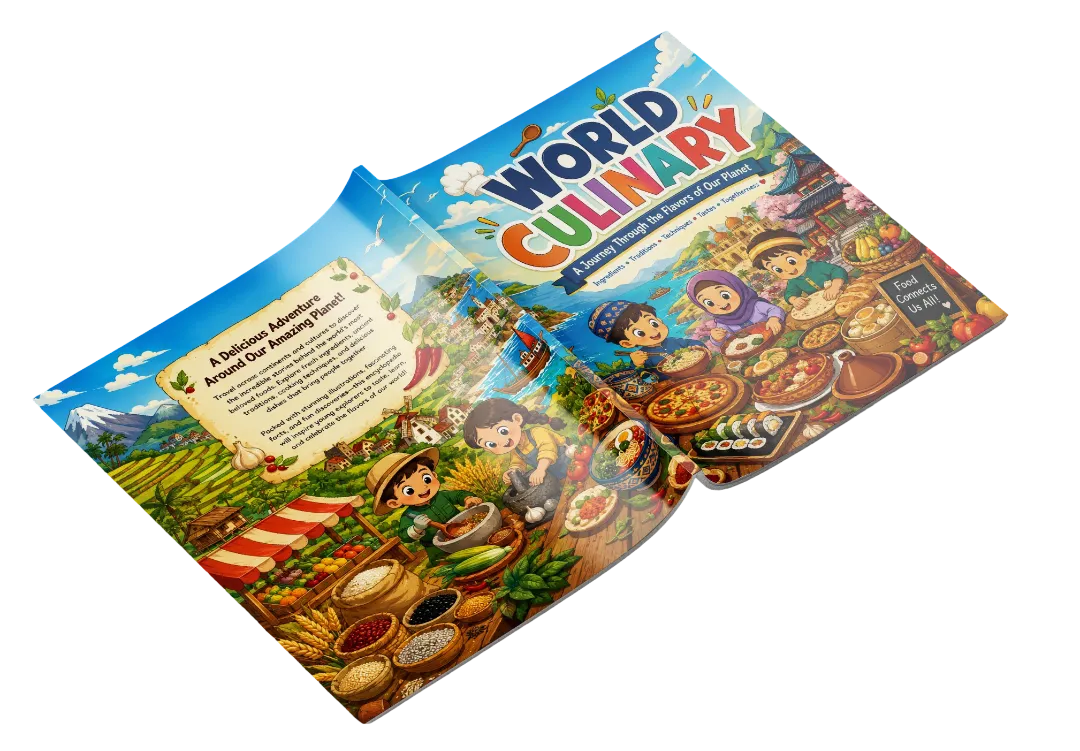
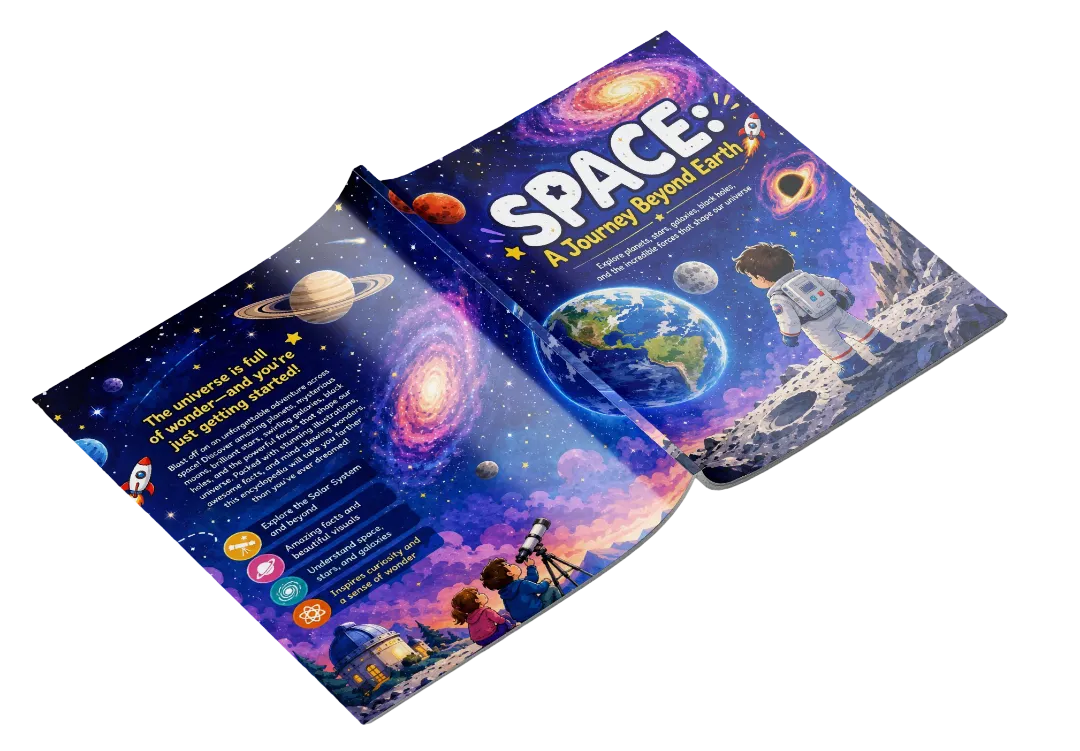
Playful Visuals

Bright, approachable illustrated worlds suitable for younger audiences and storybook-style educational products.

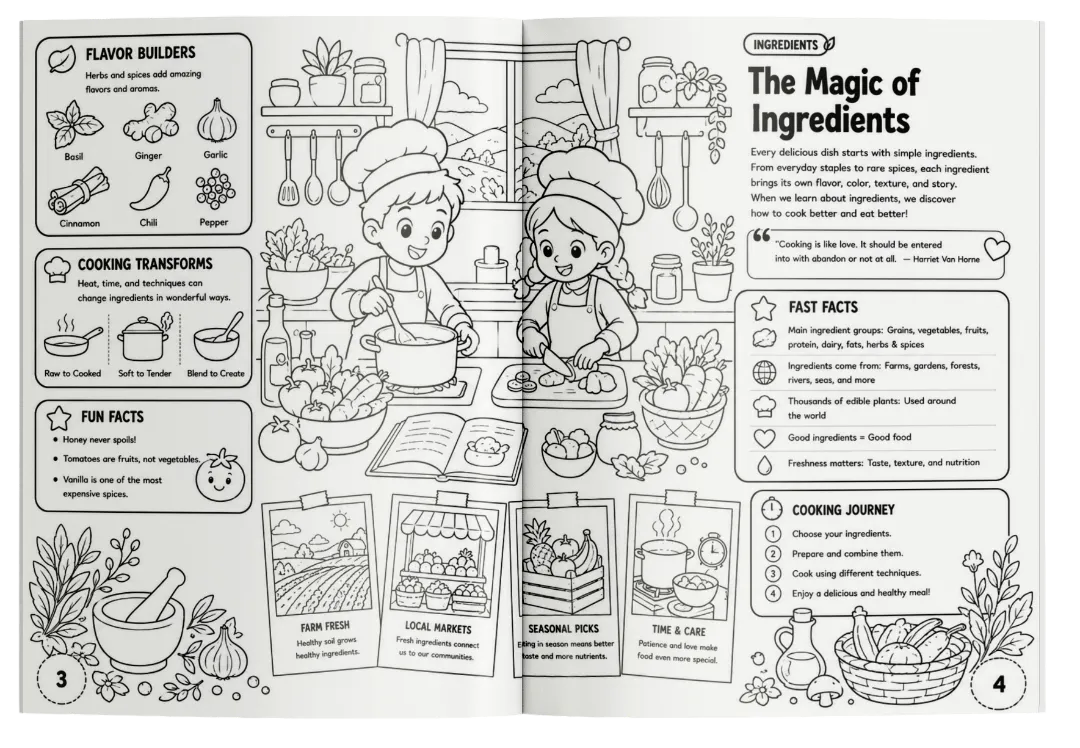
Style 03

B&W Outline
Art

Clean Educational Lines

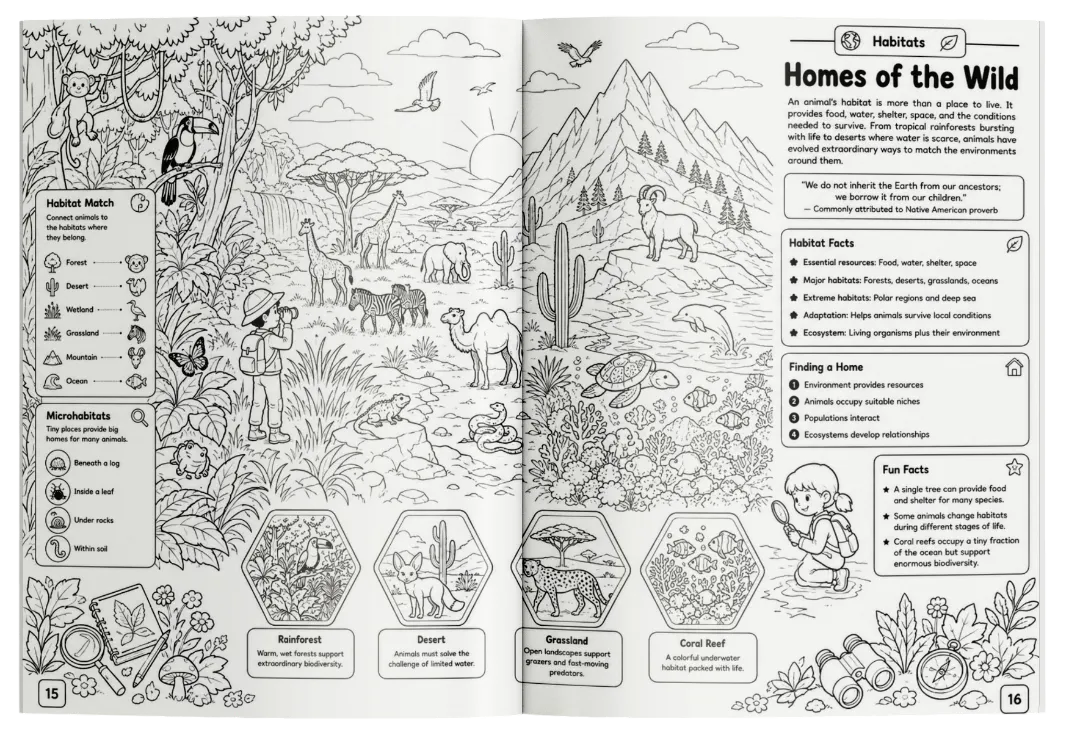
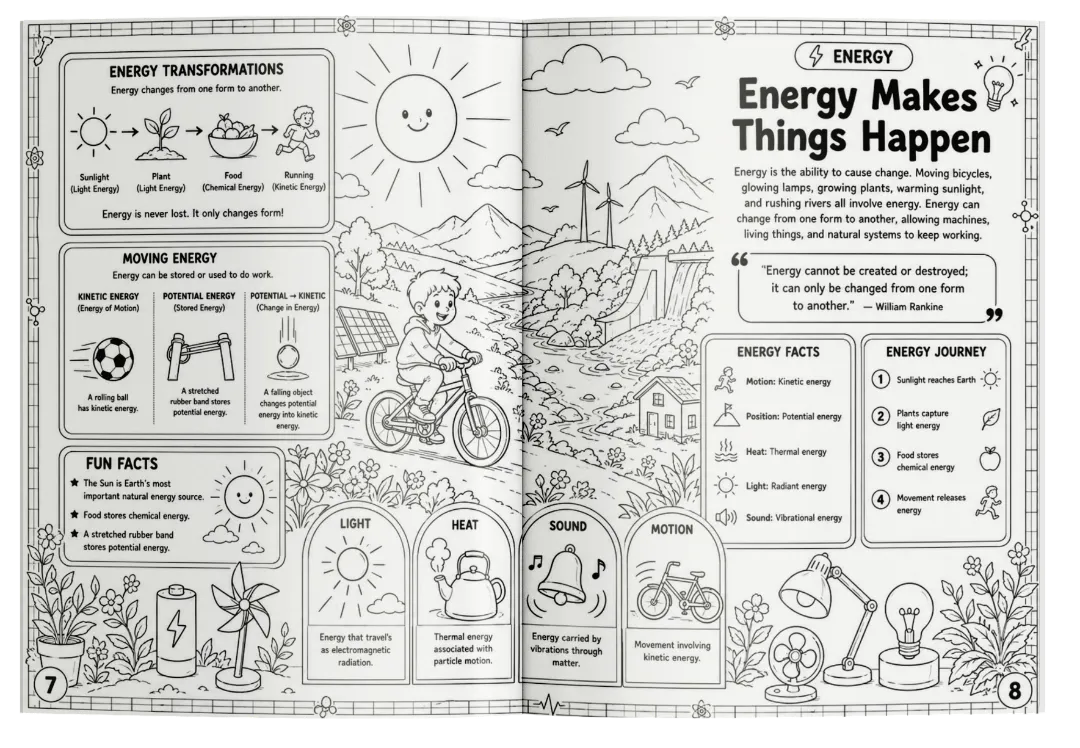
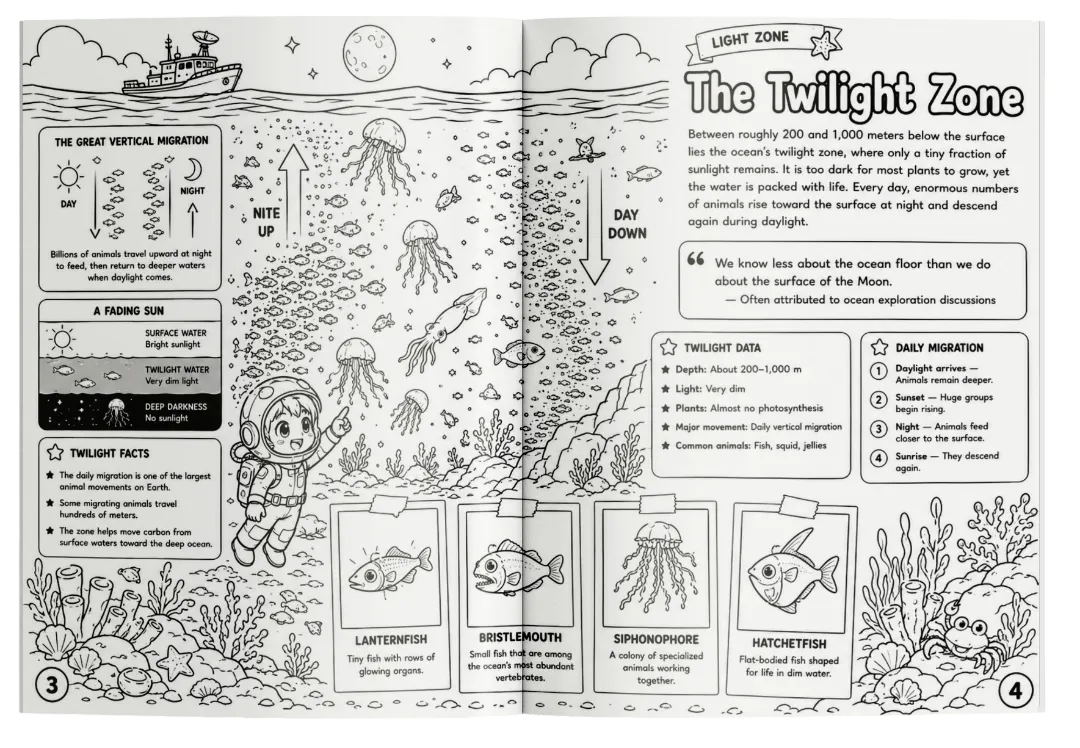
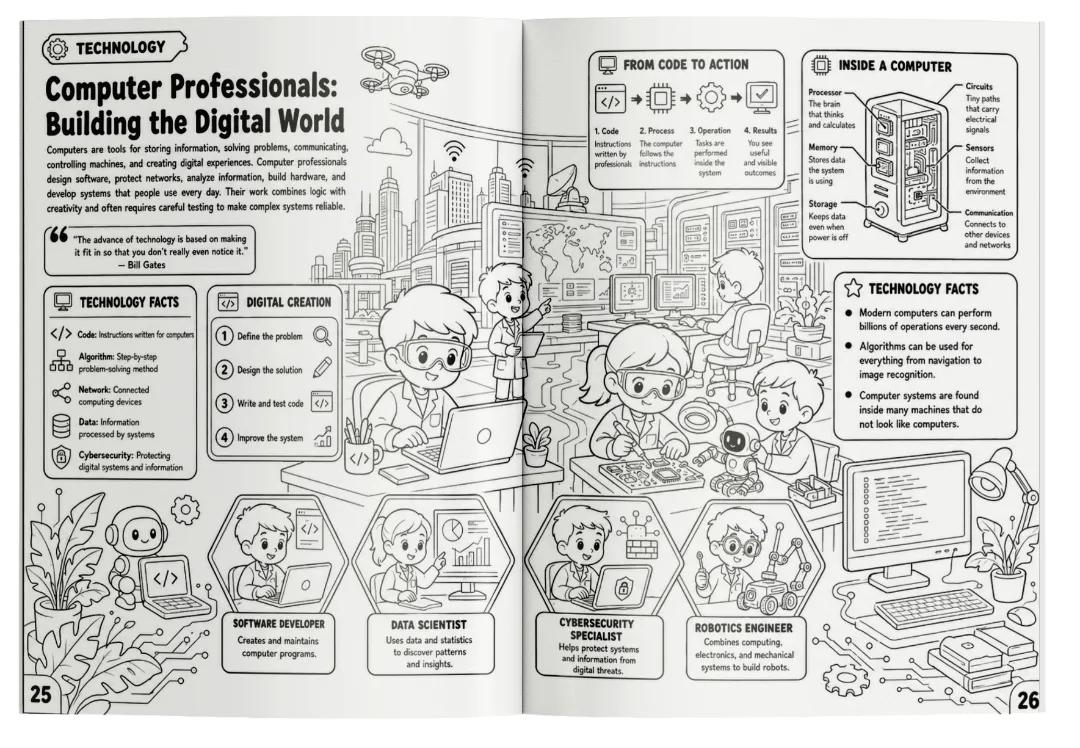
Simple black-and-white visual direction for printable-friendly educational content and coloring-style books.

CLICK BOOK TO TURN PAGES

COVER AND BACK COVER
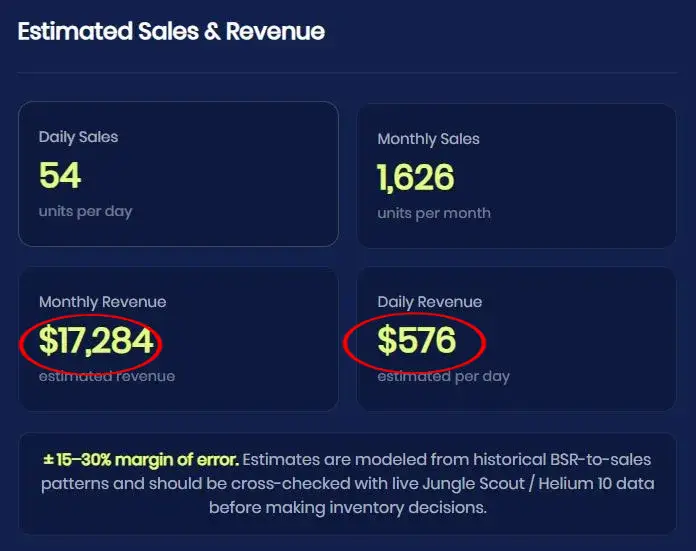
Market Intelligence Report

Visual Encyclopedias Quietly Generate Massive Demand.

Using Amazon BSR estimation tools, high-quality educational children's books continue to attract thousands of buyers every single month. Parents actively spend money on books that make learning majestic and engaging.

The purpose of sharing these numbers is simple:
To show you that building encyclopedias isn't just a creative hobby—it's a highly profitable publishing asset you can sell on Amazon KDP, Etsy, or your own store.

*PLEASE NOTE: These are not my personal earnings. This screenshot represents the estimated sales of a single existing product in a similar niche on Amazon. Estimates are based on publicly available Amazon Best Seller Rank (BSR) data. Not a guarantee of earnings.

Exhibit A: BSR Estimates
Estimated Sales and Revenue
The Reality Check

Everyone Loves Learning Something New.

Creating A Complete Encyclopedia Is A Different Story.

Happy kid learning
Fig. 01

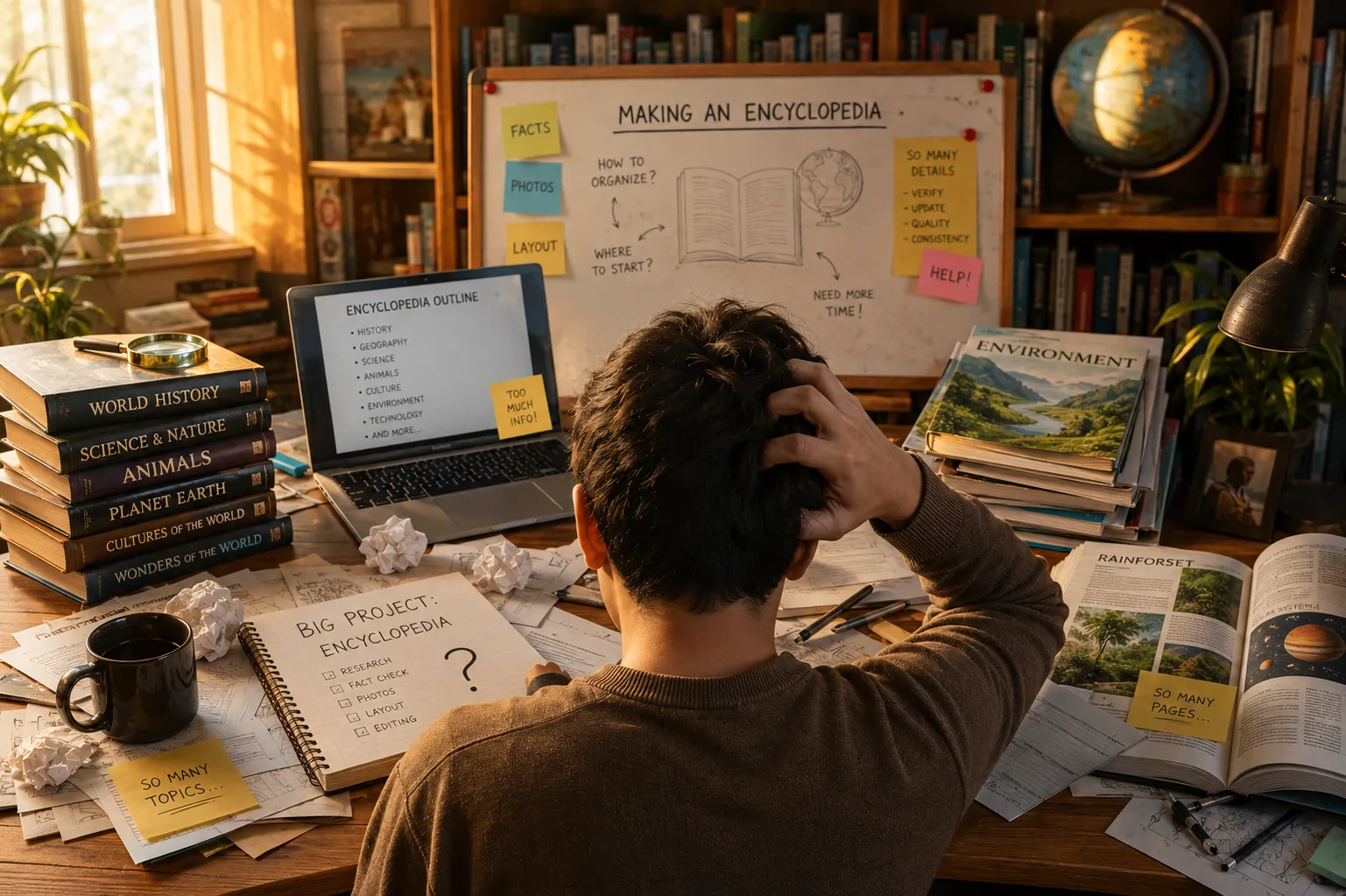
The idea of learning is fun and majestic. But organizing 60 pages of facts manually? That's a nightmare.

Give ChatGPT a simple topic like:

SPACE NATURE DINOSAURS TRANSPORTATION

→ It can generate useful information in seconds.

But now try turning those scattered text into a 60-page visual encyclopedia.

You suddenly have to manually:

  • Structure a logical 60-page editorial flow.
  • Write concise facts, infographics, and trivia.
  • Concept visual metaphors for 30 panoramic scenes.
  • Ensure visual consistency, design covers, and format to PDF.

That's when a simple encyclopedia idea becomes hours of exhausting work.

The Real Bottleneck

Most Creators Can Generate Information.

They Need A Faster Way To Turn It Into A Complete Visual Encyclopedia.

And that's exactly why we built…

Creator overwhelmed
Fig. 02

Information is easy. Transforming it into a cohesive visual masterpiece is the real struggle.

The Solution

ENCYCLOPEDIA DECK

A Complete Guided Workflow To Build 60-Page Visual Encyclopedias With ChatGPT.

Stop staring at a blank document trying to figure out what goes on page 17. Encyclopedia Deck provides the exact editorial structure, content briefs, and visual prompts you need to guide AI.

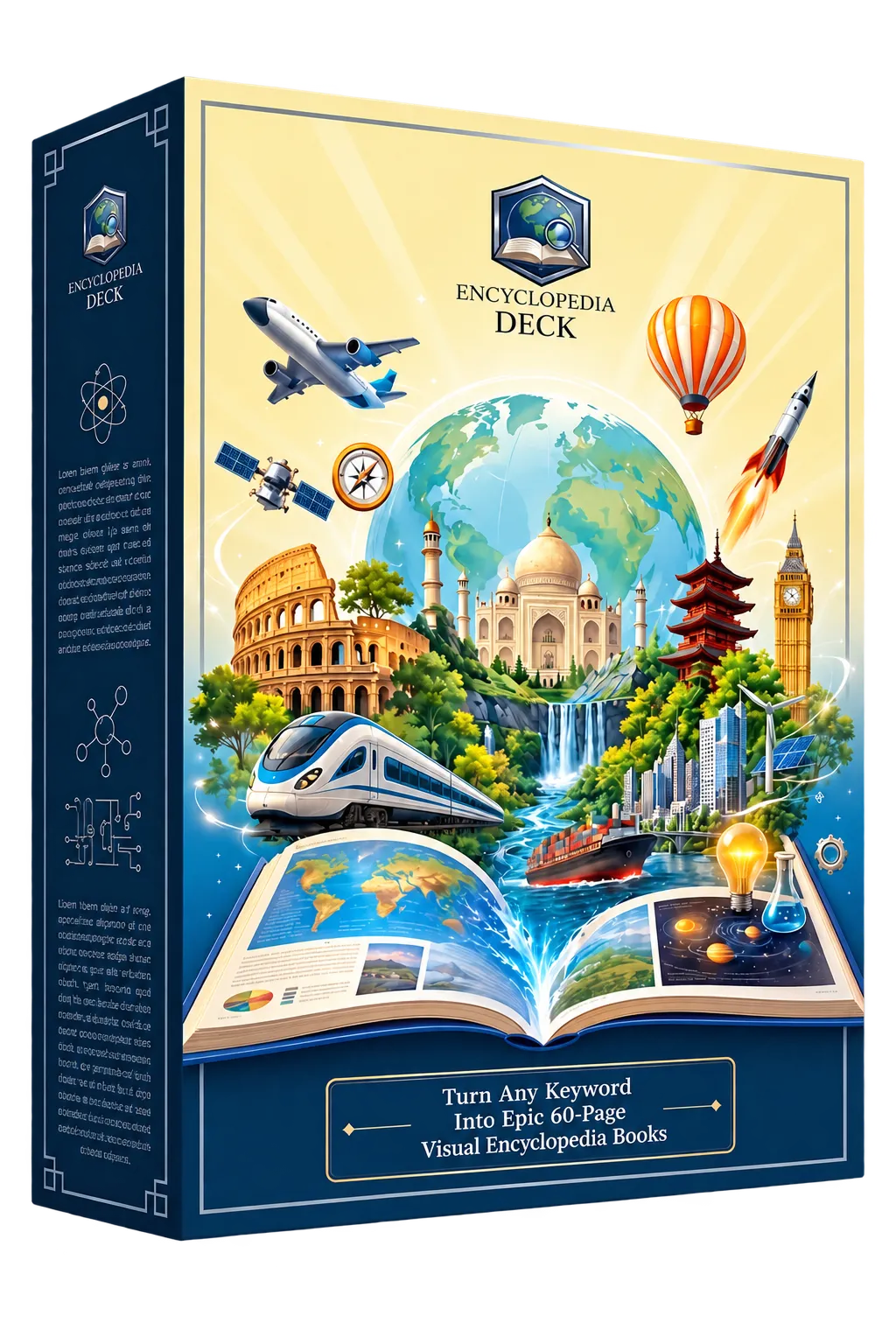
Encyclopedia Deck Box

A Guided Creation Workflow In 4 Steps

1

Pick A Topic

Choose your keyword and customize your publishing direction.

2

Guided Flow

Use our ready-made briefs to guide ChatGPT in writing the content.

3

Create Visuals

Generate 30 panoramic scenes using our precise visual prompts.

4

Complete Book

Combine your finished pages into a complete book inside our app.

The Panoramic Difference

One Keyword. 60 Pages.

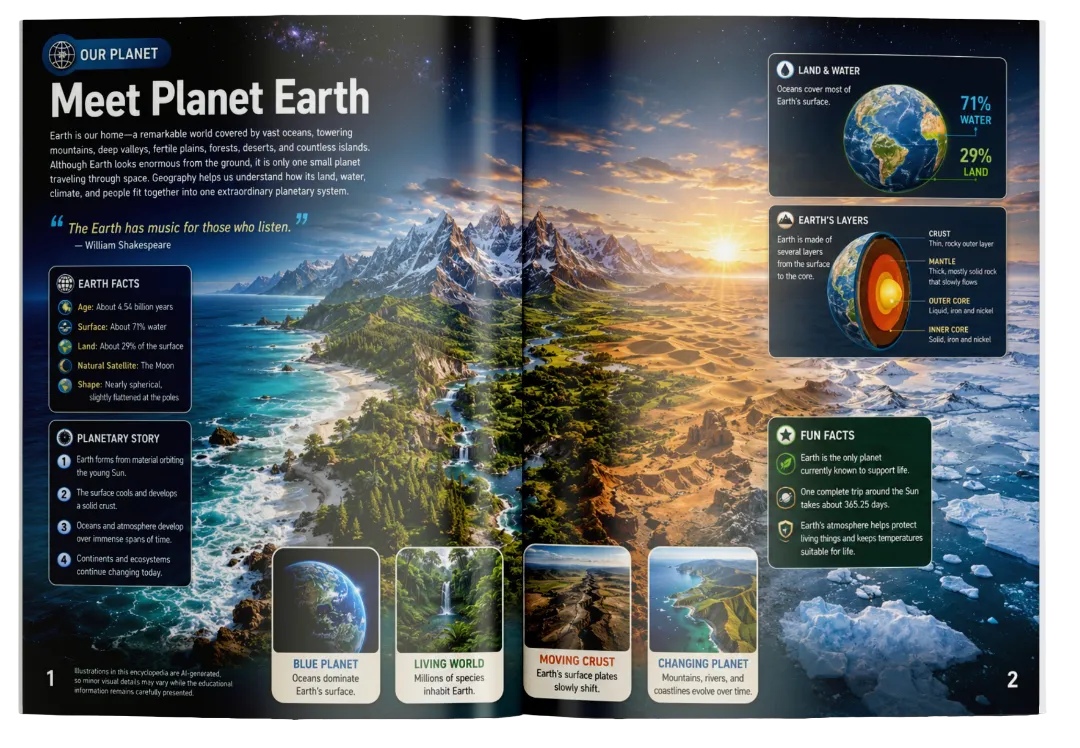
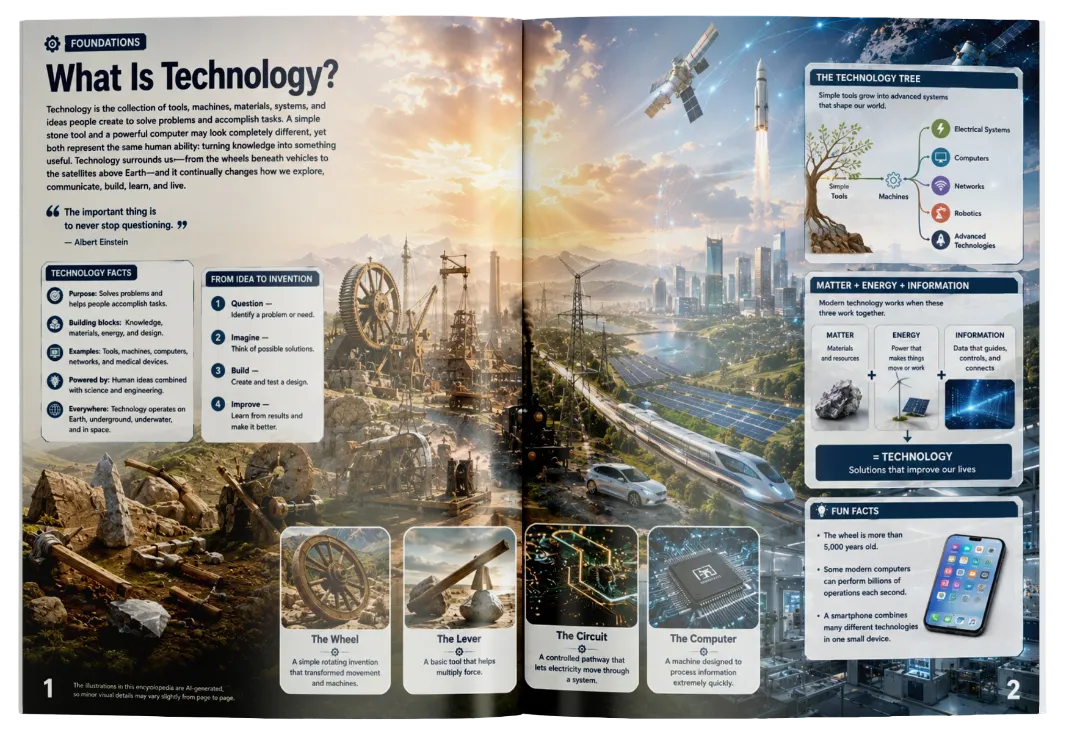
Most book workflows think in terms of individual pages. Encyclopedia Deck thinks bigger. Imagine opening your book to a spread where the scene flows continuously across both pages — giving your visuals more room to breathe.

Standard Page
8.5 × 11 in
Single Canvas
+
AI Engine
Guided Prompt
Smart Coordination
=
Seamless Spread
17 × 11 in
2-Page Panoramic Flow

A mountain range can continue across the gutter.

A river can travel naturally from one page into the next.

A city can stretch beautifully across the full composition.

A timeline or fact panel can sit perfectly within the scene.

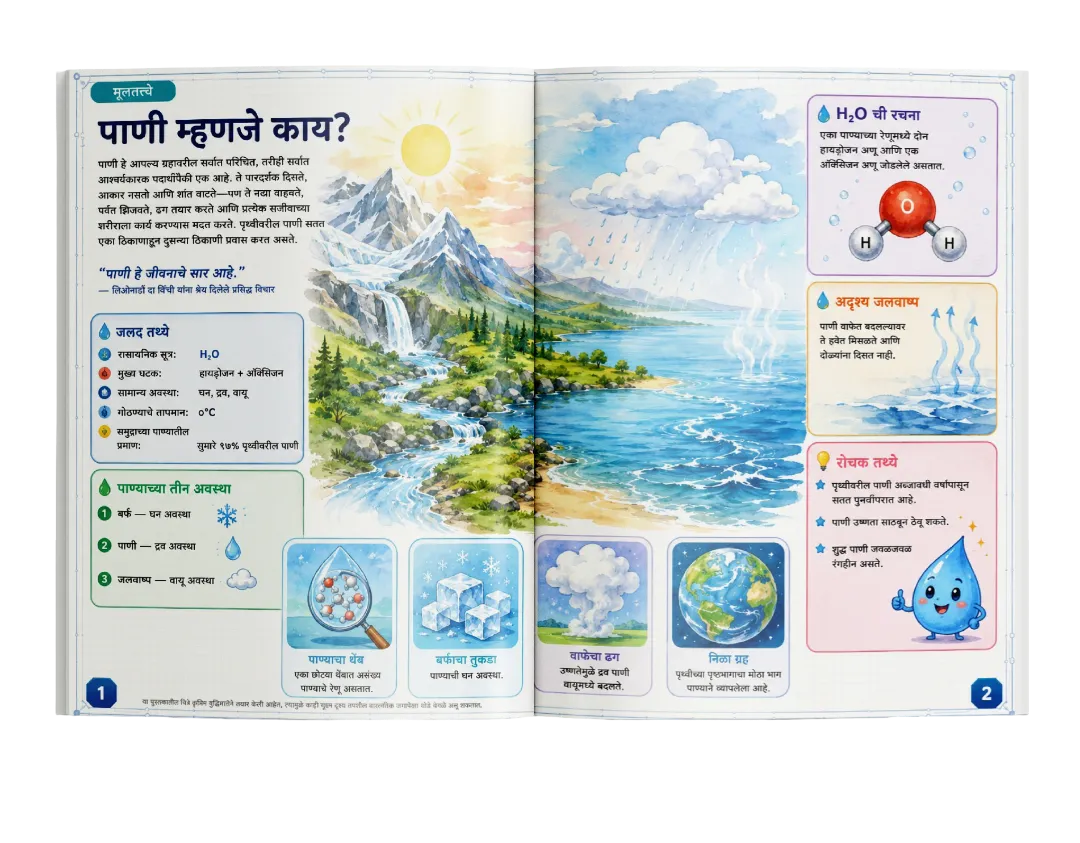
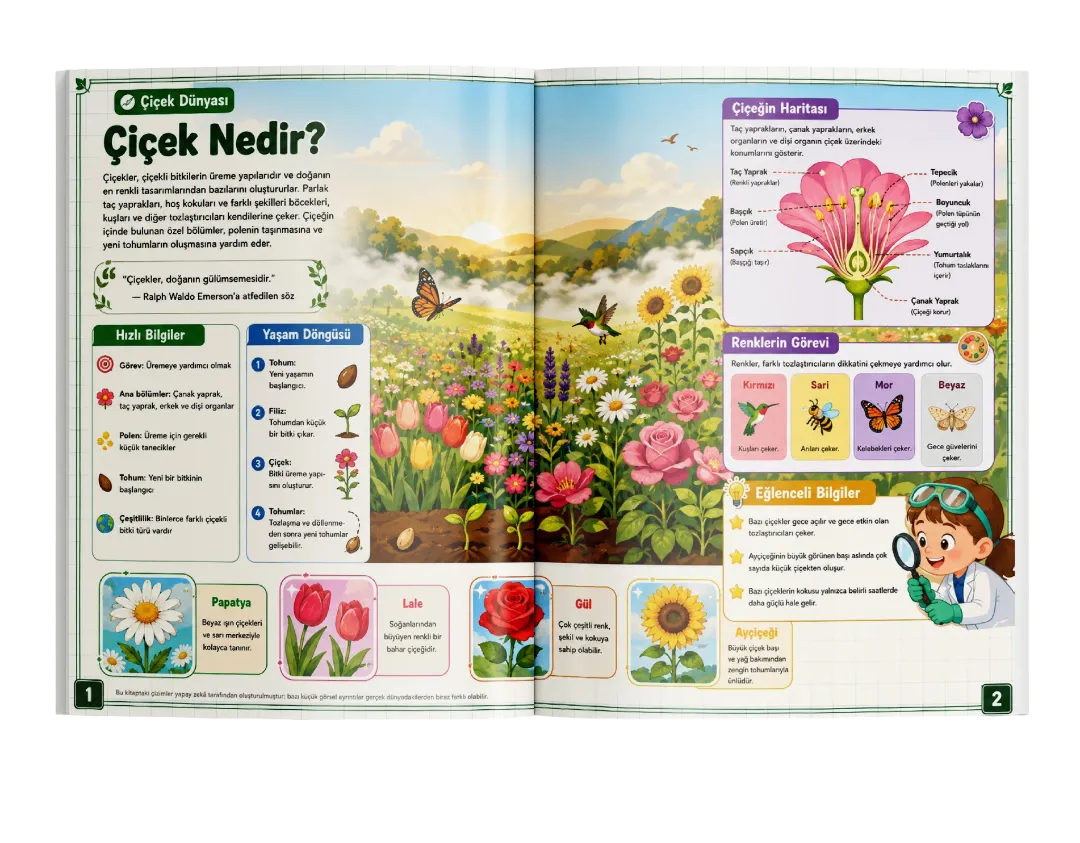
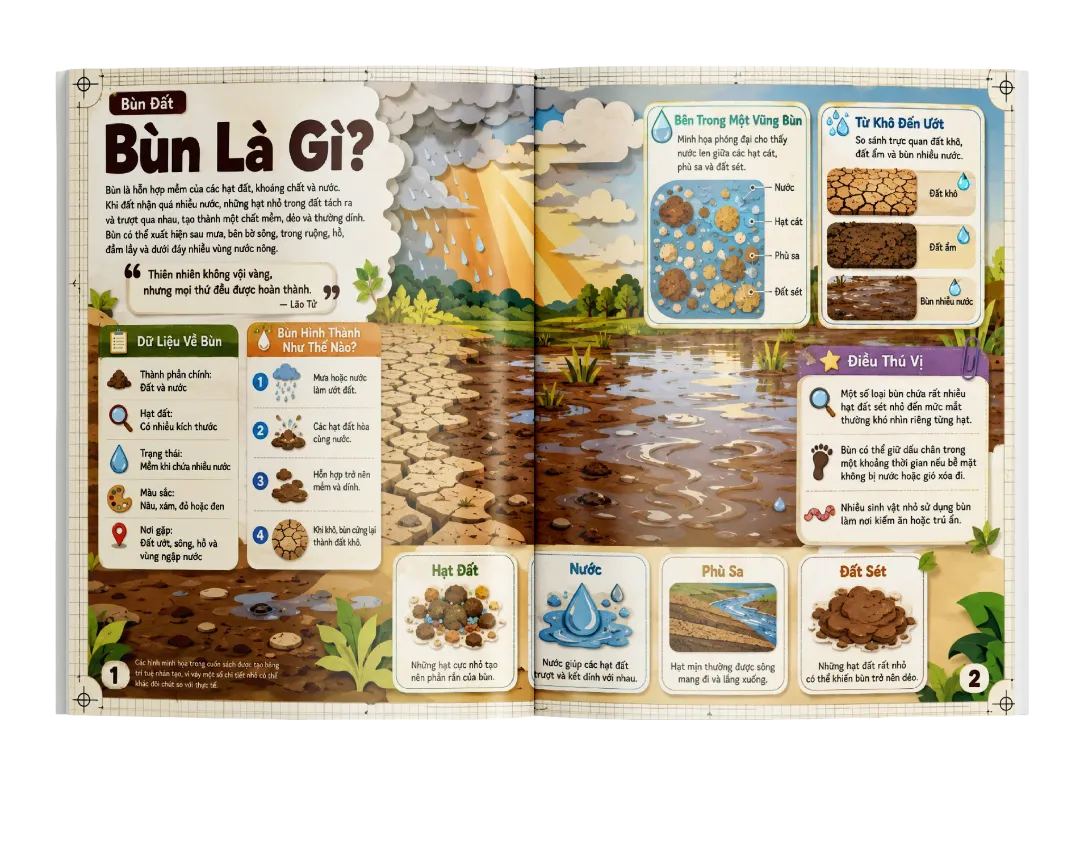
Panoramic spread example 1
Panoramic spread example 2
Panoramic spread example 3
Panoramic spread example 4

One Topic. One Visual World. Two Connected Pages.

The result? 60 pages that feel open, spacious, and provide room for true visual storytelling. Not just more pages. More visual breathing room.

Under The Hood

AI Builds The Encyclopedia Behind The Scenes

Users Simply Enter A Keyword…
Processing…
Complete Visual Encyclopedia
01

Book Foundation

  • Encyclopedia title
  • Subtitle
  • Front cover direction
  • Back cover direction
02

Editorial Structure

  • 30 themed spreads
  • 60-page flow
  • Topic progression
  • Page-level content structure
03

Educational Details

  • Facts & key information
  • Trivia
  • Timelines & sequences
  • Infographic sections
  • Mini spotlights
  • Introductory explanations
04

Visual Direction

  • Panoramic scene concepts
  • Two-page visual flow
  • Mini image concepts
  • Full wraparound cover direction
  • Ready-to-use visual prompts
Total Flexibility

Speed Or Precision?
You Choose.

Whether you want to publish fast or craft a highly targeted niche book, we give you the exact tools to do it.

Autopilot Mode

In a rush? Just enter a keyword. The system automatically sets the perfect editorial direction optimized for kids.

Pre-Configured For:

Educational Kid-Friendly Concise Majestic
Generates all 30 spreads in just two simple prompts.

Manual Override

Want to target a specific niche? Take full control over the publishing direction to match your exact audience.

You Can Customize:

Language Target Age Book Tone Author Name Custom Titles
Your encyclopedia. Your publishing rules.
Visual Studio

Content Is Only Half The Encyclopedia.

Encyclopedia Deck doesn't just help you write the facts with chatgpt.
It gives you complete control over how your final book looks.

Cover Style

Cover & Back Cover

Cartoon Style

Inner: Cartoon Style

B&W Style

Inner: B&W Outline

So, What Exactly Do You Get?

Everything you need to format the perfect book.

Any Book Size

Format your pages for 8.5x11, square, or any custom size.

3 Visual Themes

Generate realistic photos, cute cartoons, or B&W coloring pages.

Matching Covers

Get a full wraparound cover that matches your inside pages.

Clean Layouts

Our prompts automatically handle borders and text spacing.

Smart Placement

Fact boxes and trivia are placed perfectly within the scene.

1-Click Auto Mode

Too lazy to tweak? Let the engine handle all design rules for you.

The Complete Architecture

Not Just Facts.
A Structured Experience.

Every encyclopedia is built with an extensive variety of visual styles and a deep educational framework.

Editorial Elements

Organize your spreads with structured content components.

Category Tags
Main Titles
Short Introductions
Fact Boxes
Timelines & Sequences
Infographics
Fascinating Trivia
Visual Spotlights

Extended Visual Modes

Beyond the defaults, dive deeper into specific aesthetics.

Cinematic Landscapes Documentary Photo Scientific Photo Classic Storybook Modern Cartoon Flat Vector Gouache Blueprint Engraving Educational Outline And More
"

The goal isn't to dump information onto pages.

It's to give the information a place to live.

Exhibit Gallery

Real Outputs Created With Encyclopedia Deck

From eye-catching covers to detailed panoramic encyclopedia pages. Explore the carousel below to see real outputs created with Encyclopedia Deck.

01

Front & Back Covers

Plate 01 — Cover
Plate 02 — Cover
Plate 03 — Cover
Plate 04 — Cover
Plate 05 — Cover
Plate 06 — Cover
Plate 07 — Cover
Plate 08 — Cover
Plate 09 — Cover
Plate 10 — Cover
Plate 11 — Cover
Plate 12 — Cover
02

Realistic Photography Pages

Spread 01 — Realism
Spread 02 — Realism
Spread 03 — Realism
Spread 04 — Realism
Spread 05 — Realism
Spread 06 — Realism
03

Professional Illustration Pages

Spread 07 — Illustration
Spread 08 — Illustration
Spread 09 — Illustration
Spread 10 — Illustration
Spread 11 — Illustration
Spread 12 — Illustration
04

Black & White Coloring Pages

Spread 13 — B&W Draft
Spread 14 — B&W Draft
Spread 15 — B&W Draft
Spread 16 — B&W Draft
Spread 17 — B&W Draft
Spread 18 — B&W Draft
Global Ready

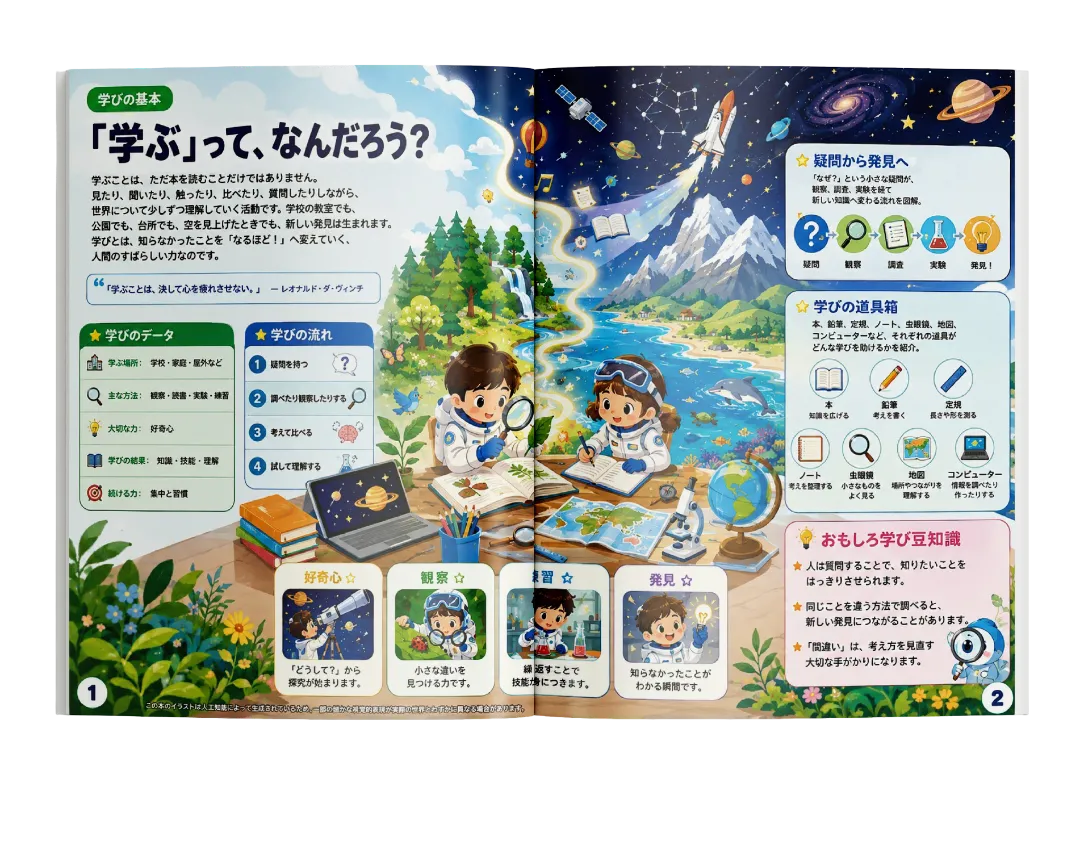
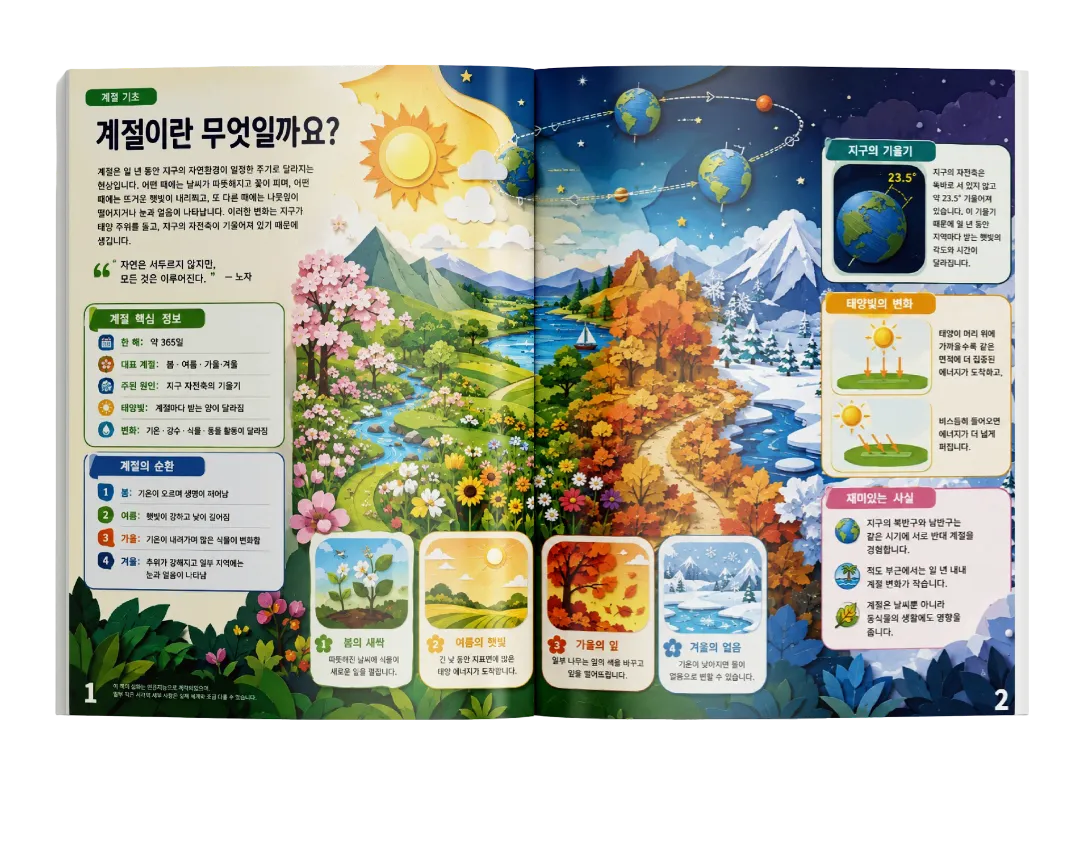
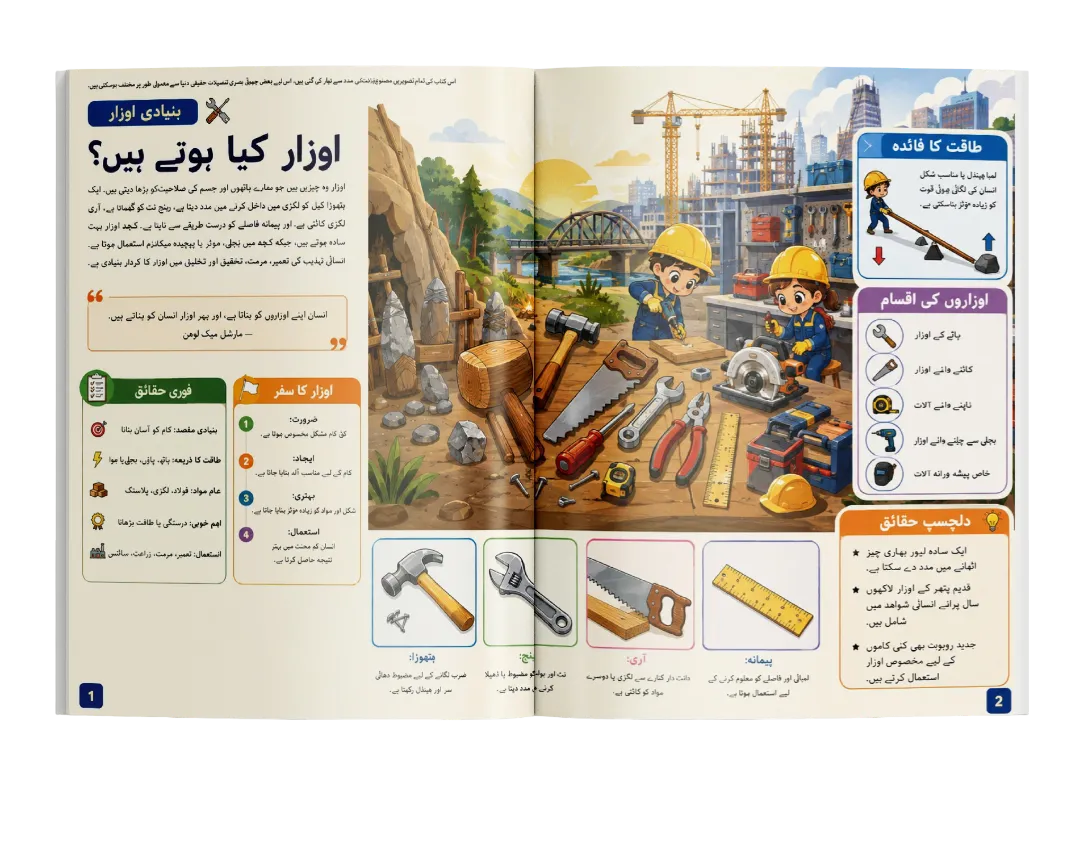
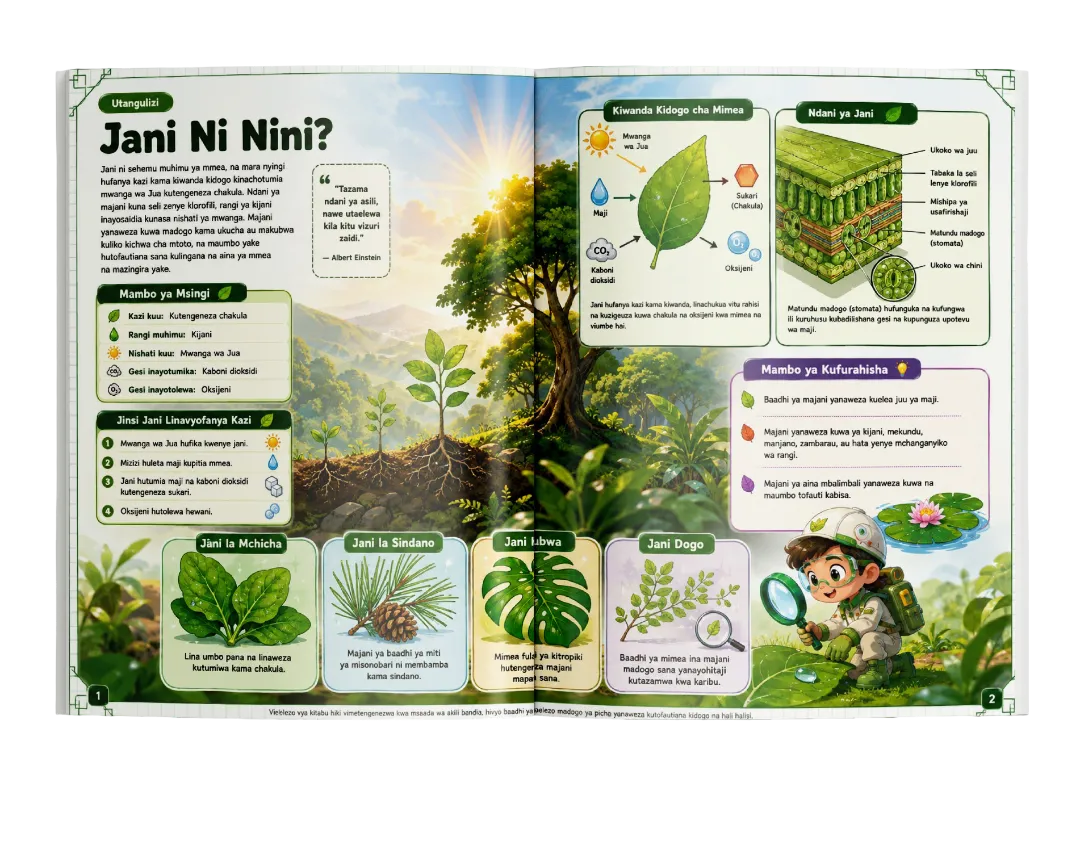
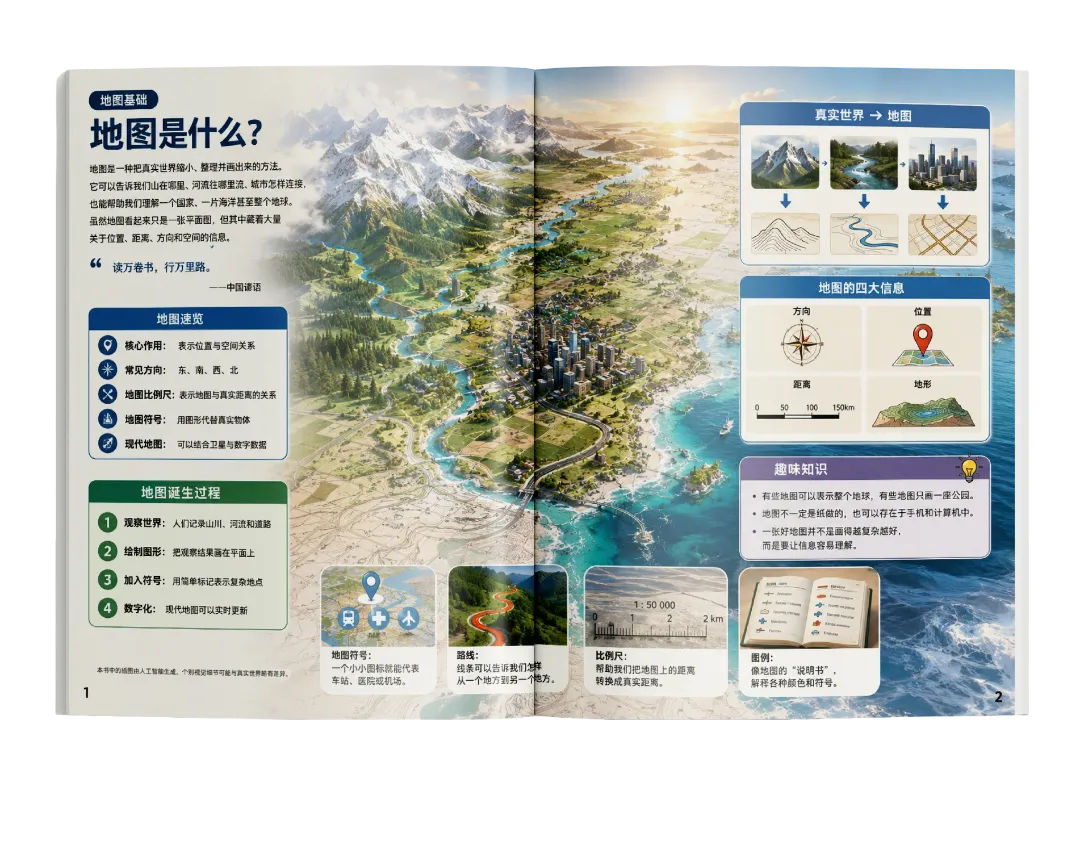
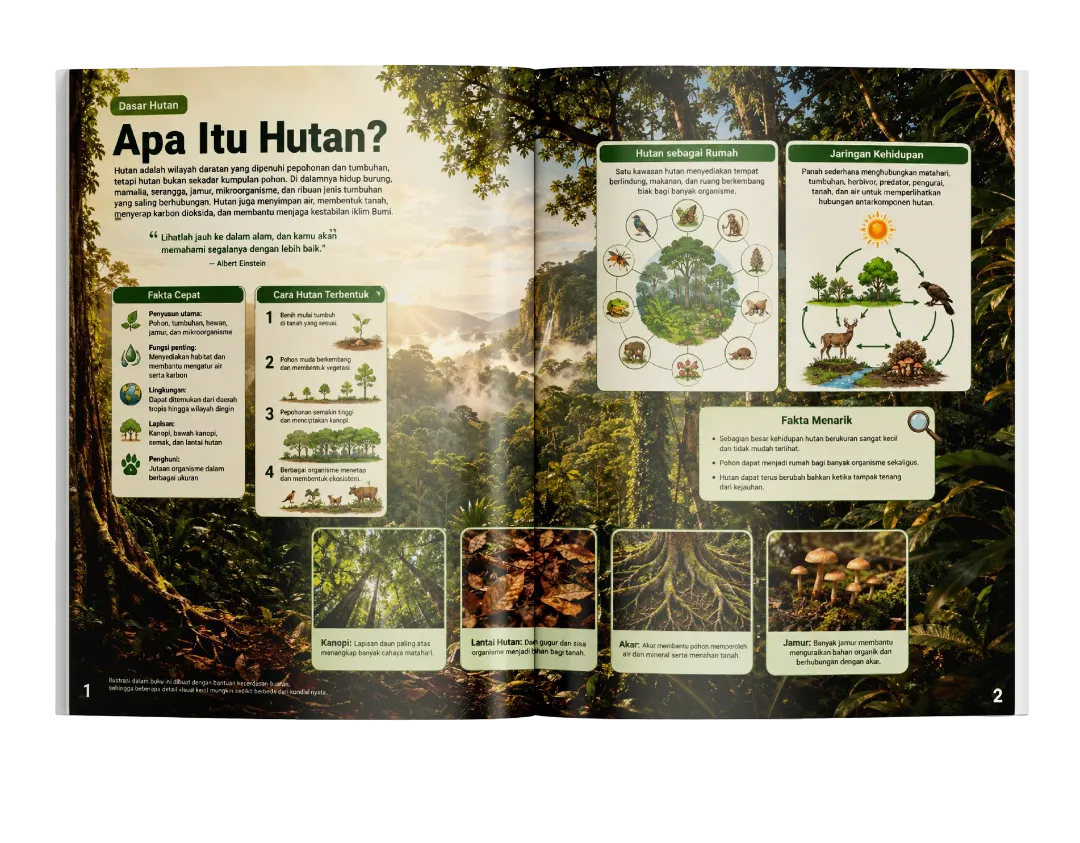
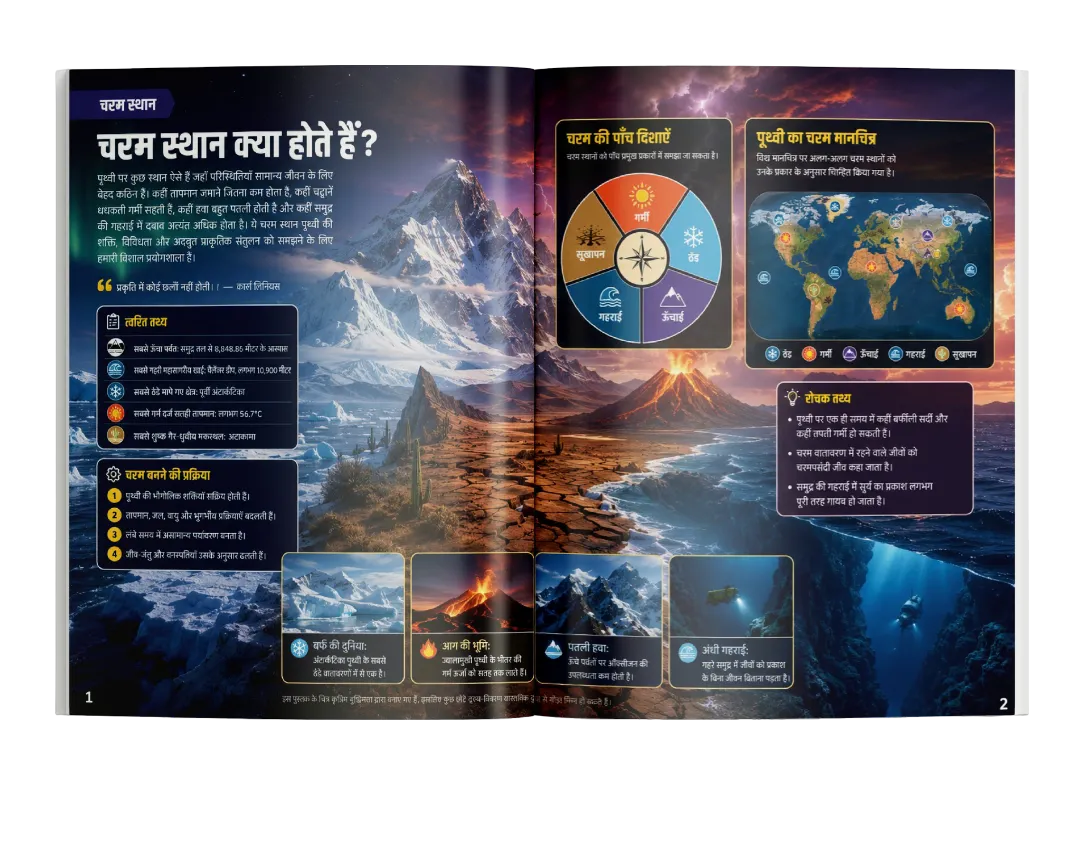
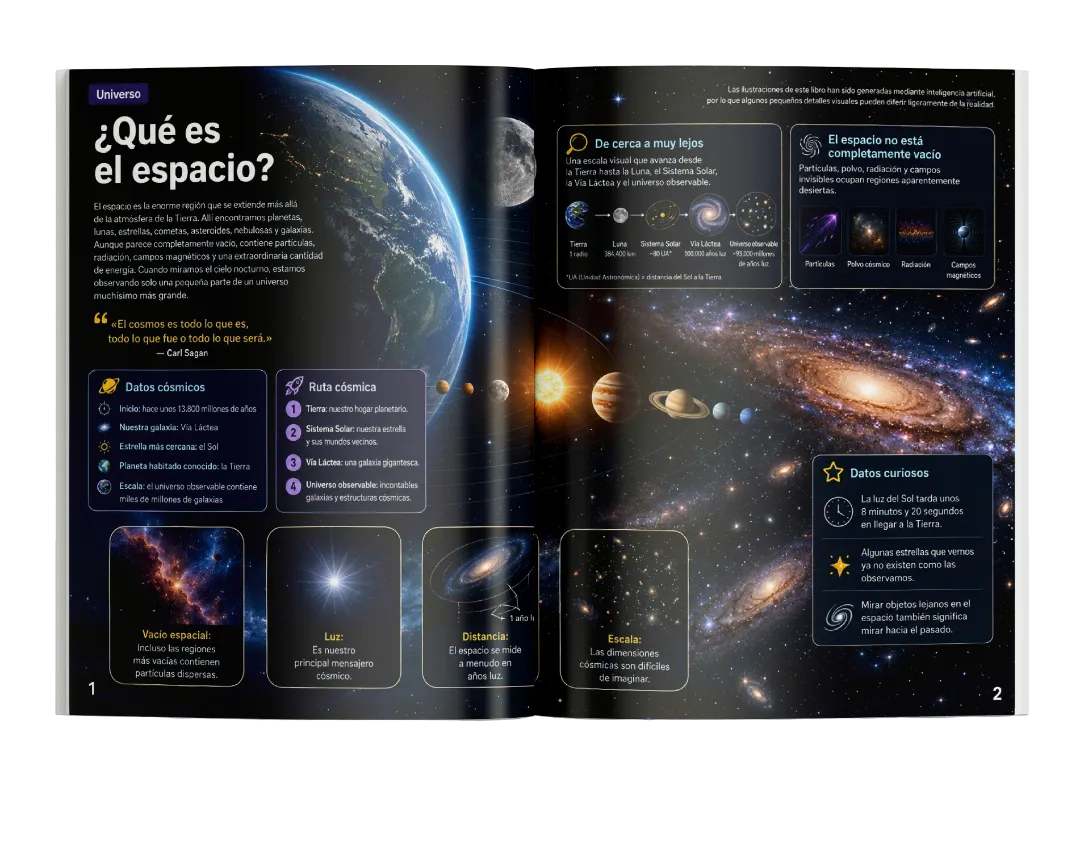
Works In Multiple Languages

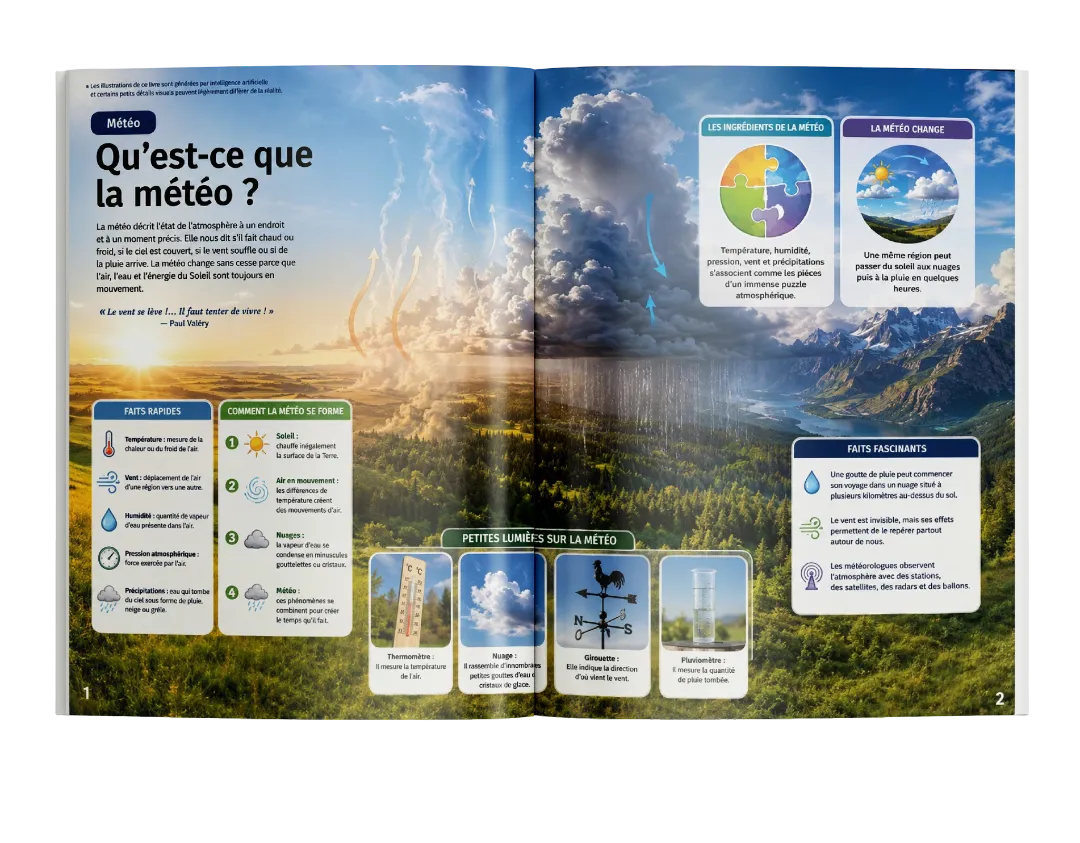
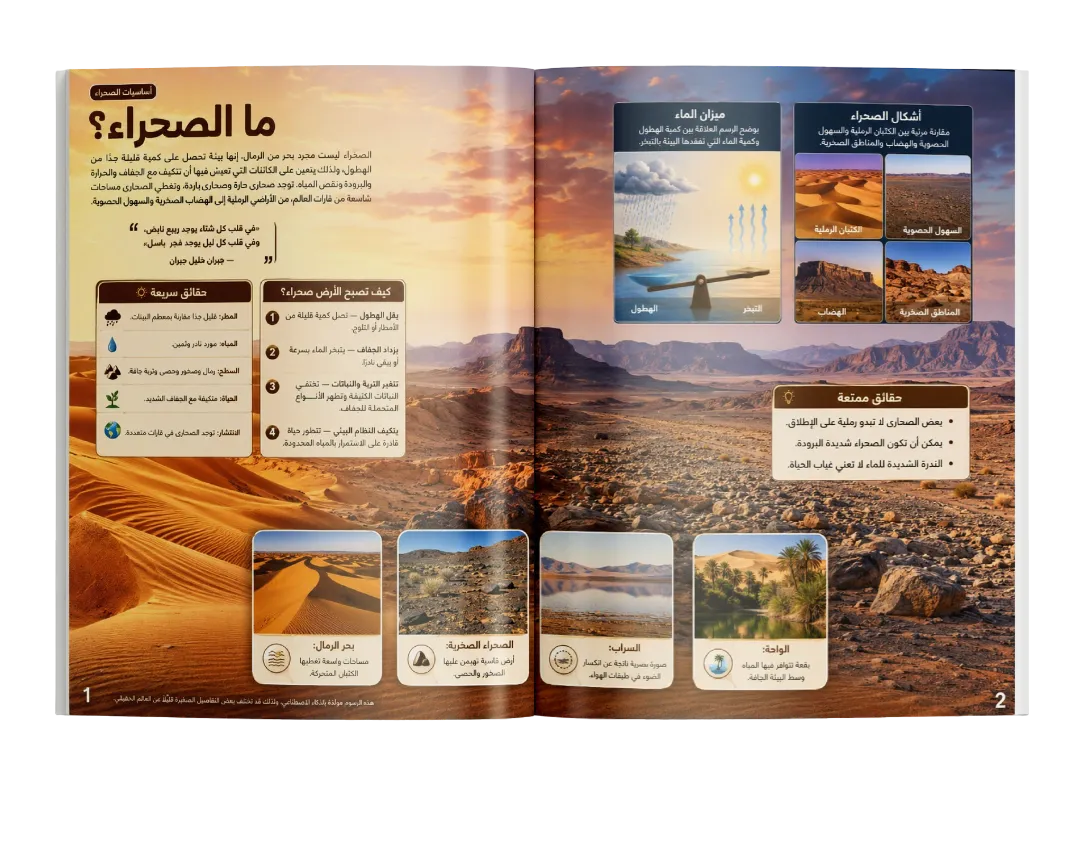
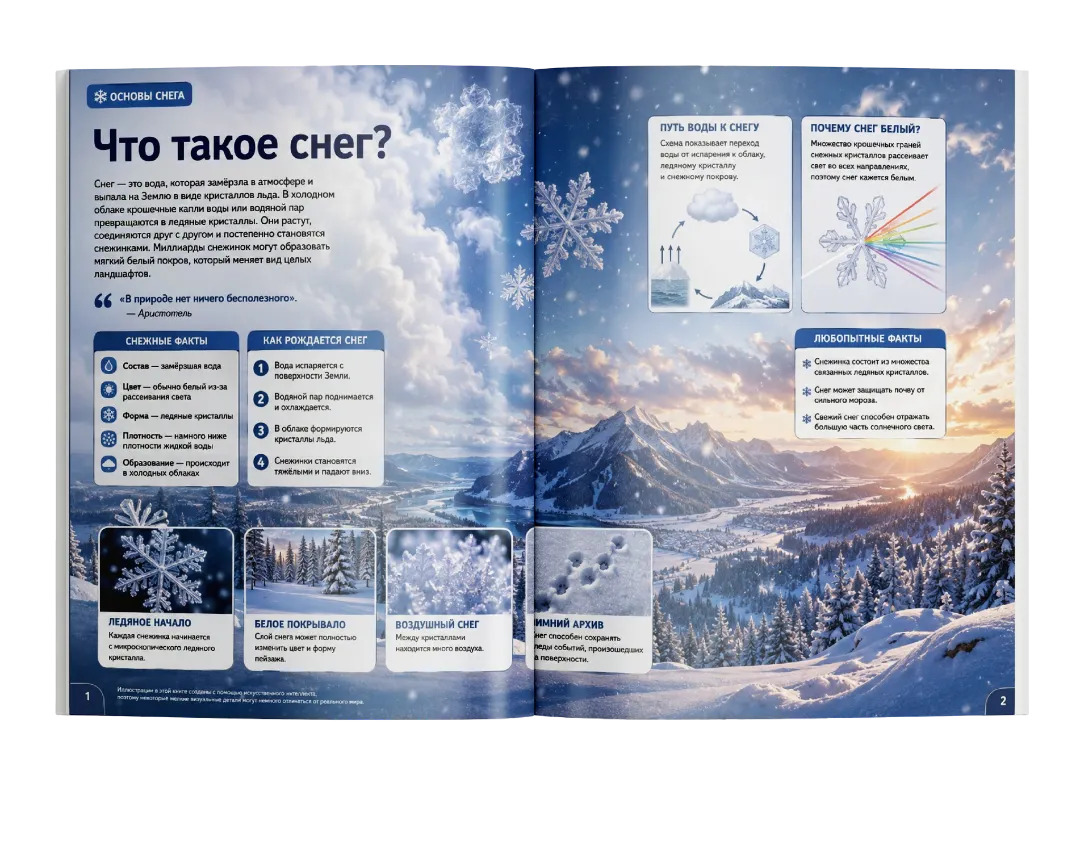
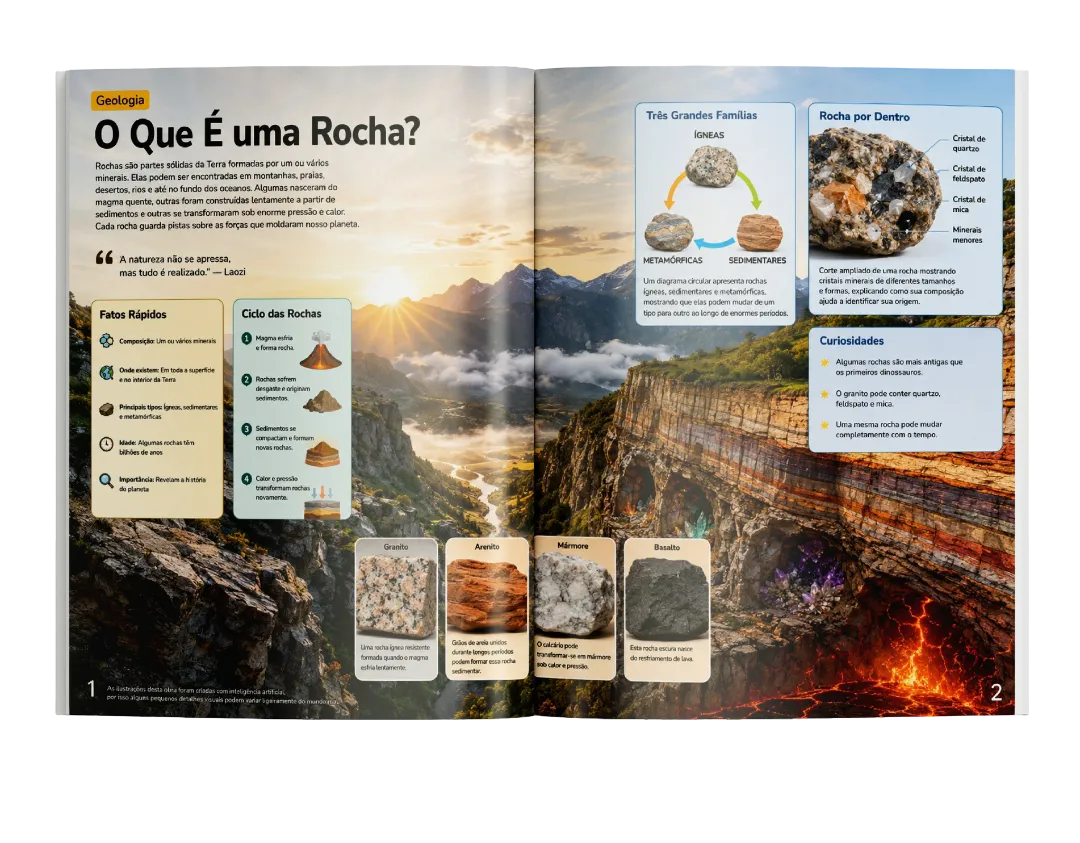
Create encyclopedia content for audiences in different markets

English Indonesian Mandarin Chinese Japanese Spanish French Arabic Russian German Portuguese + Many More
Multi-language preview 1
Multi-language preview 2
Multi-language preview 3
Multi-language preview 4
Multi-language preview 5
Multi-language preview 6
Multi-language preview 7
Multi-language preview 8
Multi-language preview 9
Multi-language preview 10
Multi-language preview 11
Multi-language preview 12
Multi-language preview 13
Multi-language preview 14
Multi-language preview 15
Exclusive Free Bonus

Encyclopedia PDF Combiner

Turn your finished creation into a publication-ready file in minutes.
No complicated design tools required.

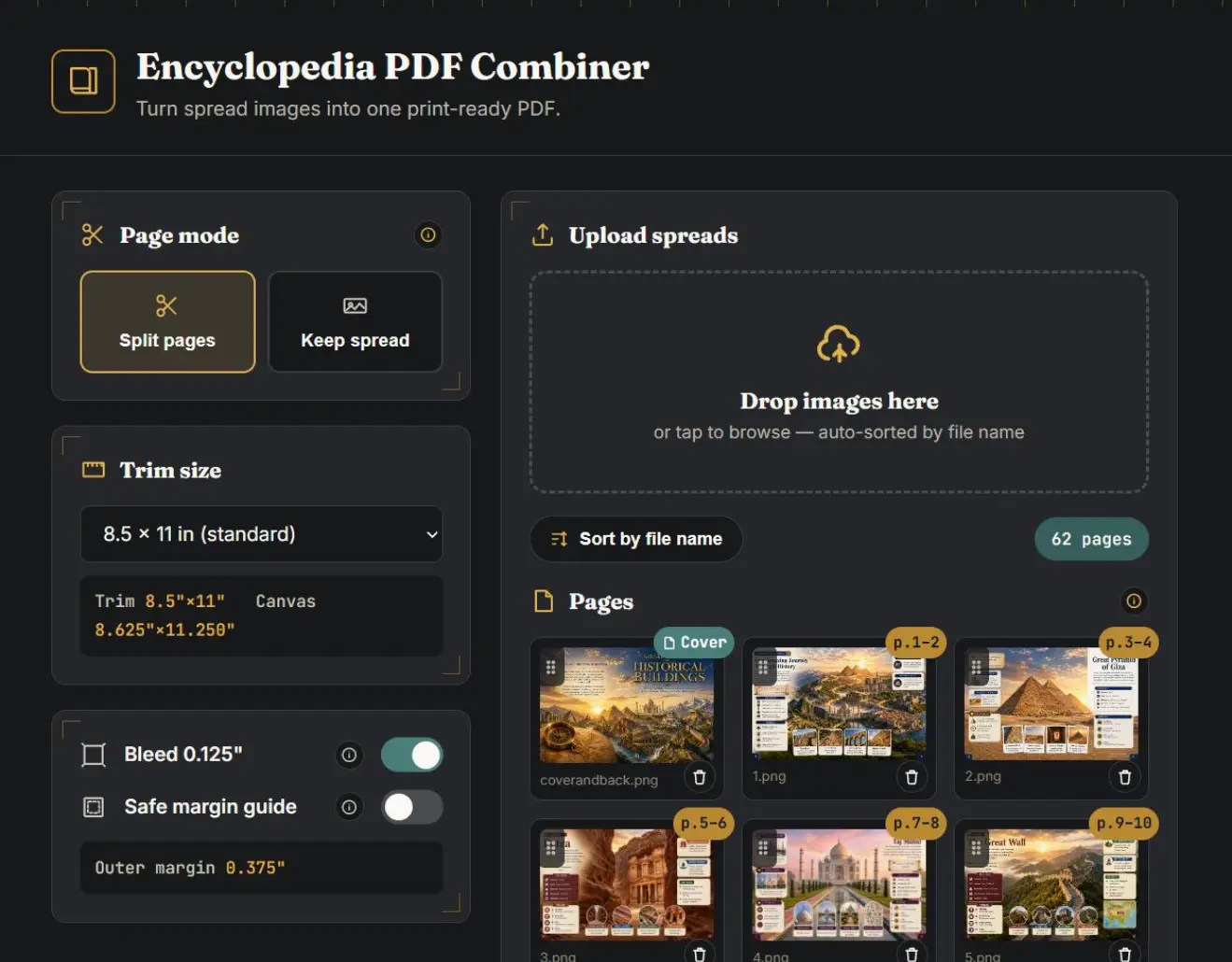
PDF Combiner app interface
Auto-Process
Complete PDF output preview

Turn Your Finished Encyclopedia Pages Into One Complete PDF.

Once you've created your beautiful encyclopedia pages, simply upload them and let the PDF Combiner put everything together for you.

Split your panoramic pages into individual book pages.
Put everything in the right publication order.
Choose the exact book size that fits your market.
Add finishing touches and margins for clean printing.
Export your complete, ready-to-upload PDF in just one click.
From a folder full of raw images... To One Complete Encyclopedia PDF.
Huge Possibilities

One Encyclopedia Workflow. Multiple Publishing Opportunities.

01

Amazon KDP

Create educational paperback and hardcover books.

02

Etsy Digital Products

Turn your encyclopedia content into downloadable educational resources.

03

Homeschool Resources

Build complete learning materials around almost any topic.

04

Classroom Materials

Create structured educational content for teachers and students.

05

PLR Products

Build original encyclopedia-based products for your customers.

06

Printable Educational Books

Create different editions for different learning needs.

07

Multi-Language Editions

Turn one topic into multiple language editions.

08

Multiple Visual Editions

Create Professional, Cartoon, and B&W versions from the same content.

30-Day Product Performance Guarantee

Try Encyclopedia Deck With Confidence.

If it doesn't work as described or you experience technical issues that prevent normal use, contact support within 30 days.

Your purchase is backed by our 30-Day Product Performance Guarantee.

Encyclopedia Deck Box

Ready To Build Your First
Visual Encyclopedia?

Start With

One Keyword.

Let The Deck Build

The Blueprint.

Everything You Get Instant Access To:

60-Page Encyclopedia Gen
500+ Educational Informations
30 Panoramic Spreads
Full Wraparound Covers
Intelligent Content Briefs
Dedicated Visual Studio
Auto & Manual Configs
3 Distinct Visual Engines
+ Exclusive PDF Combiner Bonus
Secure Checkout
PayPal, Visa, Mastercard
P.S. The Reality Check

Getting AI to write about a topic is easy.

Turning that raw text into a cohesive, structured visual encyclopedia... is the hard part.
Encyclopedia Deck handles the heavy lifting for you.

Topic Content Visuals PDF

One keyword can be the beginning of an entire encyclopedia collection.
FAQ

Frequently Asked Questions

Encyclopedia Deck is a guided creation system that helps you turn a simple keyword into a complete 60-page visual encyclopedia using ChatGPT. It organizes your content structure, 500+ educational facts, covers, interior pages, and visual prompts into one structured workflow that's easier to follow.

No. Encyclopedia Deck is not a graphic design application or standalone AI generator. It's a structured creation system that helps you plan and build complete visual encyclopedias using ChatGPT.

You can create complete 60-page visual encyclopedias with 500+ educational facts, full wraparound covers, panoramic interior pages, and matching visual assets in three different styles.

Your purchase includes a commercial license, allowing you to create and sell the books you generate. Please refer to the included license agreement for complete details.

Yes. Encyclopedia Deck is designed to work alongside ChatGPT. It provides the guided workflow and prompts, while ChatGPT helps generate the encyclopedia content and visuals.

Your purchase is covered by our 30-Day Product Performance Guarantee. If the product does not work as described, or a technical issue prevents normal use, please contact us within 30 days of purchase. We’ll first do our best to help troubleshoot and resolve the issue. If the product is genuinely not functioning as described and we are unable to resolve the problem for you, we’ll provide a refund. Refunds are not provided for change of mind, change of preference, or deciding that another product is a better fit after purchase.
Yes. Encyclopedia Deck supports multiple languages through ChatGPT, making it possible to create visual encyclopedias for readers around the world.
If you ever need assistance, simply contact our support team. We'll be happy to help with access, usage, or any technical questions related to Encyclopedia Deck.